
Using the pick common selector (Deprecated)
Pick common selector helps you replicate the tracking process across every matching item on your website. For an ecommerce store, you might want to track all product cards and their attributes with a single event setup — instead of setting up one event per product. The pick common selector handles that replication for you.
You can select or unselect Pick common selector while setting up your events.
Case 1: Track clicks on all products (Pick common selector enabled)
Section titled “Case 1: Track clicks on all products (Pick common selector enabled)”- Log in to your CustomerLabs account.
- Launch the No-Code Event Tracker by clicking its icon.
- You’ll be redirected to your website, and the No-Code Event Tracker panel opens.
- You can move the panel up or down using the panel icon.
- Click Record Action to start recording.
- Select Product Clicked for the Action Name, or create a custom name.

- Select On Click under Action Type.
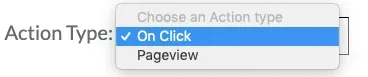
- Click Add details to proceed.
- Select the attributes you want to track. Start with the product name.
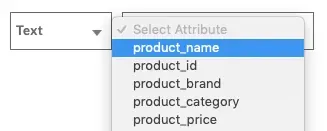
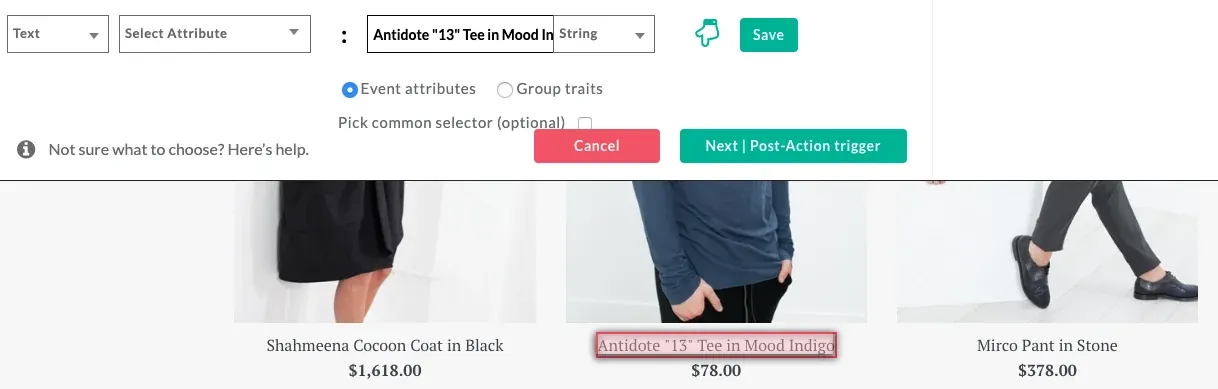
- Select Pick common selector.

- Click to go back to your website.
- Select any one product name from your website.
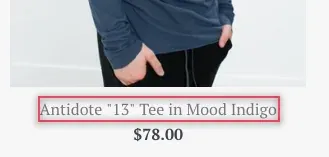
- Because Pick common selector is selected, the tracker captures clicks on every product on your website that matches the same pattern.
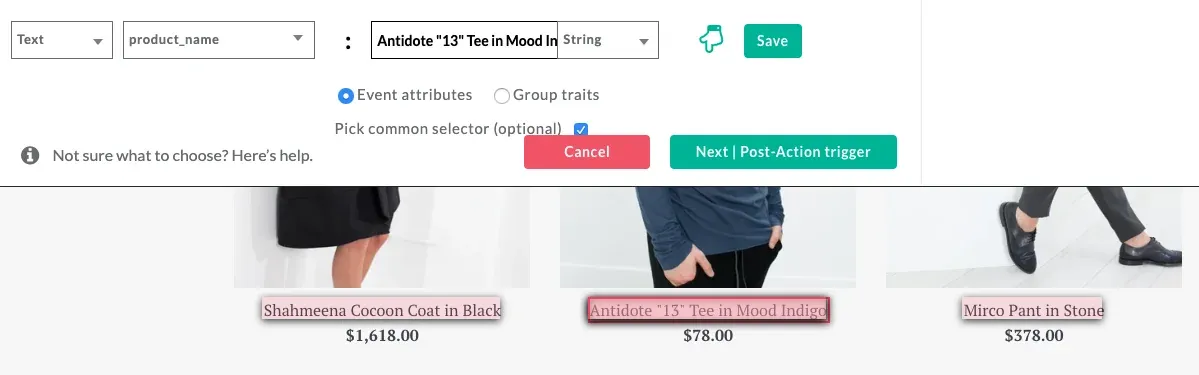
- Repeat the process to track additional attributes like price or variant, and for other events too.
Case 2: Track a single product only (Pick common selector disabled)
Section titled “Case 2: Track a single product only (Pick common selector disabled)”- Follow steps 1 to 9 from Case 1.
- Do not select the Pick common selector option. Your attributes will be tracked only for the single product you pick.
- Continue setting up your event if you want to focus only on one product.
Next steps
Section titled “Next steps”- Modifying the selector — narrow the selector down when multiple elements match but you want to track only one.
- Configuring success scenarios — define what counts as a successful completion.