
Import Leads from Facebook Ads
The Customerlabs 1PD Ops with Facebook integration as a Source helps marketers bring data from lead ads on Facebook, unify them with existing customer information across the martech stack to create 360° customer profiles and sync that data to any destination platform without having to depend on developers.
Prerequisites
Section titled “Prerequisites”- A Facebook account with access to the pages that you want to connect to Customerlabs 1PD Ops.
- Active Facebook Page and Ads Account.
- Active Customerlabs 1PD Ops account.
Facebook Page access
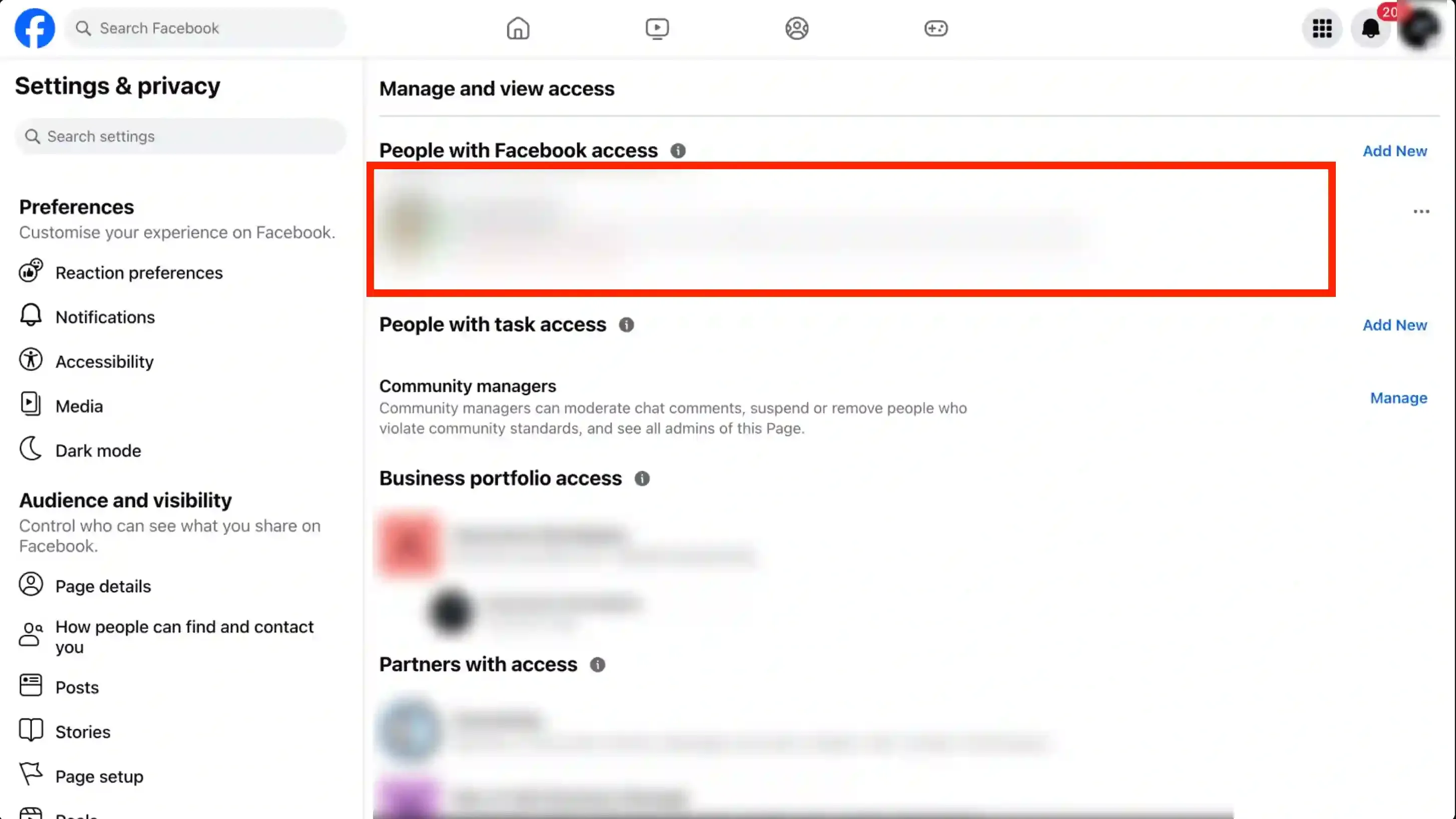
Section titled “Facebook Page access”Before connecting your Facebook page to Customerlabs 1PD Ops, you need access to the page to connect it to Customerlabs 1PD Ops.
-
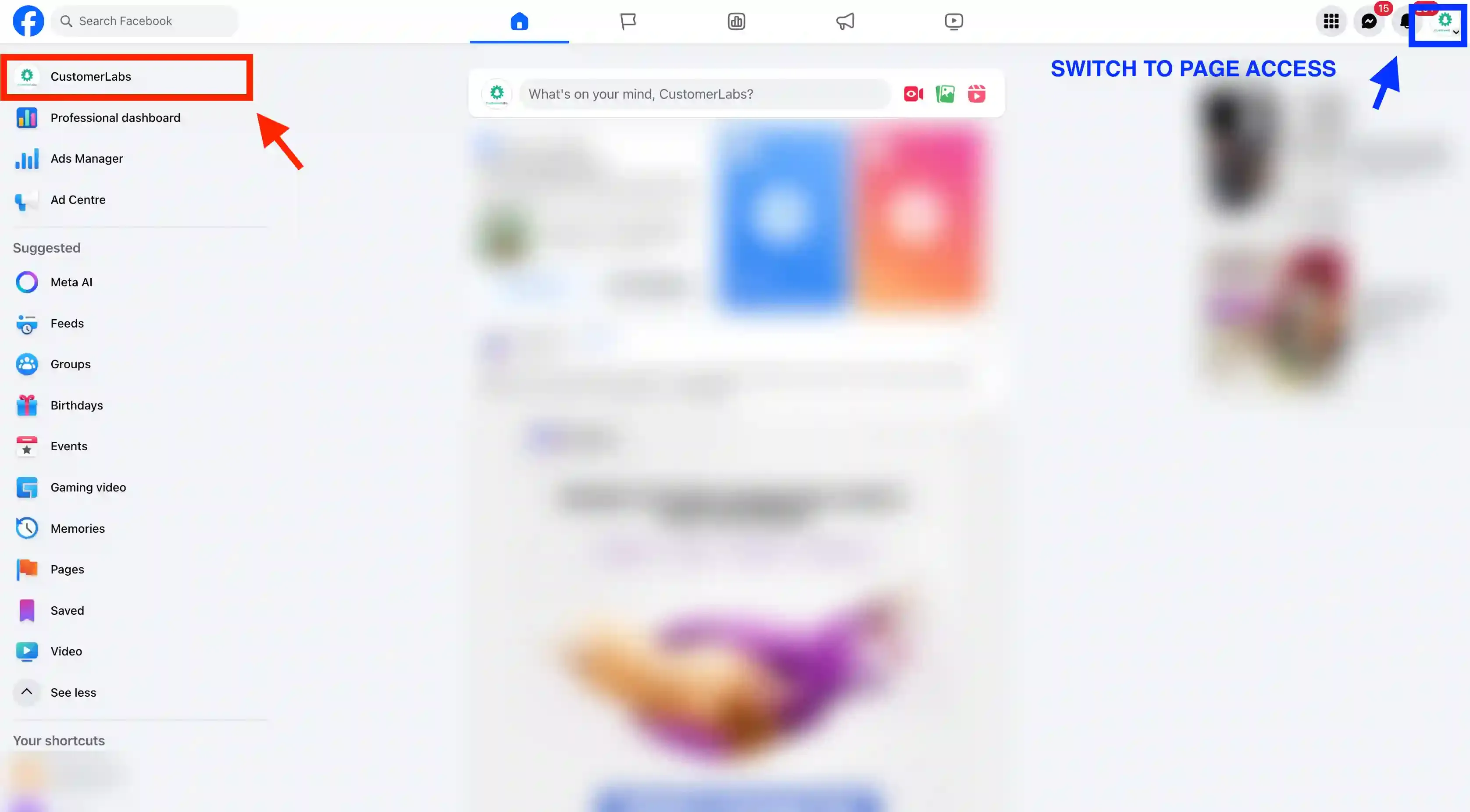
Login to facebook.com and switch from your personal profile to your page.
-
Click on the “Page Name” on the top left corner.
-
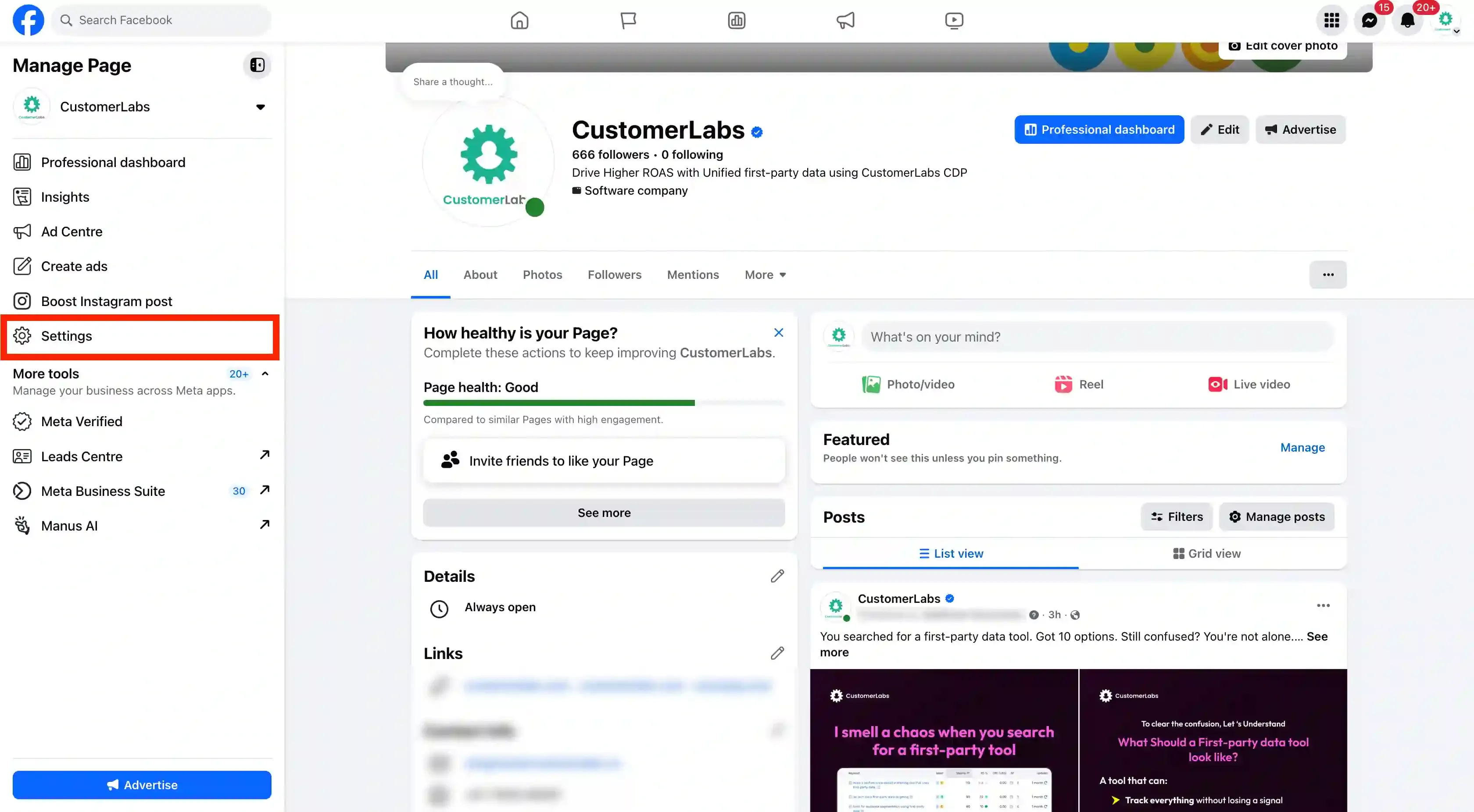
Click on “Settings”.
-
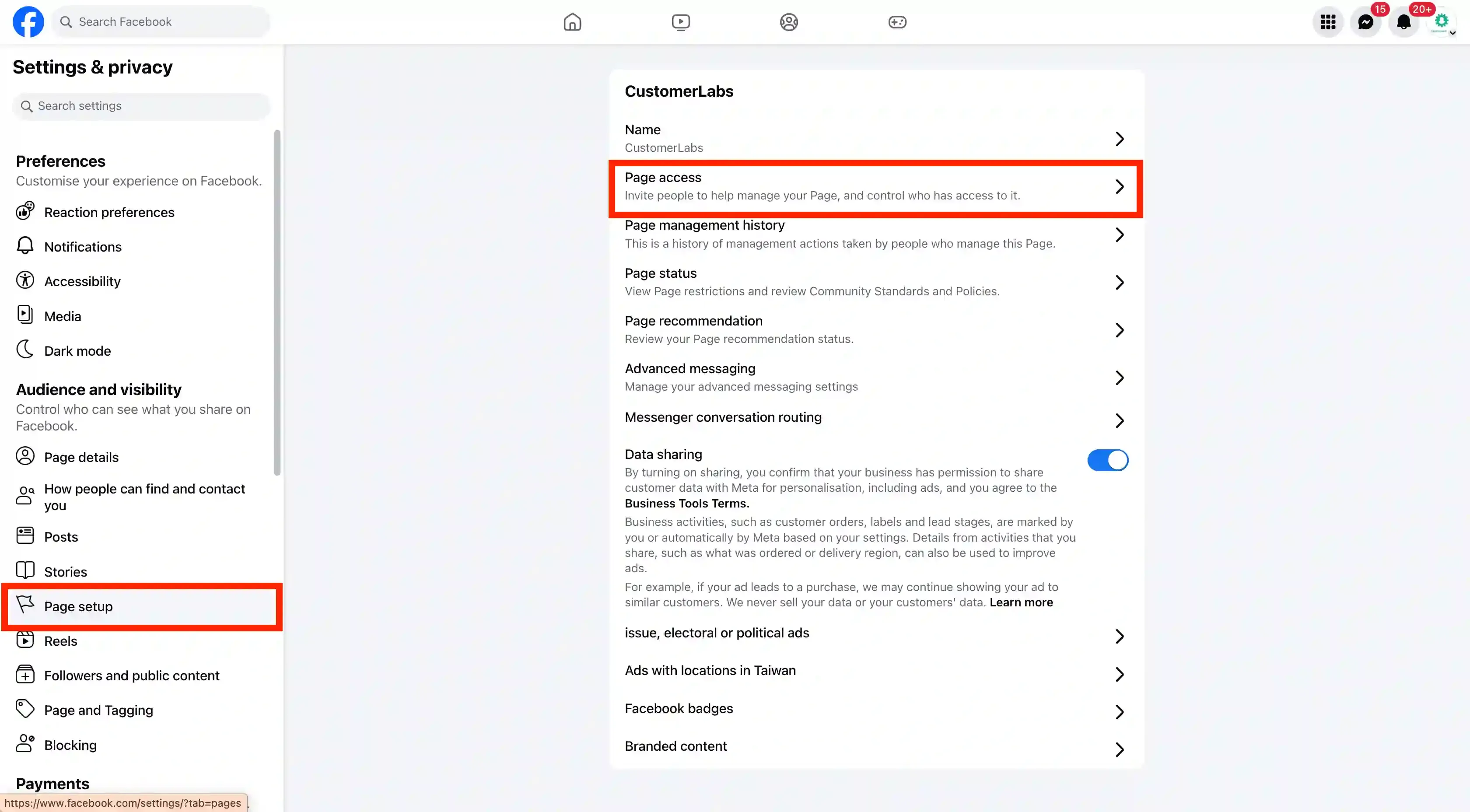
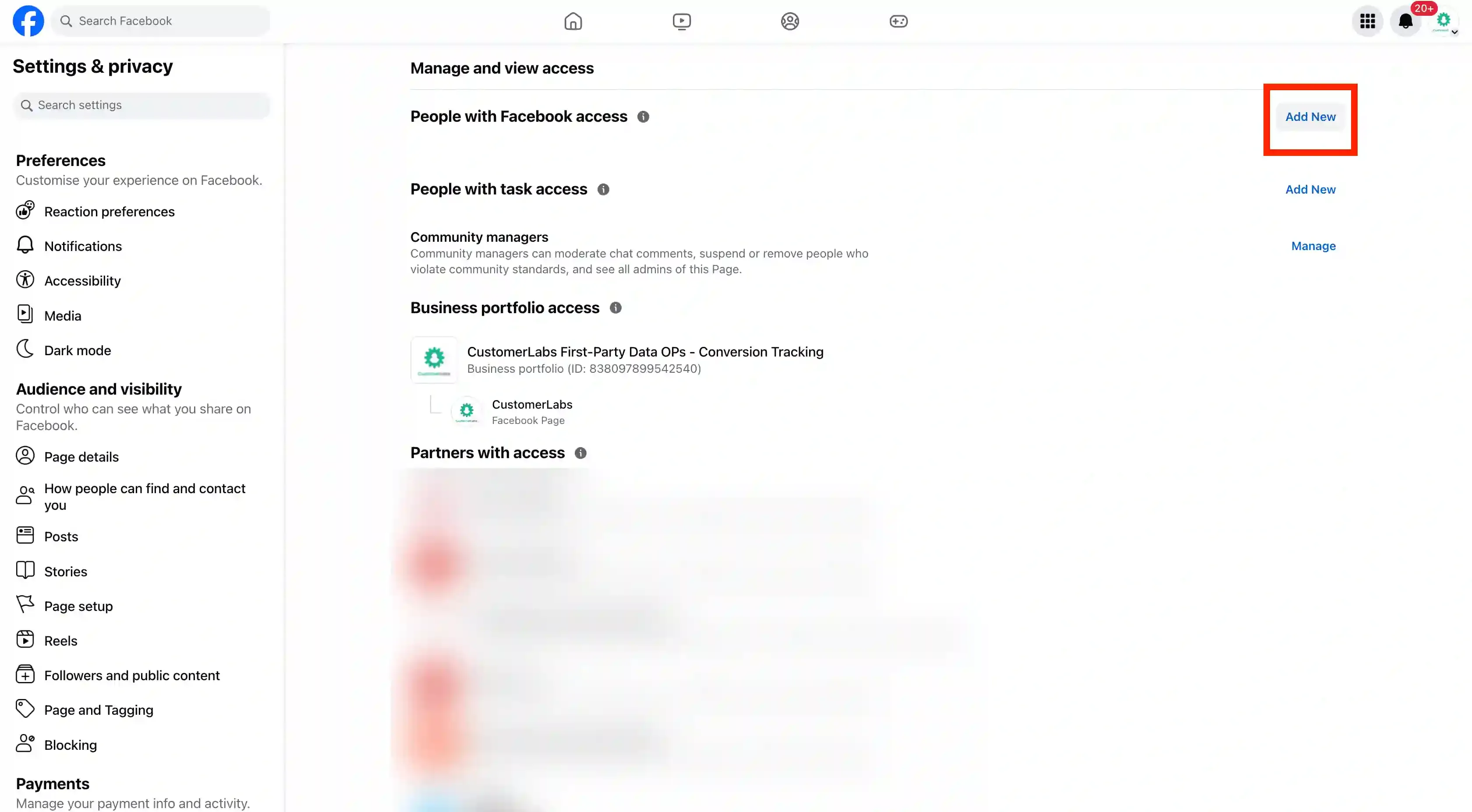
Click on “Page Setup” → “Page access”.
-
Click on “Add New”.
-
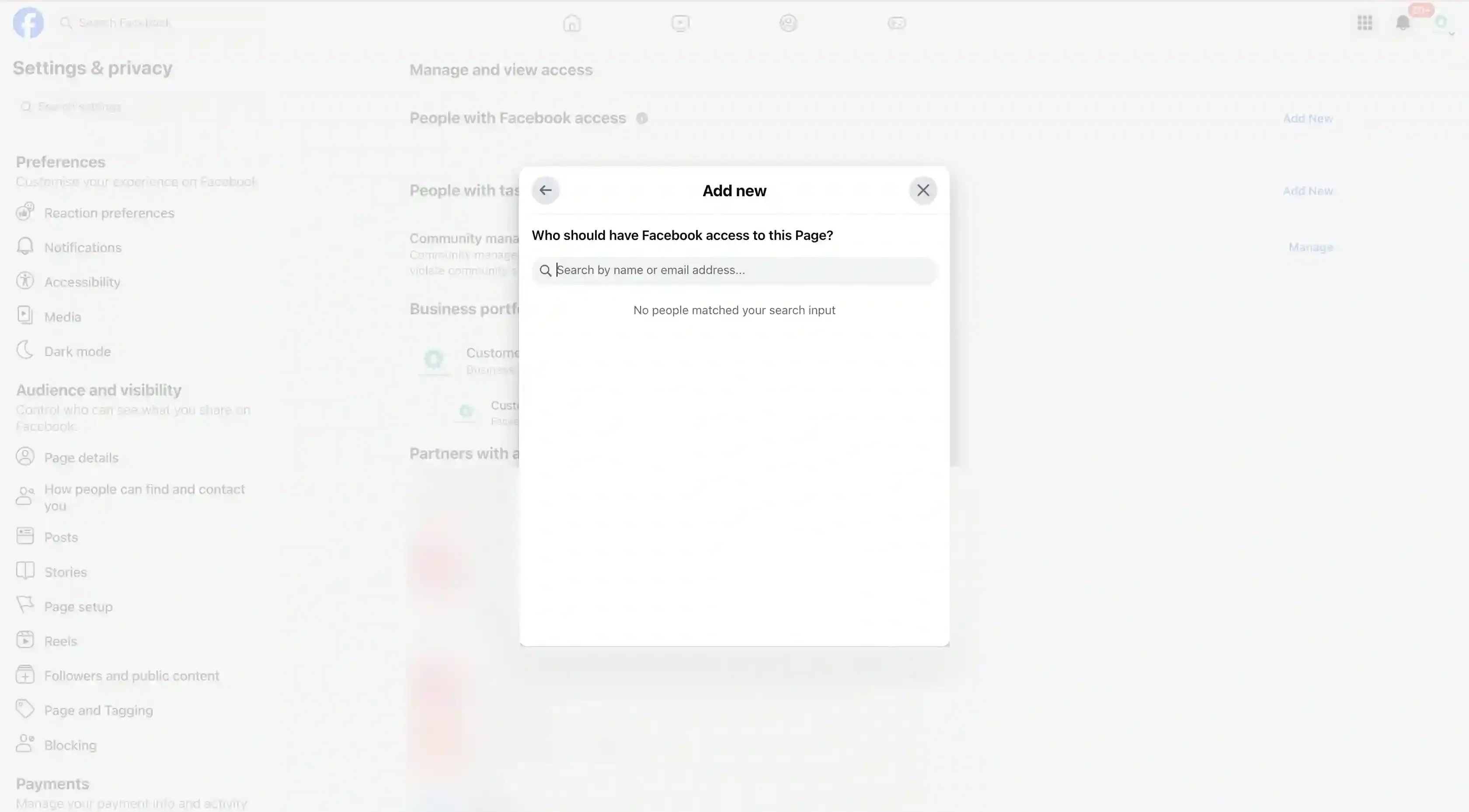
Search for the person to give access to the page and Select.
-
The person to whom access has been given will receive an email to accept the access request.
Setting up the Facebook Account
Section titled “Setting up the Facebook Account”Connect your Facebook account with Customerlabs 1PD Ops by following the steps below.
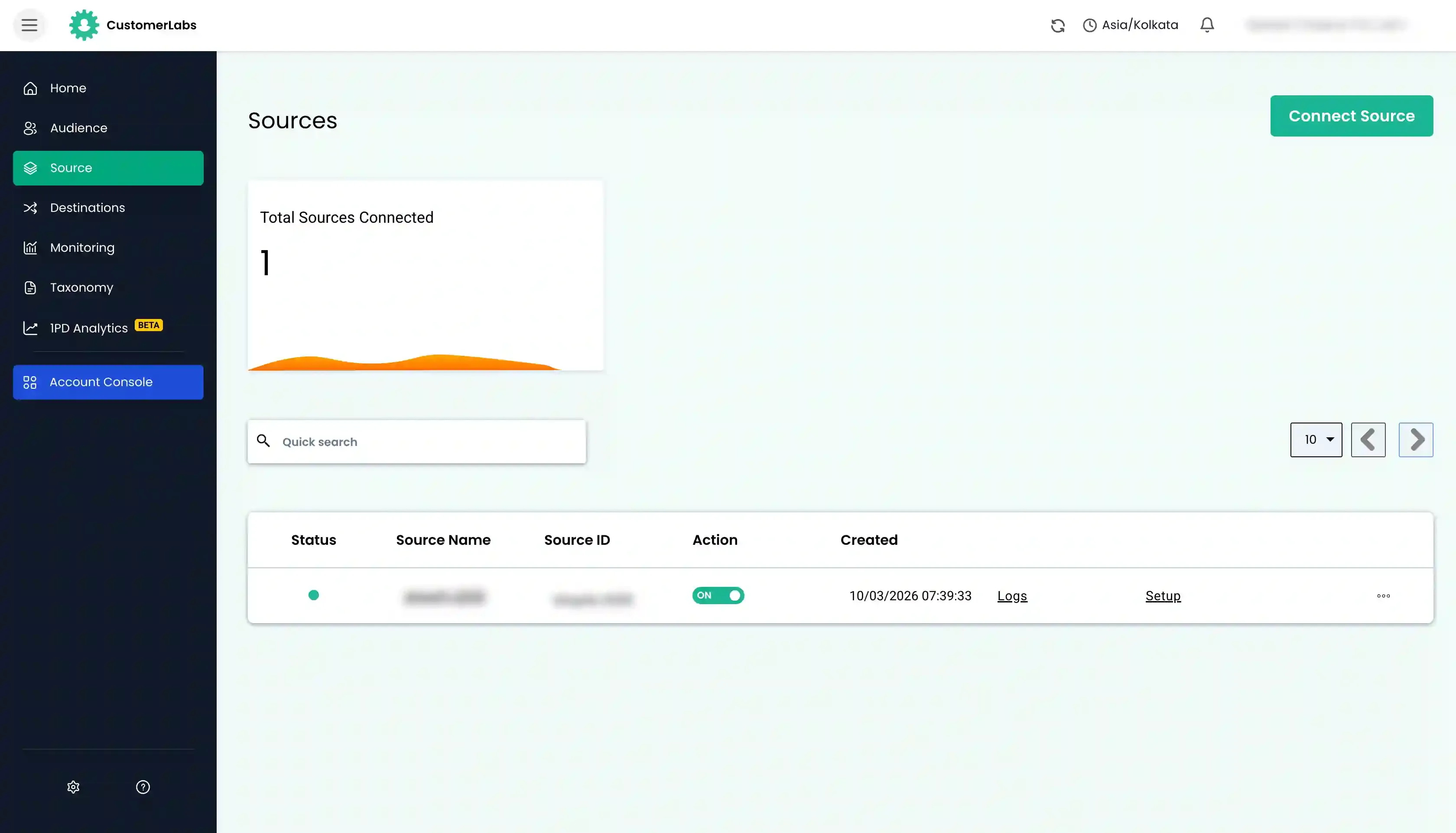
- Login to Customerlabs 1PD Ops and navigate to Sources from the left menu.
- Select Facebook from the list of Sources.
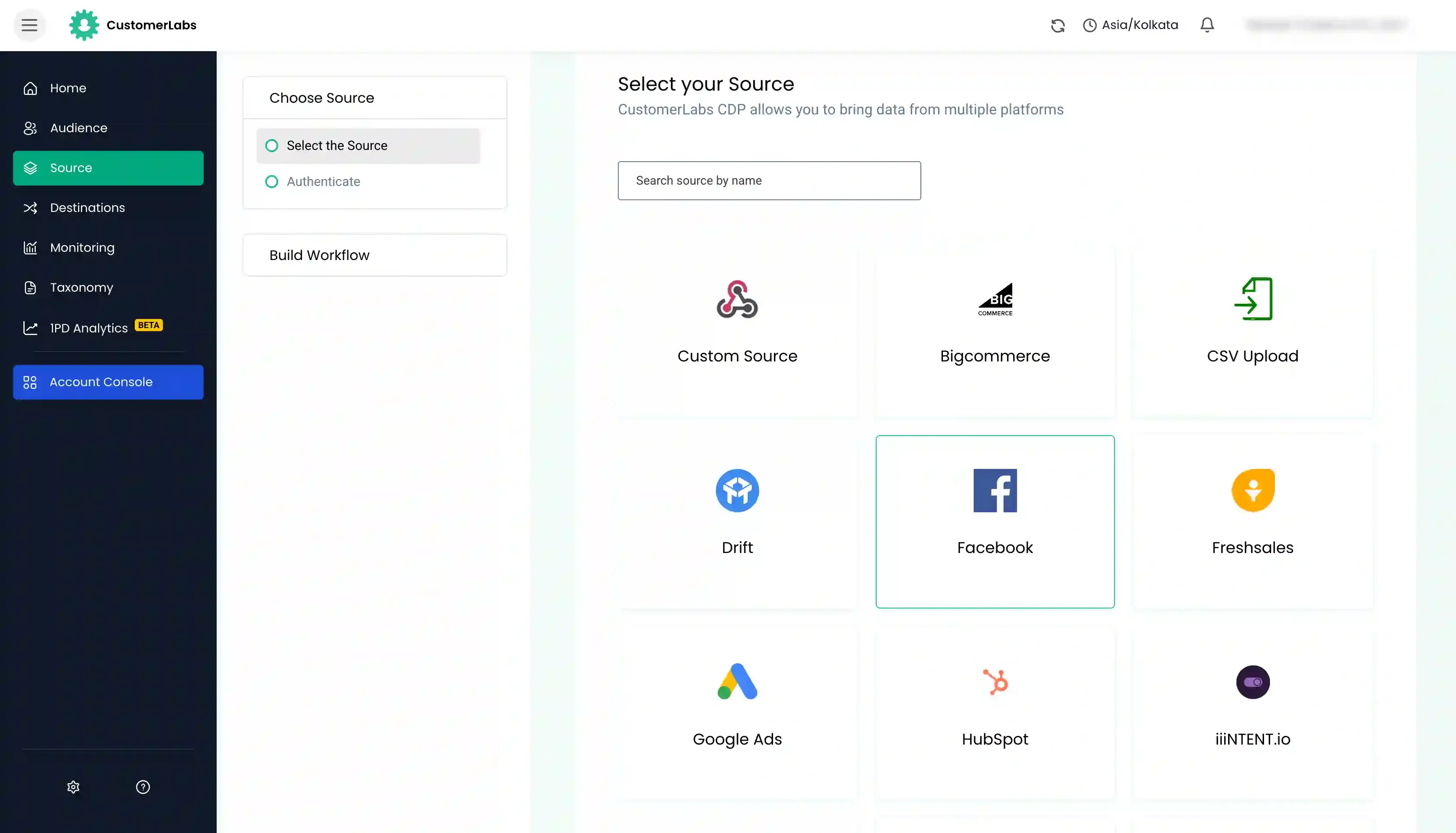
- You will be taken to the authentication screen. Click Authenticate Facebook.
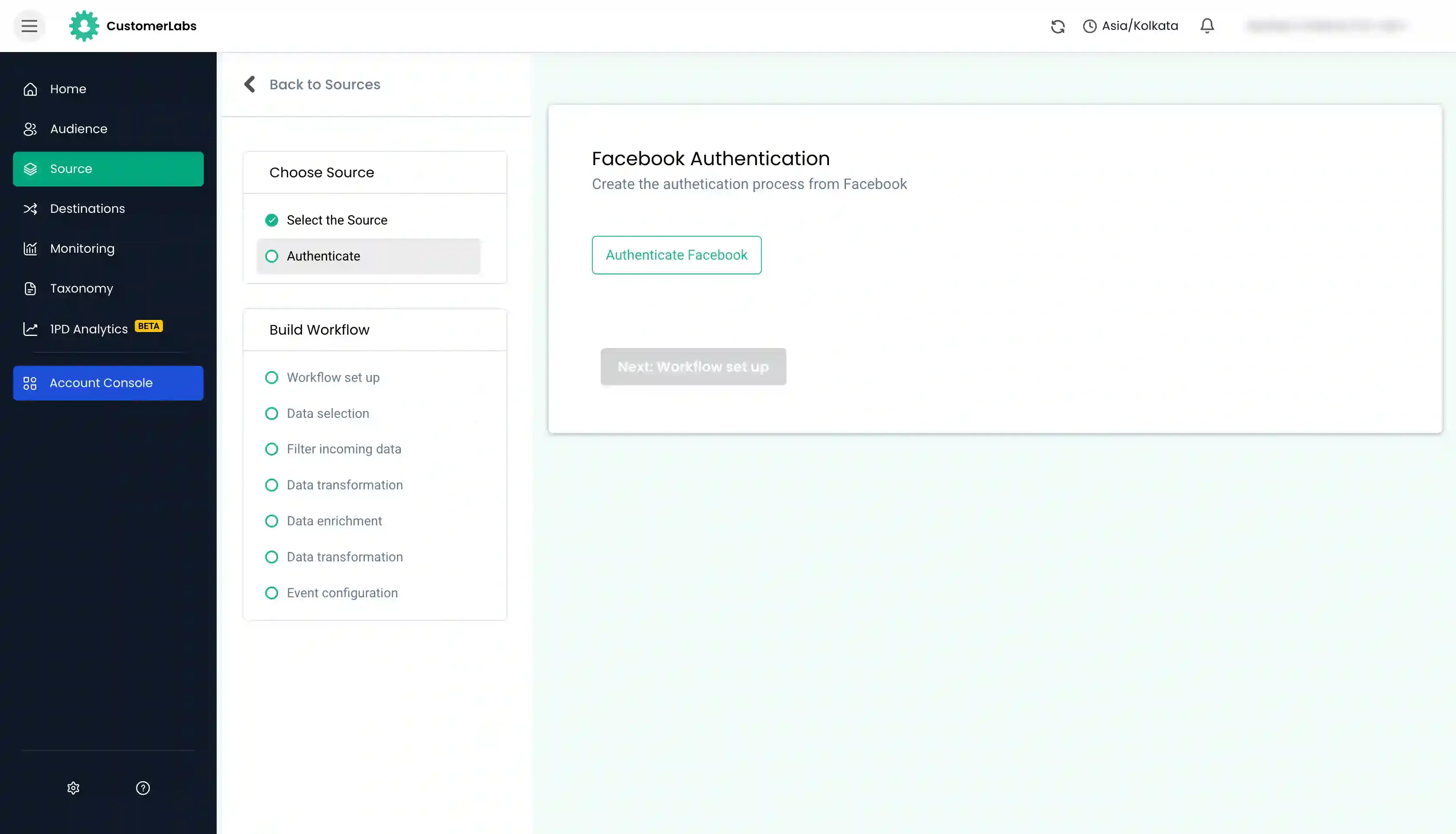
- You will be redirected to Facebook. Choose the pages that you would want to link to your CustomerLabs account.
- Click Next to finish the authorization.
- Now click Done to continue with the authentication process.
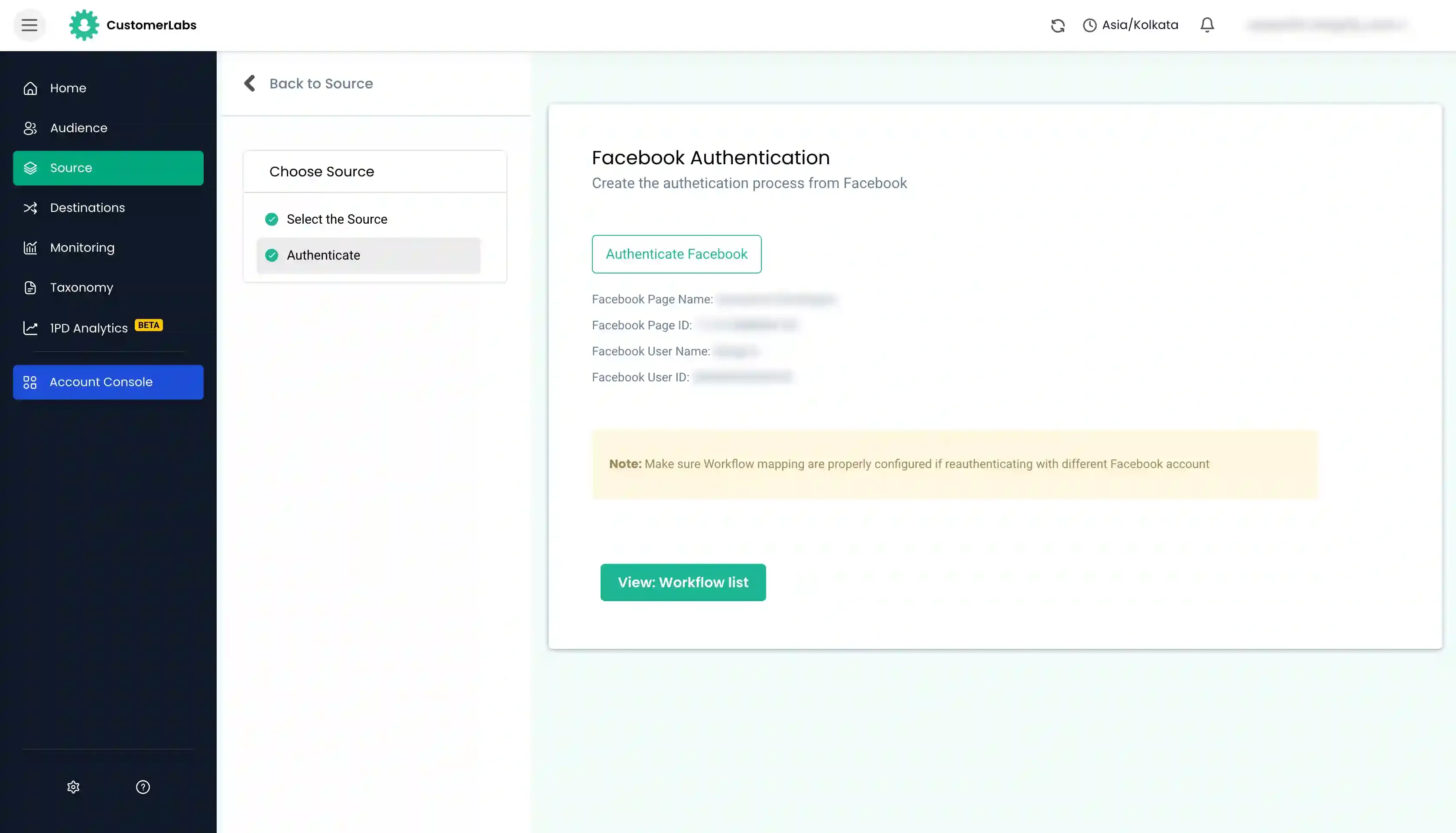
- You will now be redirected to your Customerlabs 1PD Ops account to verify the list of Facebook pages that you’ve selected.
- On clicking the page you will be prompted to confirm details which will take you to the next step where you will have to select the Customerlabs 1PD Ops account that you want this Facebook data to be sent to. (In case you have multiple accounts, select one & click confirm).
Building a Workflow to Receive Lead Data
Section titled “Building a Workflow to Receive Lead Data”Setting up a workflow in Customerlabs 1PD Ops will allow you to receive real-time data about your Facebook leads. For example, you can set up a workflow that will trigger an event every time a user submits a lead form on Facebook.
-
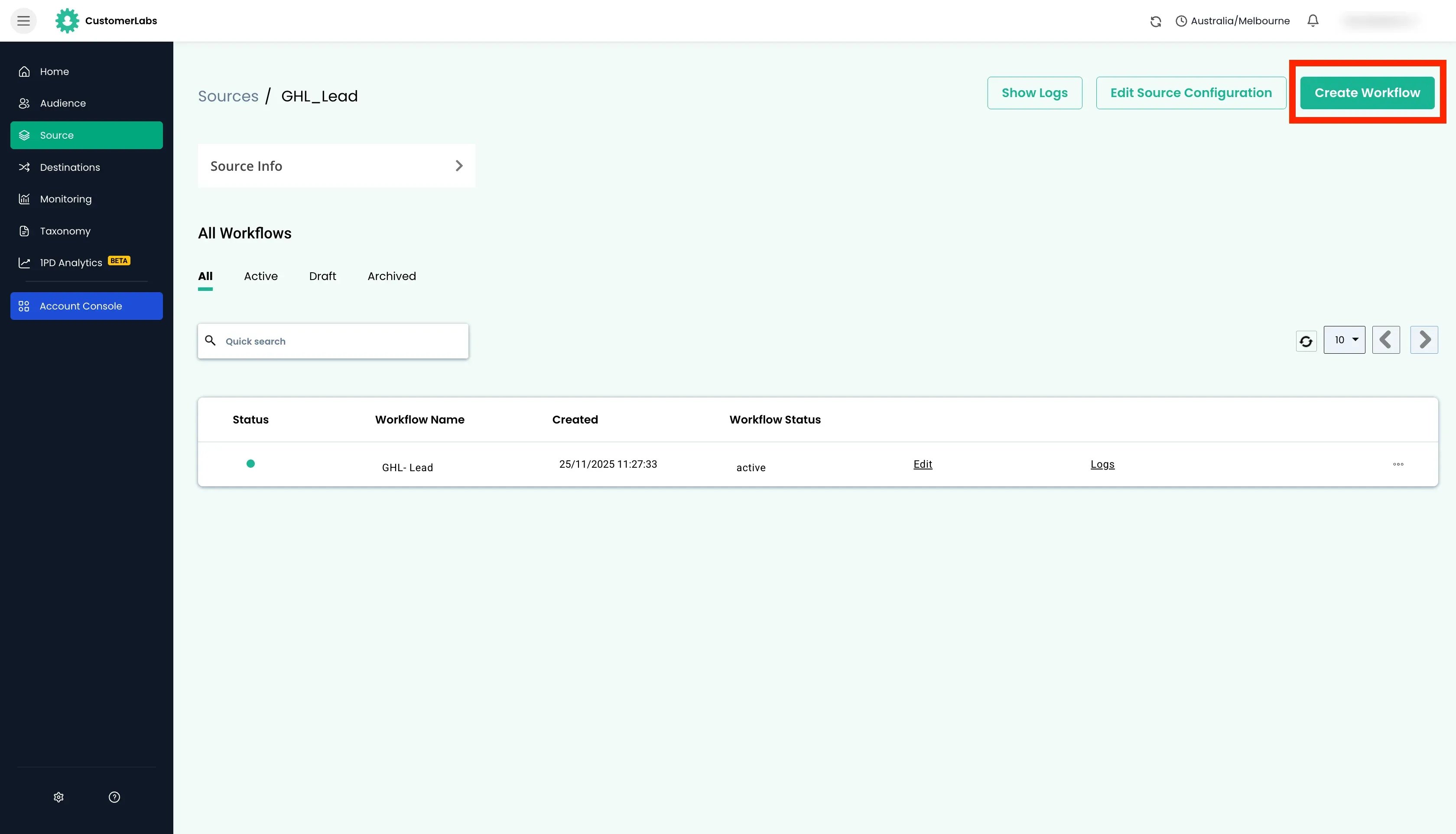
To set up the workflow, go to the Facebook Source and create a new workflow.
-
Click on Choose sample data to receive data samples. If you experience any delays, please wait for a few minutes before trying again.
-
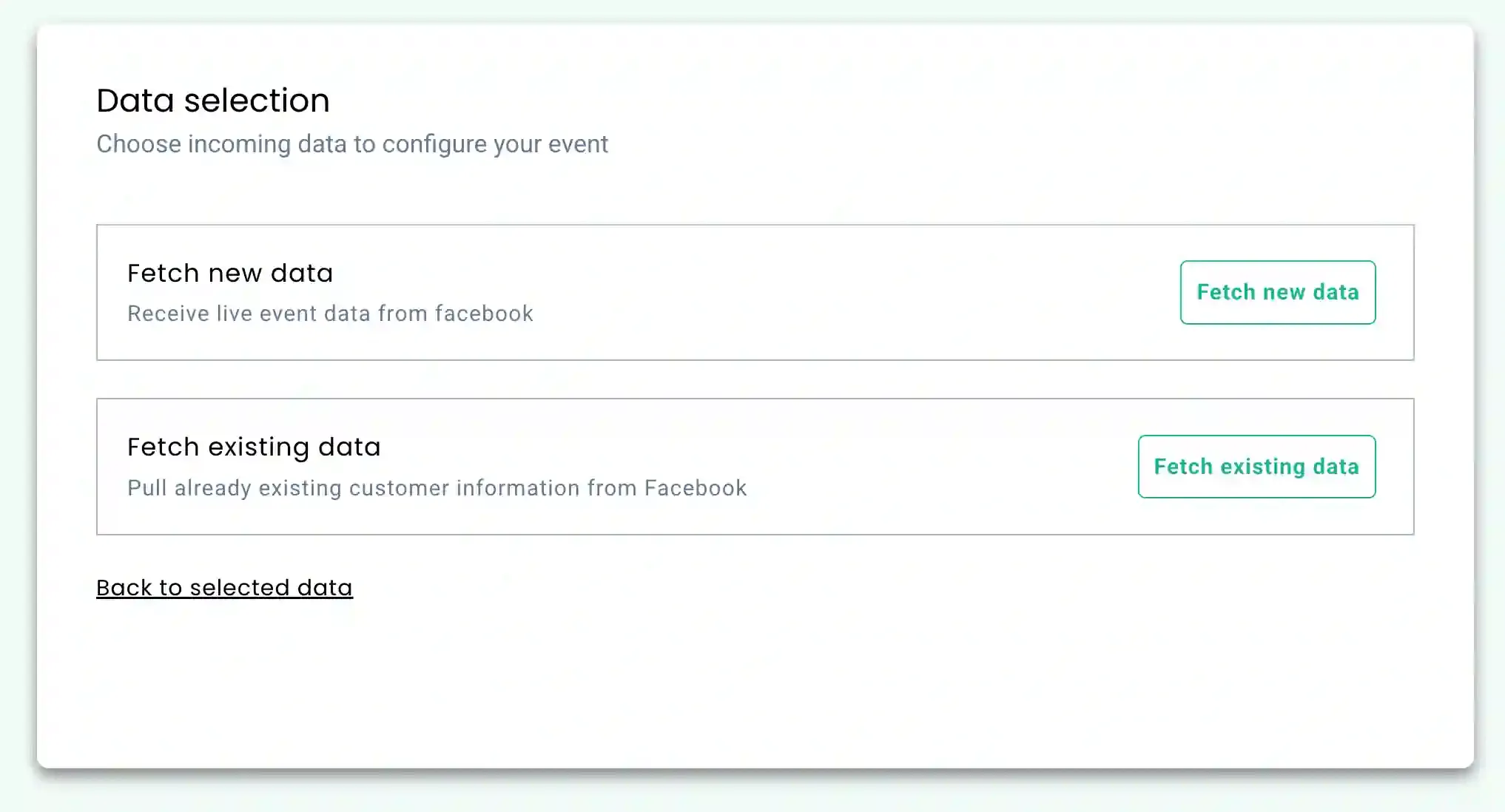
You will have 2 options to receive data samples,
- Fetch new data: New form fills after the source was authenticated.
- Choose sample data: To pull data from the existing forms in Meta prior to authentication in Customerlabs 1PD Ops.
-
To select the sample data,
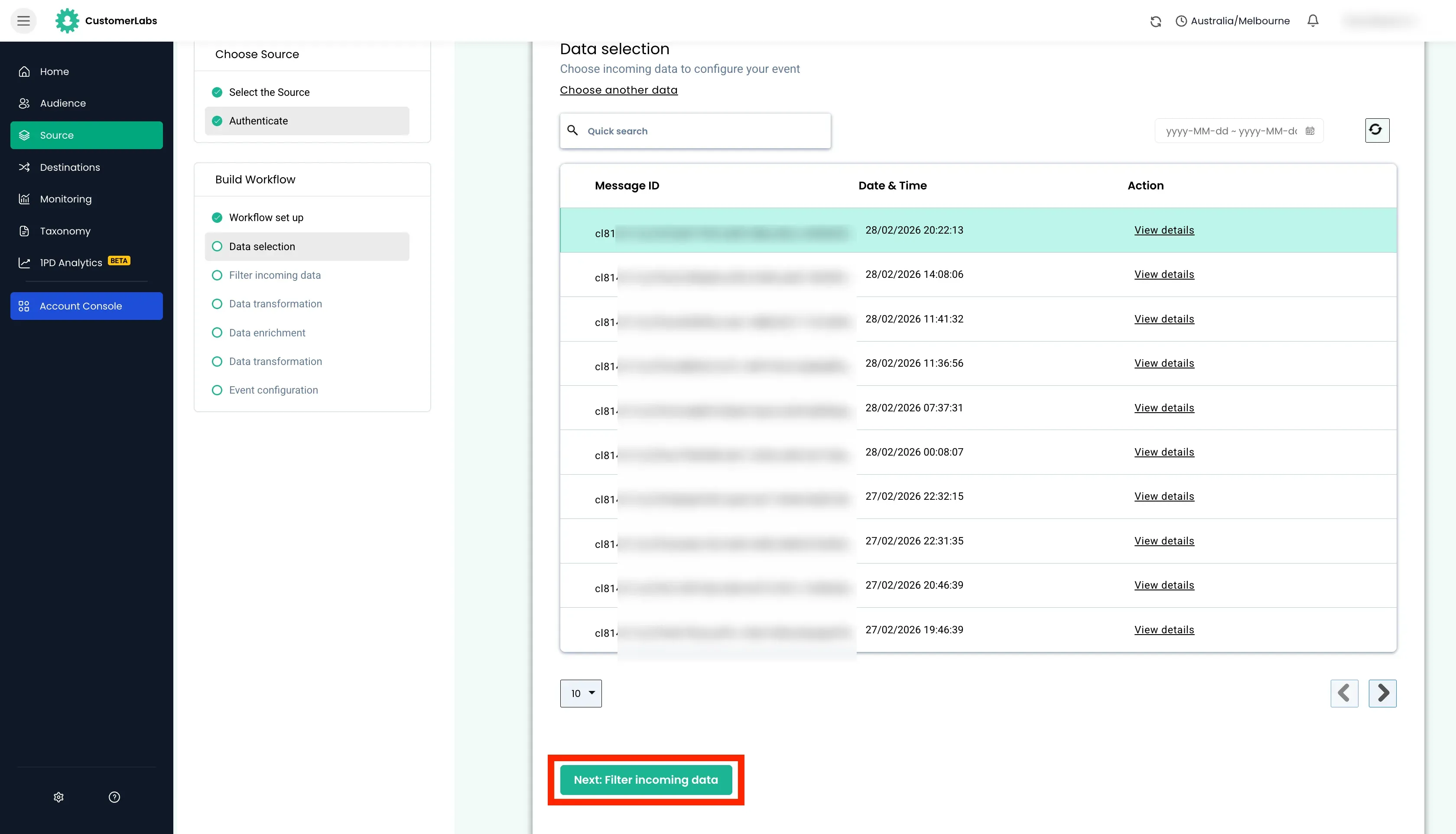
- Fetch new data will populate all the data where you can choose the relevant sample.
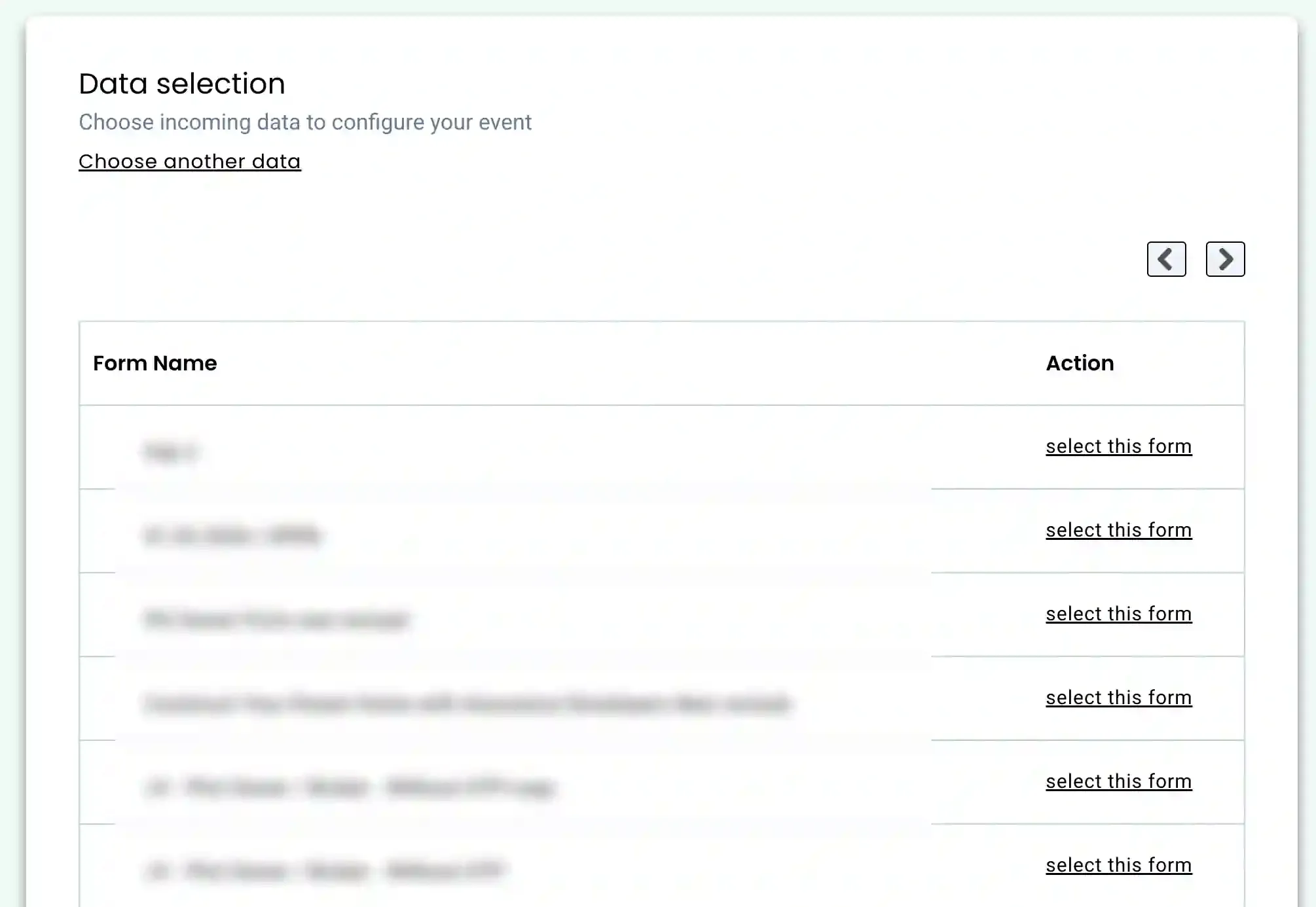
- Choose sample data will show all the lead forms that you have created in Meta. Click “Select this form” to view the data samples from that form.
-
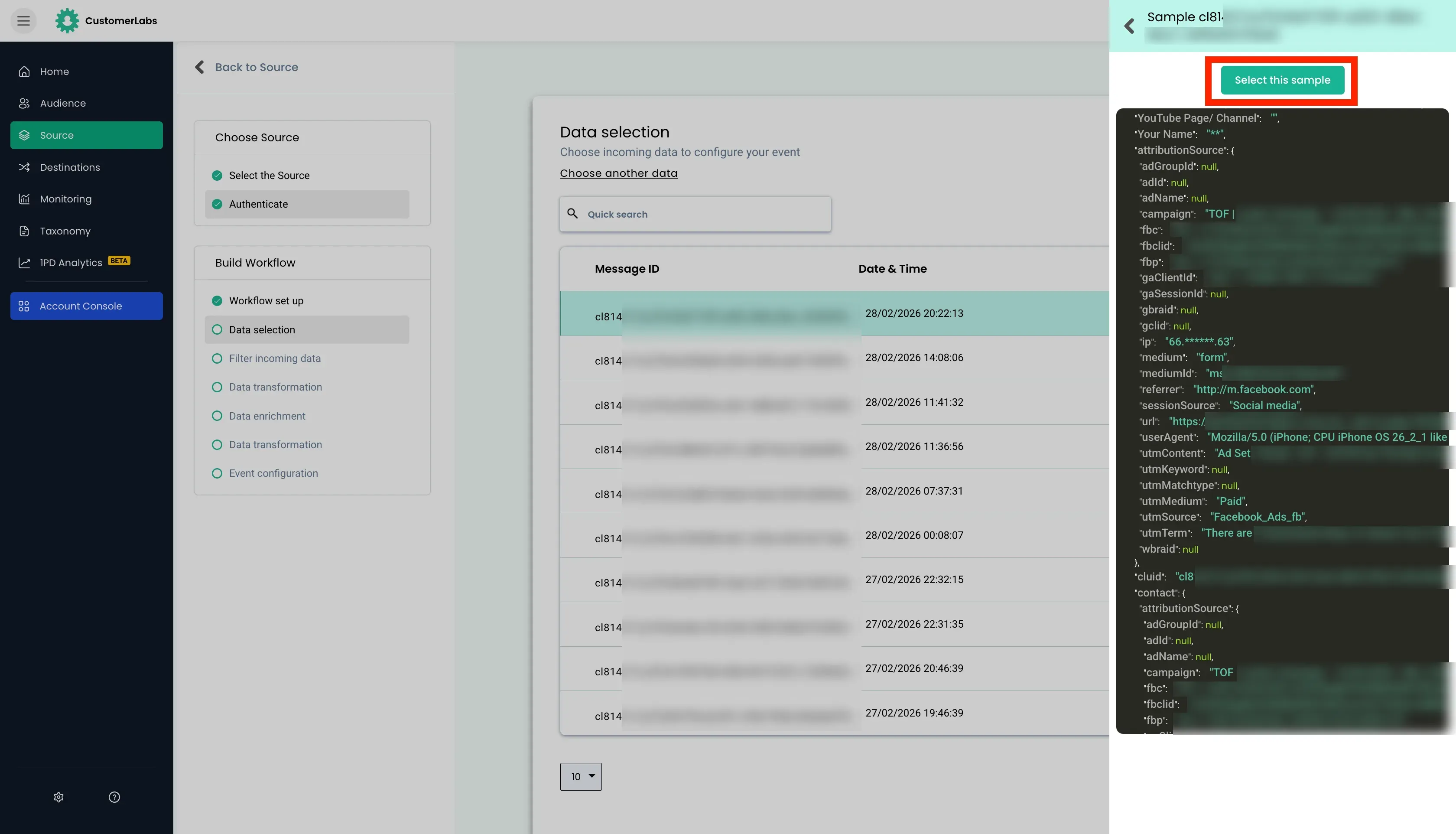
Choose the sample which suits best by clicking on Select this sample and proceed to the next screen.
-
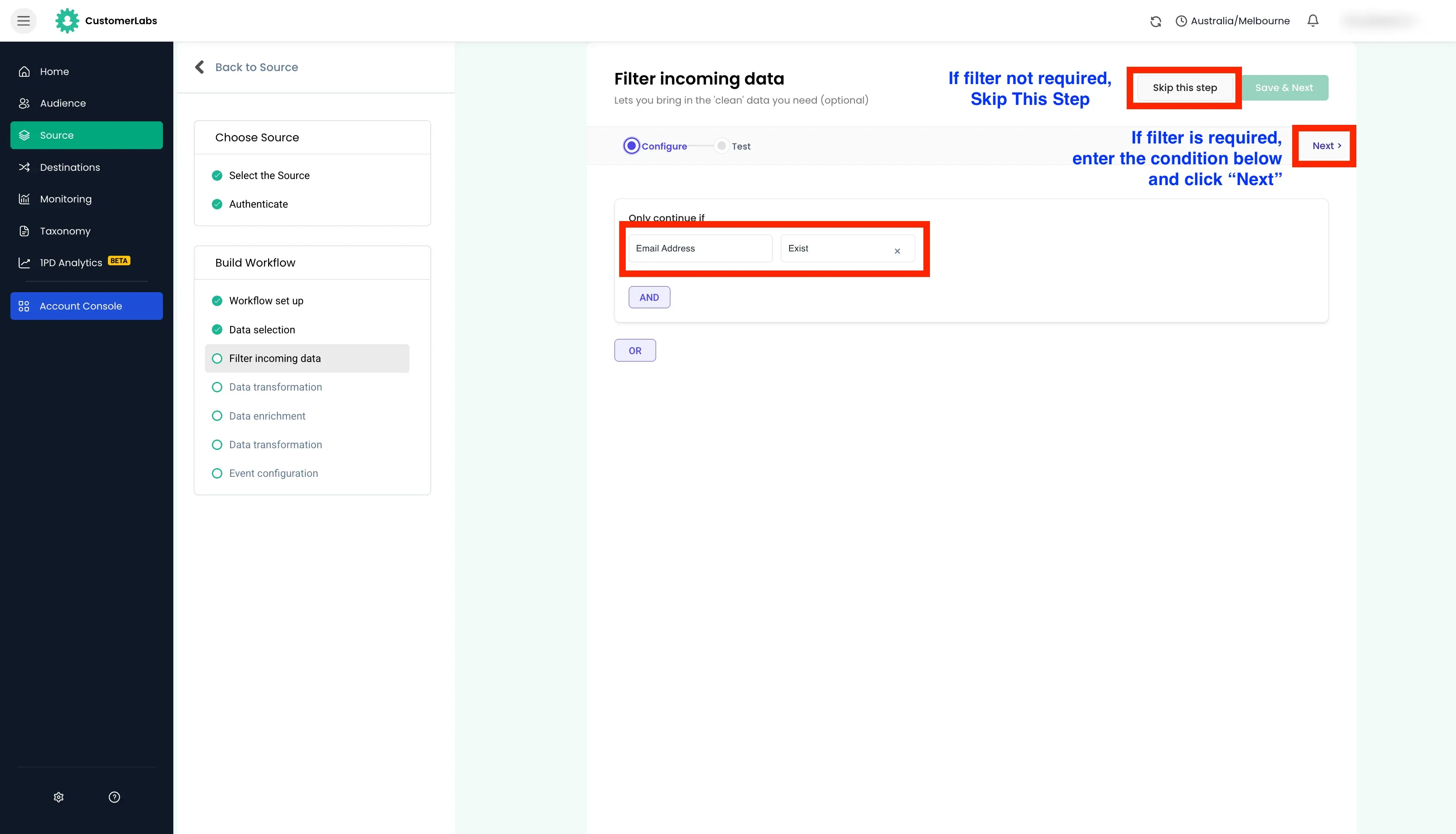
Filter incoming data: This step helps in filtering out irrelevant data and allows only the information you need to enter the workflow in the future. This is an optional step in the workflow.
-
Event Configuration: Choose the event name from the drop-down. For example, you can choose
custom eventand give a name likefacebook_lead_submittedto configure the workflow based on your incoming data.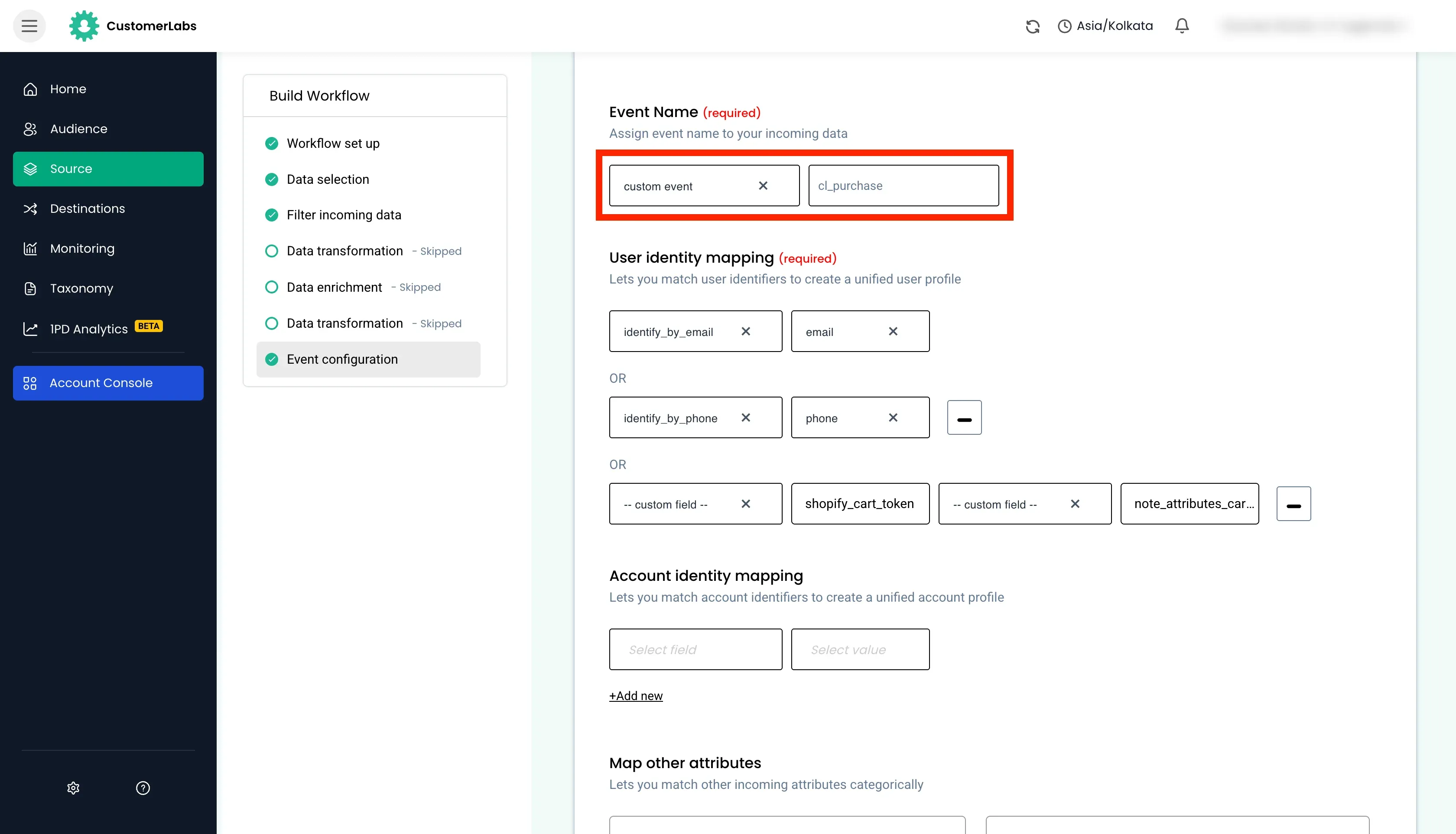
-
Identity Mapping: Customerlabs 1PD Ops supports a wide range of user identifiers. For example, you can select the email id as the unique user identifier. In this case, you choose
identify_by_emailas the field to map the incoming email id from Facebook.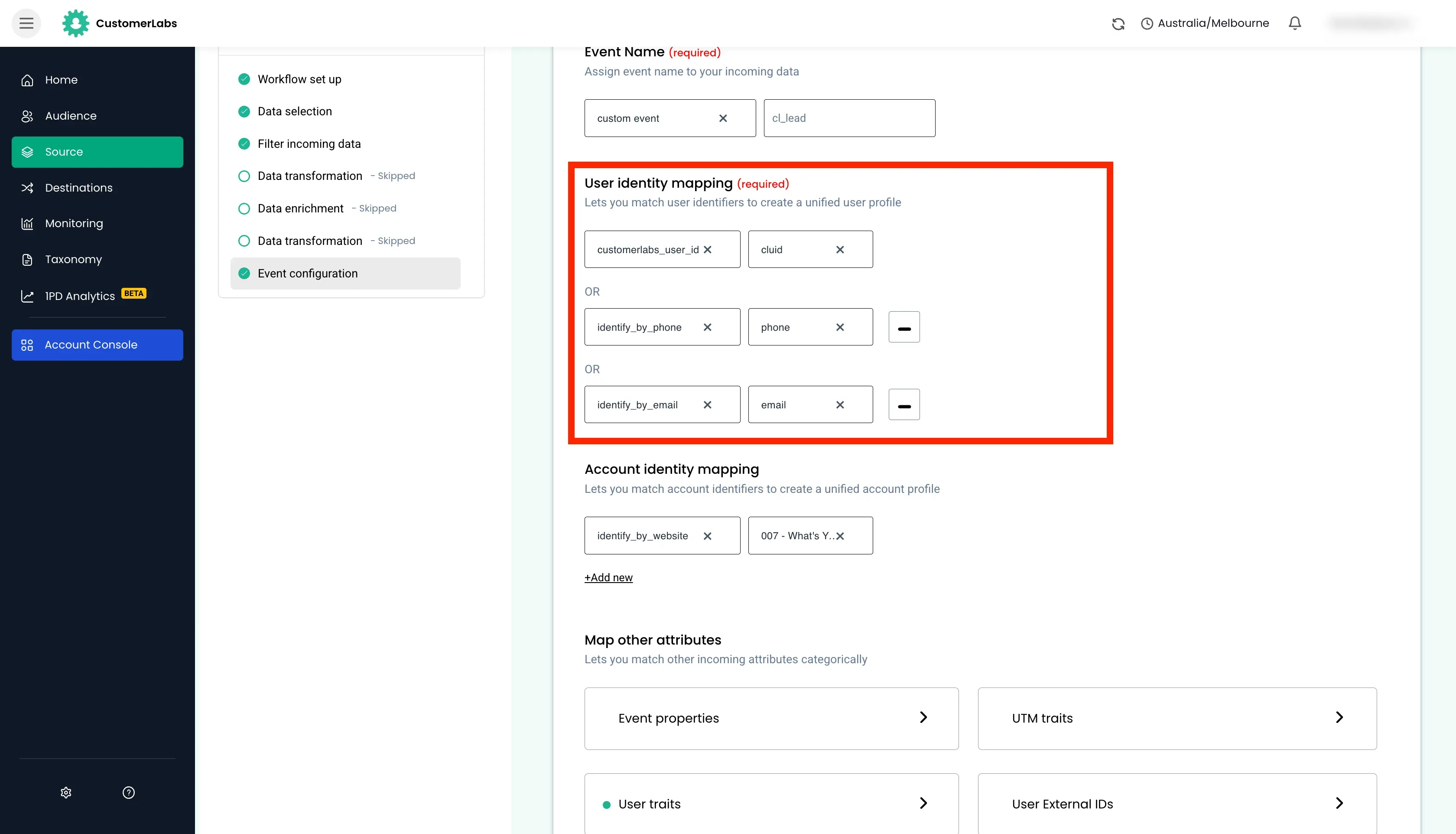
-
Post user identity mapping, you can categorically map other incoming attributes under two major fields – User traits and User External IDs.
-
Incoming user information from the ad such as
first name,last name,ad set,ad campaign,city,state,company,zip code& other similar information can be mapped under User traits.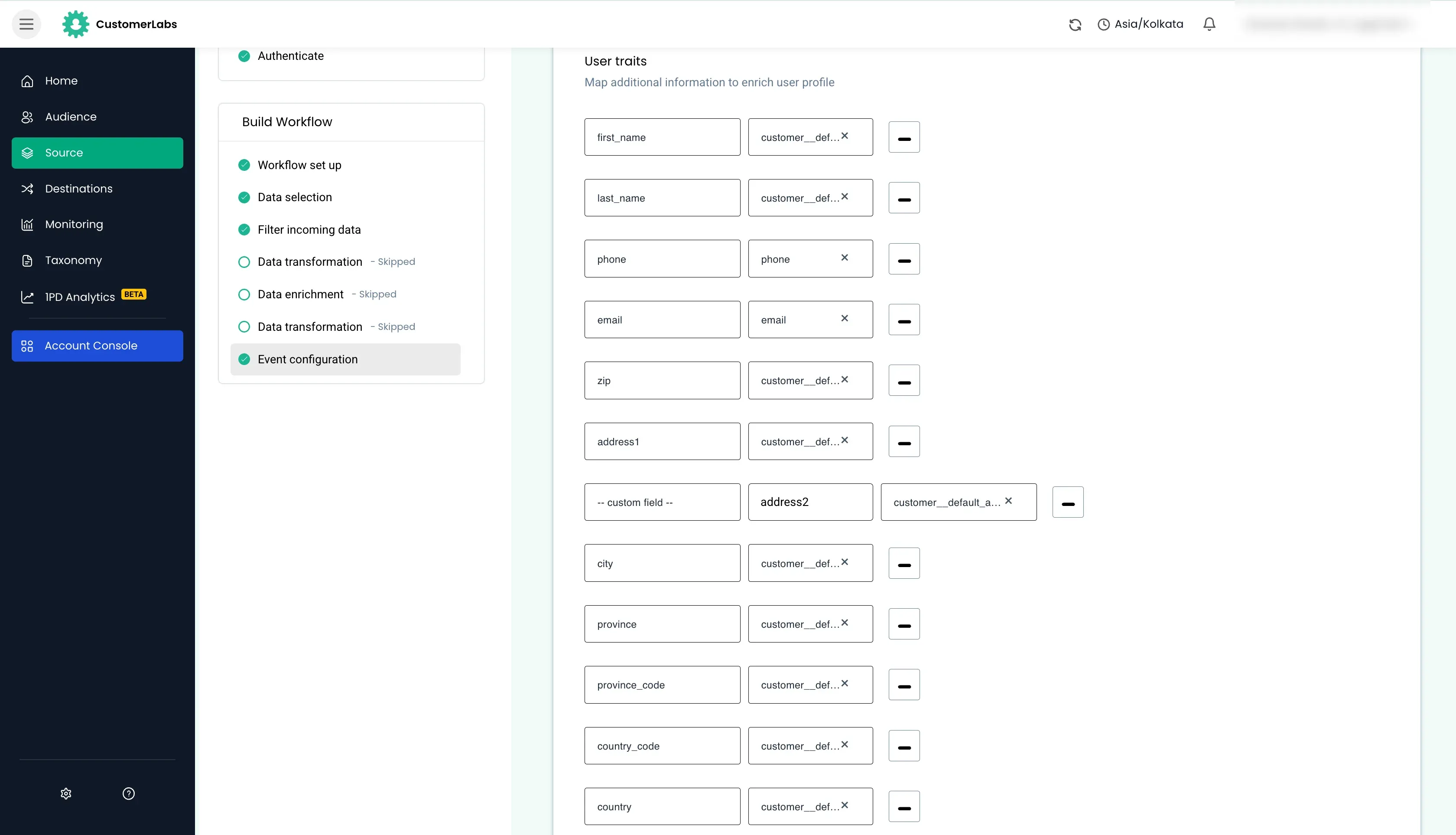
-
Unique Facebook user IDs such as
lead_idcan be mapped under User External IDs. -
Save the workflow to start receiving the event in Customerlabs 1PD Ops.