
CustomerLabs + ClickFunnels Integration
ClickFunnels subdomains do not support cross-domain pixel tracking, and adding multiple ad pixels to a custom domain can interfere with native conversion tracking. CustomerLabs resolves this by providing first-party tracking that captures form submissions and behavioral events per funnel step and forwards them server-side to Meta and Google Ads.
Prerequisites
Section titled “Prerequisites”- An active CustomerLabs account
- A ClickFunnels Classic account with at least one funnel configured
Copy the CustomerLabs Tracking Code
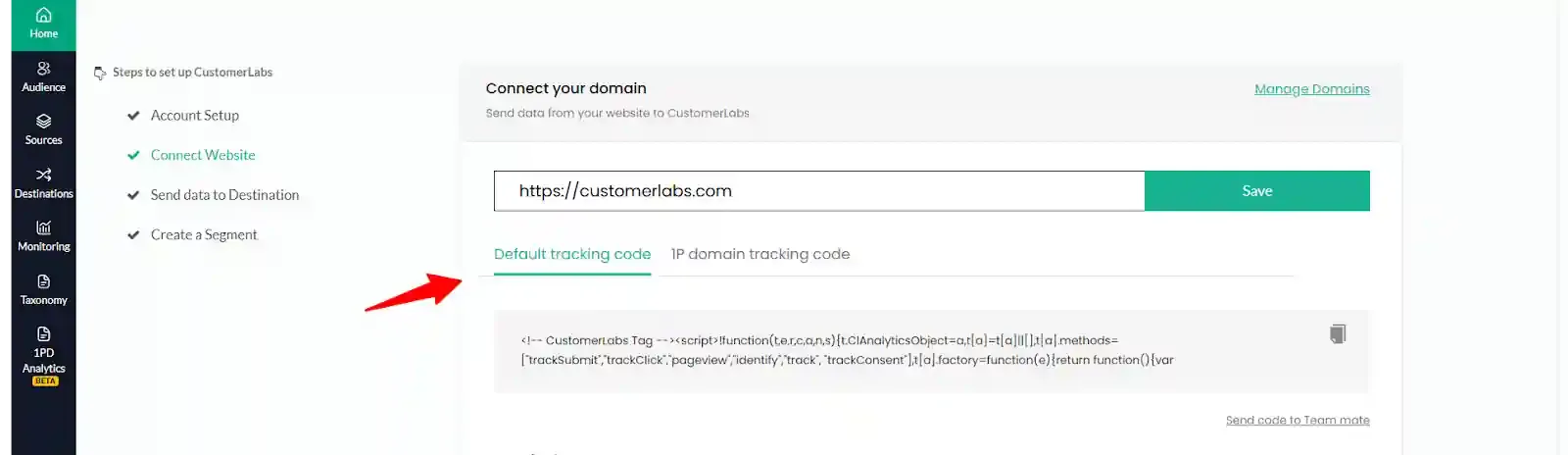
Section titled “Copy the CustomerLabs Tracking Code”Log in to CustomerLabs and copy the tracking code from the homepage.
Install the Tracking Code in ClickFunnels
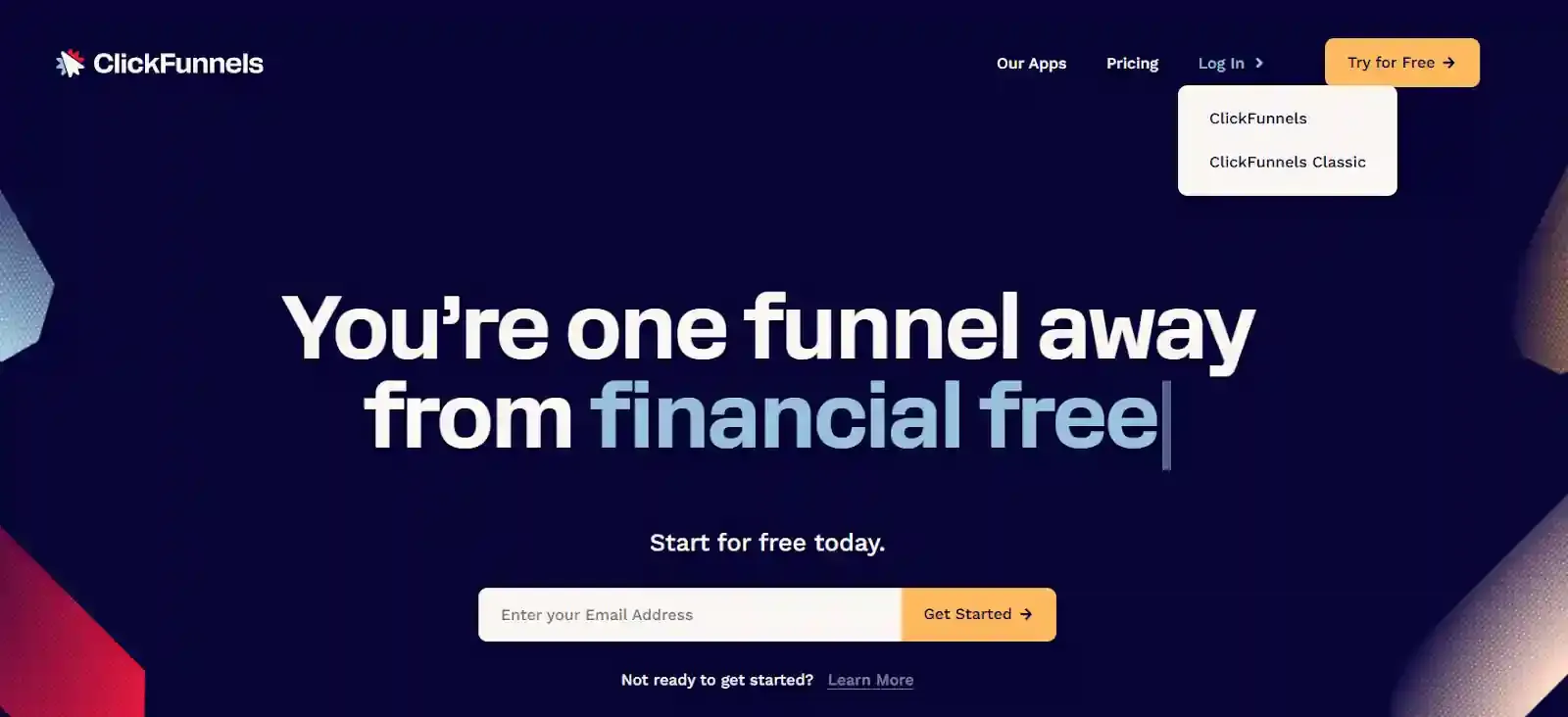
Section titled “Install the Tracking Code in ClickFunnels”Log in to your ClickFunnels Classic account.
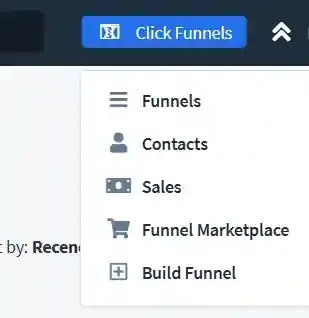
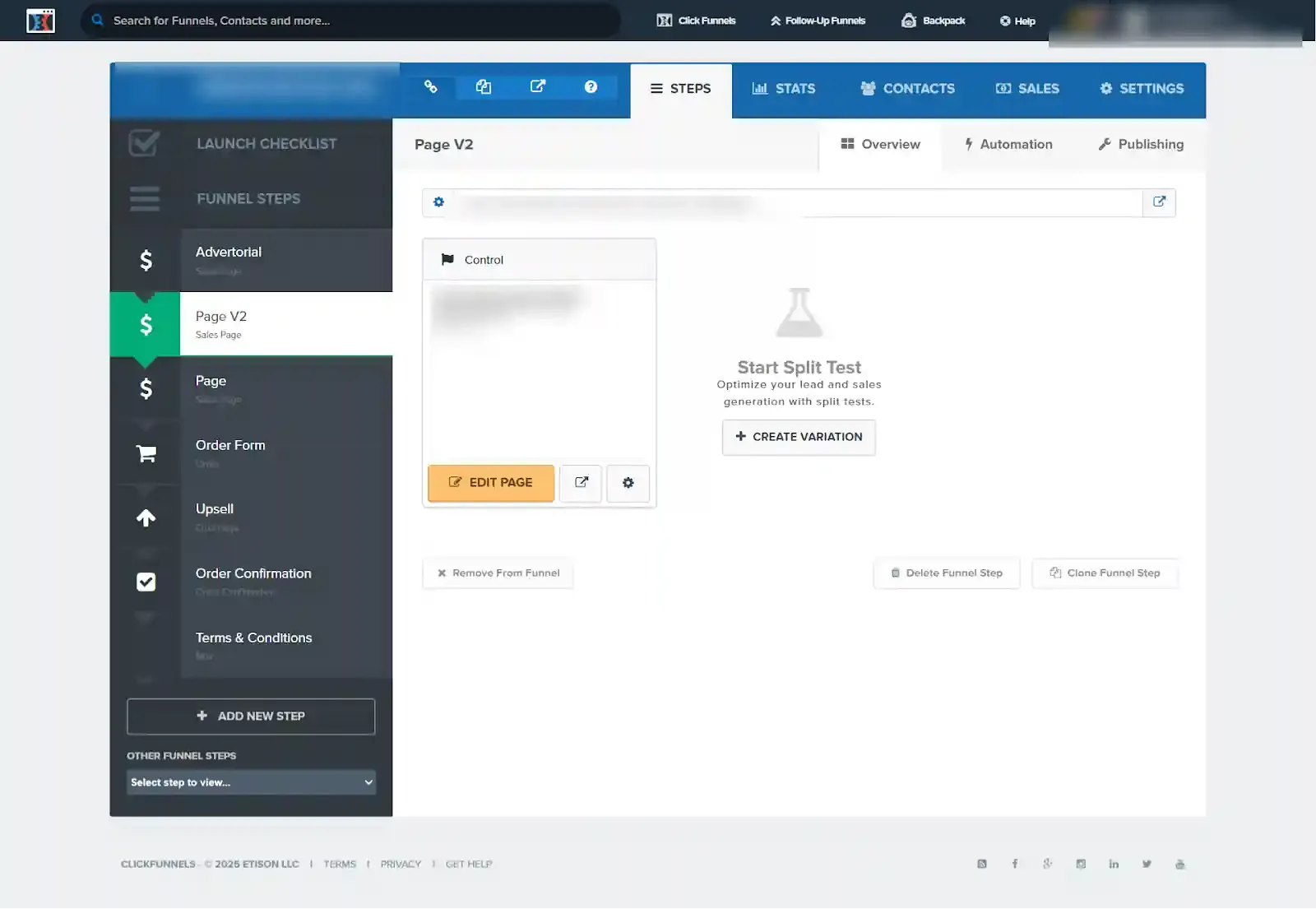
Navigate to ClickFunnels → Funnels and open the funnel where tracking should be configured.
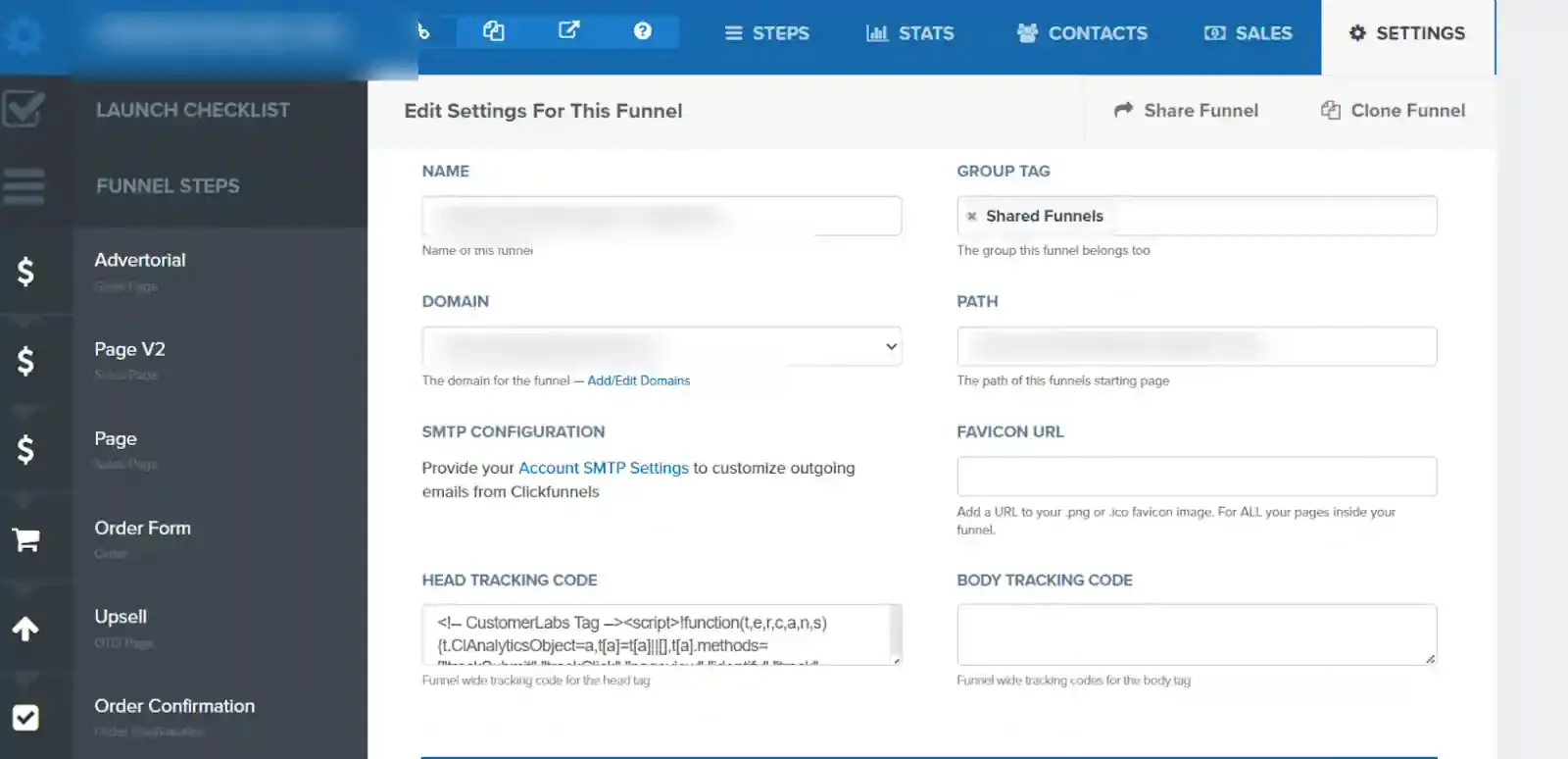
Select the target funnel. Open Funnel Steps, then navigate to Settings → Head Tracking Code. Paste the CustomerLabs tracking code and save.
Configure Event Tracking per Funnel Step
Section titled “Configure Event Tracking per Funnel Step”Each funnel step requires its own event tracking code. For example, an Order Form step may track Checkout Initiated, Product Viewed, and User Created events.
To configure tracking for a funnel step:
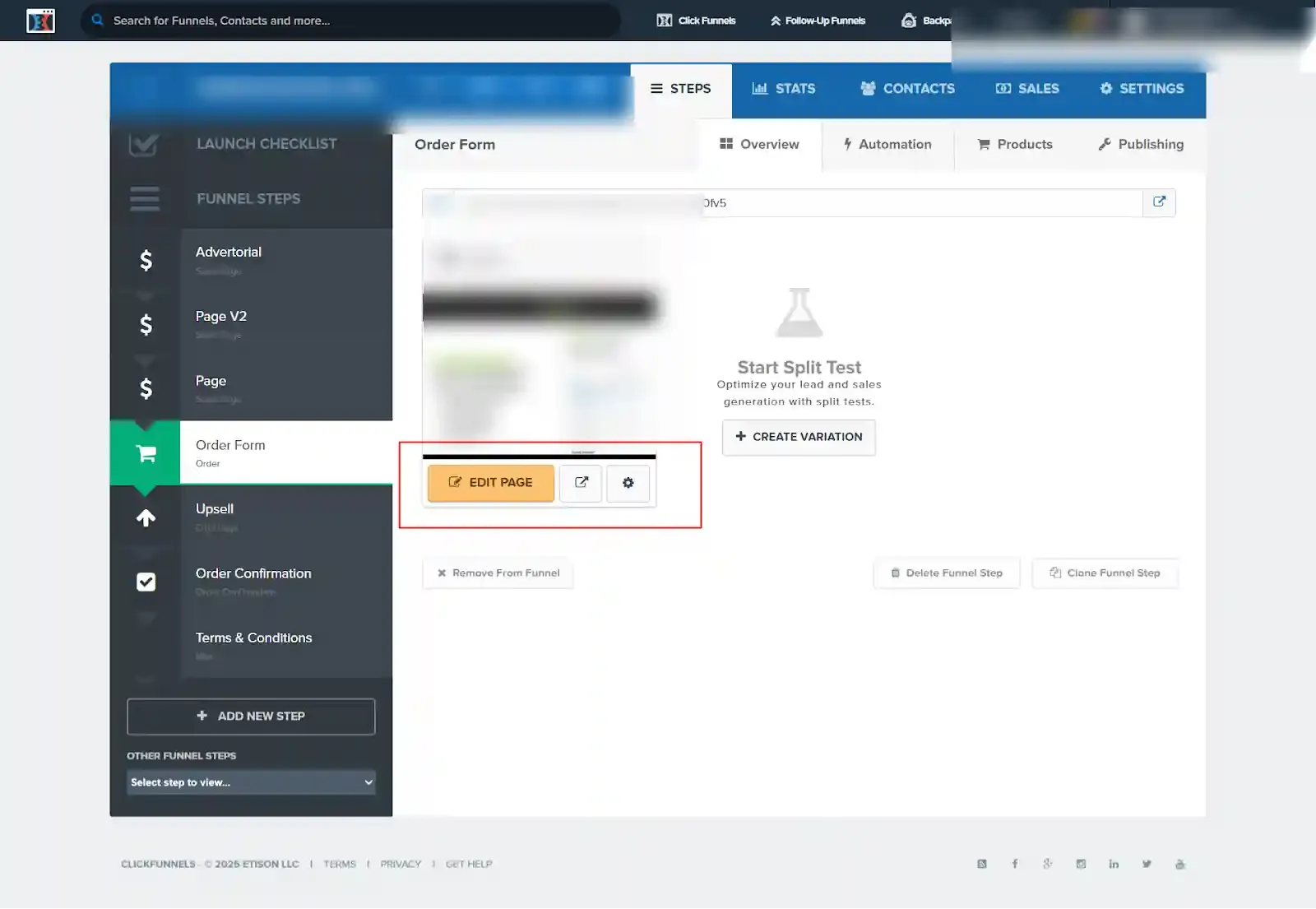
- Select the funnel step (e.g., Order Form).
- Click Edit Page.
- Navigate to Settings → Tracking Code.
- Paste the event-specific tracking code.
- Click Save.
User information and product details can be captured using JavaScript DOM methods and passed to CustomerLabs using the CustomerLabs JavaScript API. Reference implementations are available for Page View, Product View, Add to Cart, Checkout, and Purchase events.
Verify Event Tracking
Section titled “Verify Event Tracking”Install the CustomerLabs browser plugin to audit captured events. The plugin surfaces page views, form submissions, purchases, and other tracked activities in real time, allowing you to verify the data before it reaches downstream destinations.
The integration is now active. CustomerLabs will capture events from each configured funnel step and forward them to the connected ad platforms via server-side delivery.