360-Degree Profile
The 360-degree profile is a unified view of an individual user built from every interaction CustomerLabs has tracked across your website, app, and connected sources. It consolidates identity data, behavioral history, acquisition context, and consent status into a single profile — giving you a complete picture of each customer.
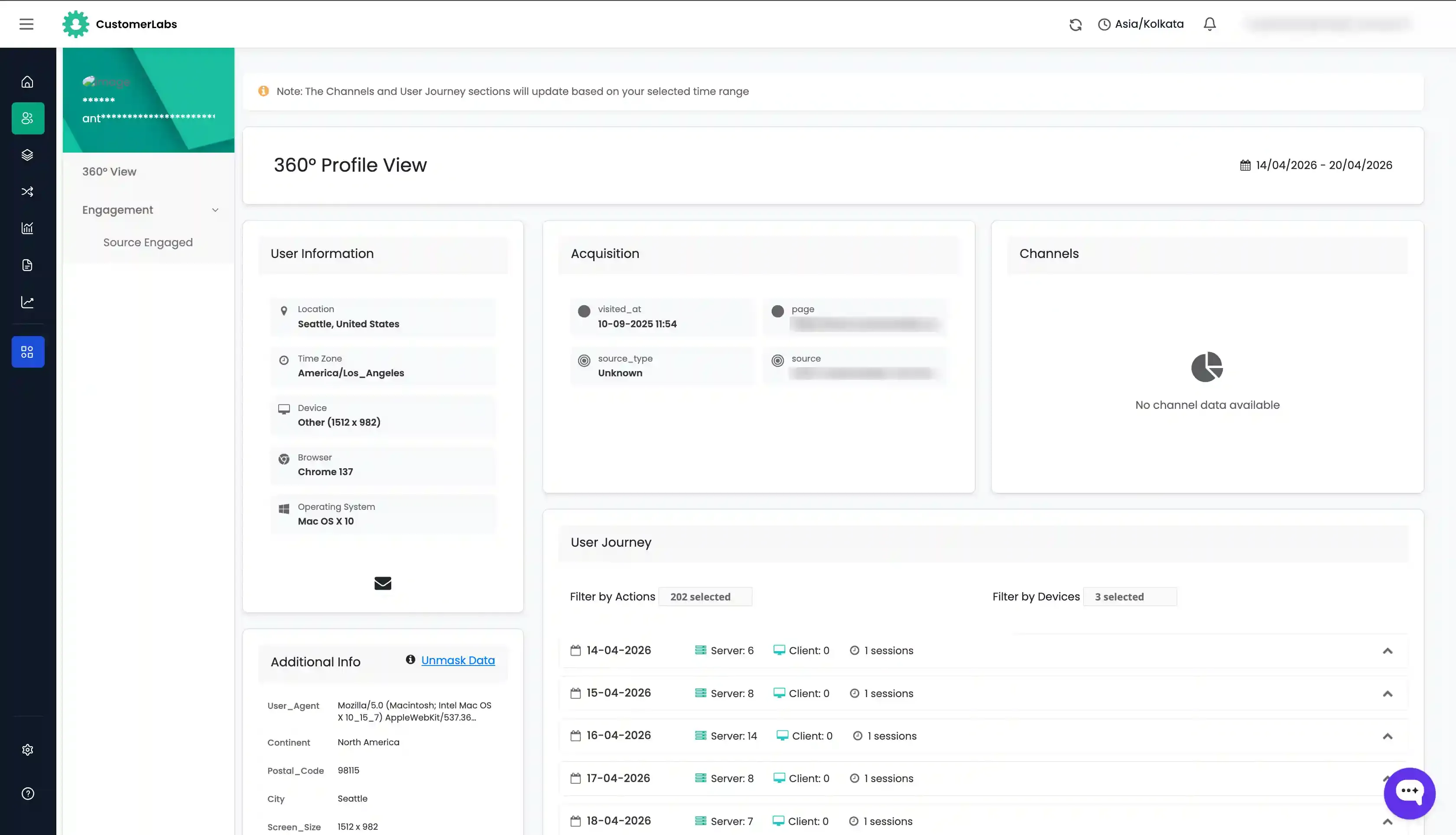
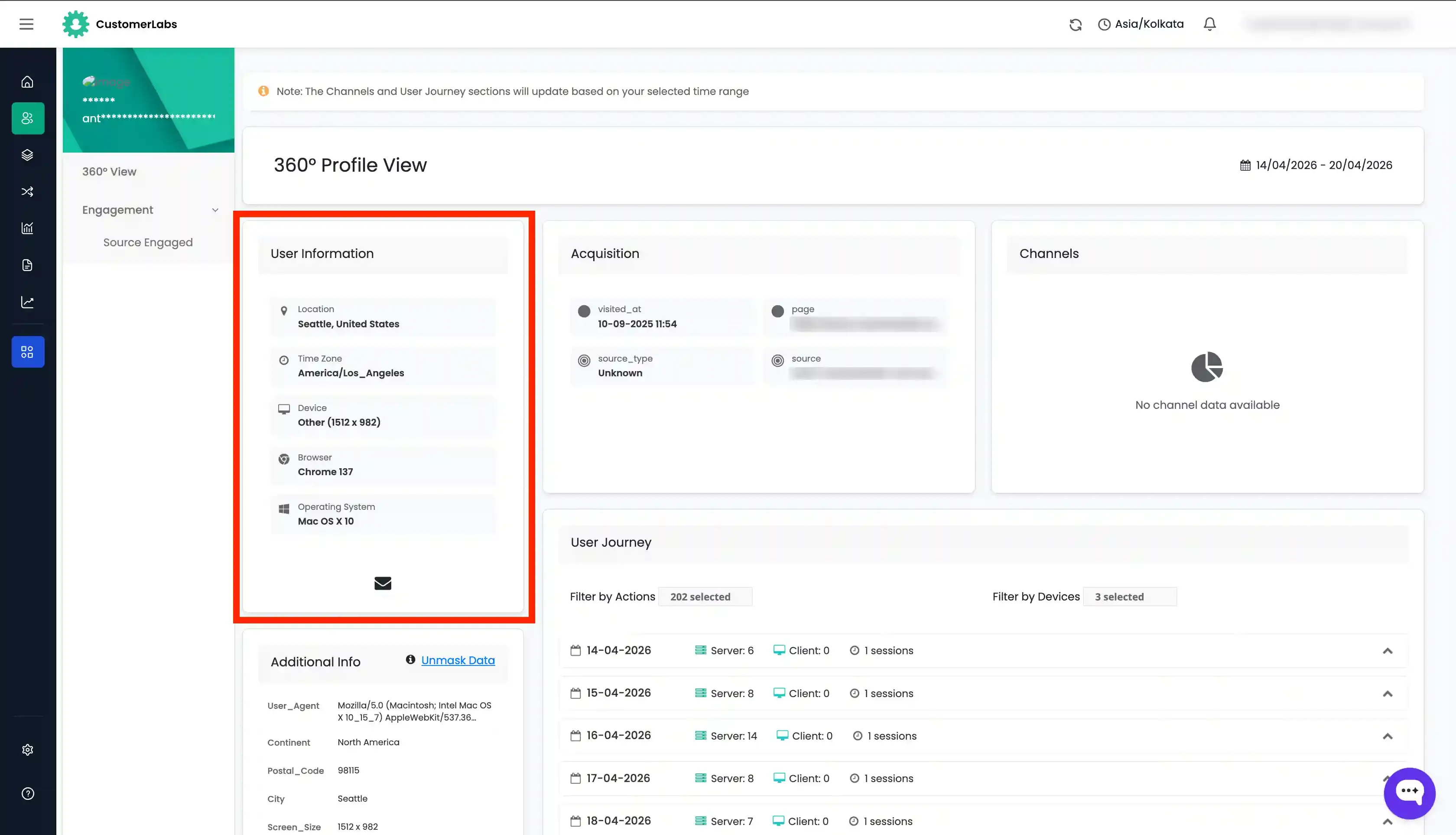
User Information
Section titled “User Information”The User Information section displays the user’s geographic location and the technology they used during their sessions — including country, city, browser, device type, and operating system.
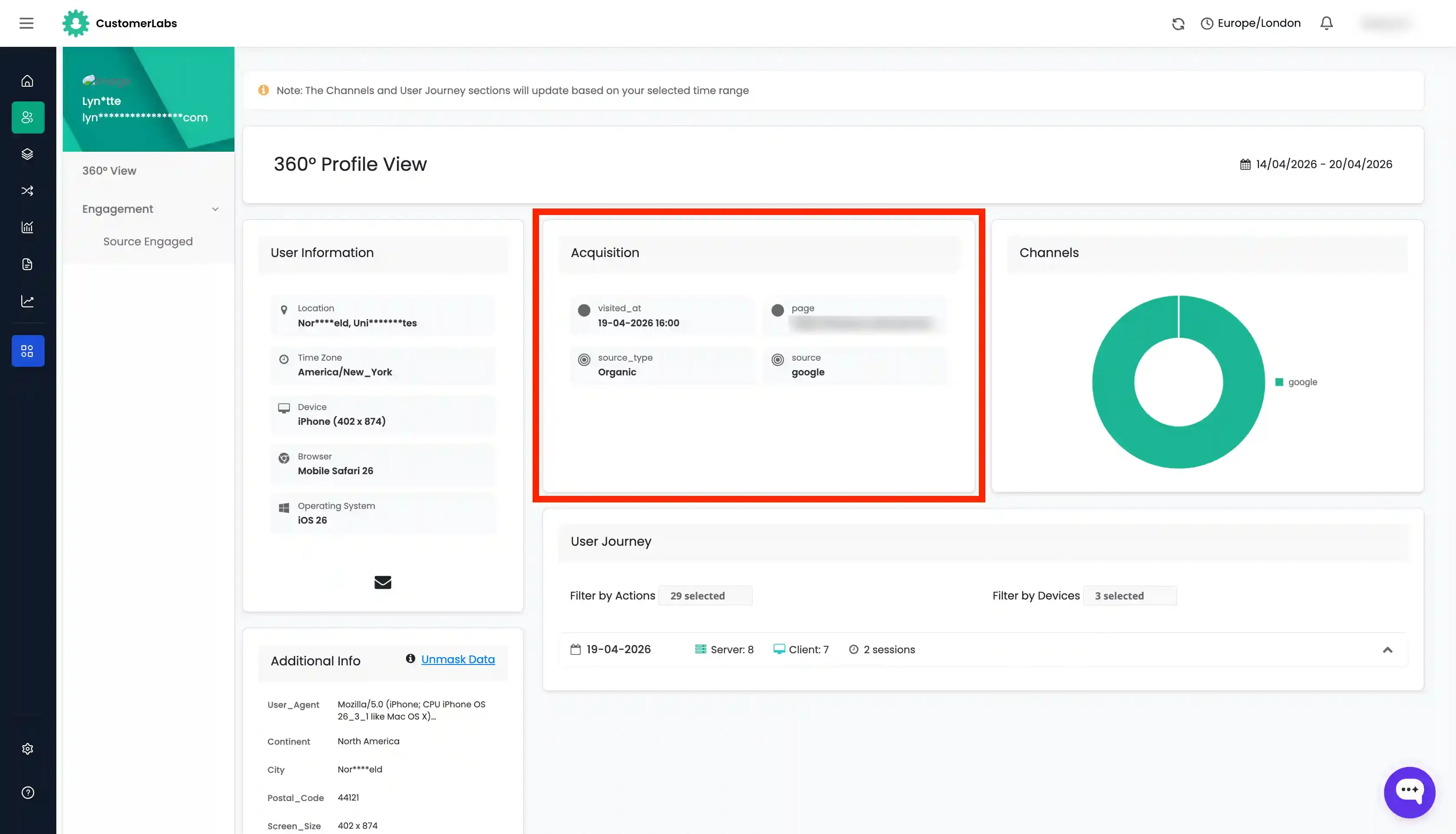
Acquisition
Section titled “Acquisition”The Acquisition section shows the channel and campaign through which the user first entered your website. This includes UTM parameters, referrer source, and medium — helping you attribute the user’s origin to a specific marketing effort.
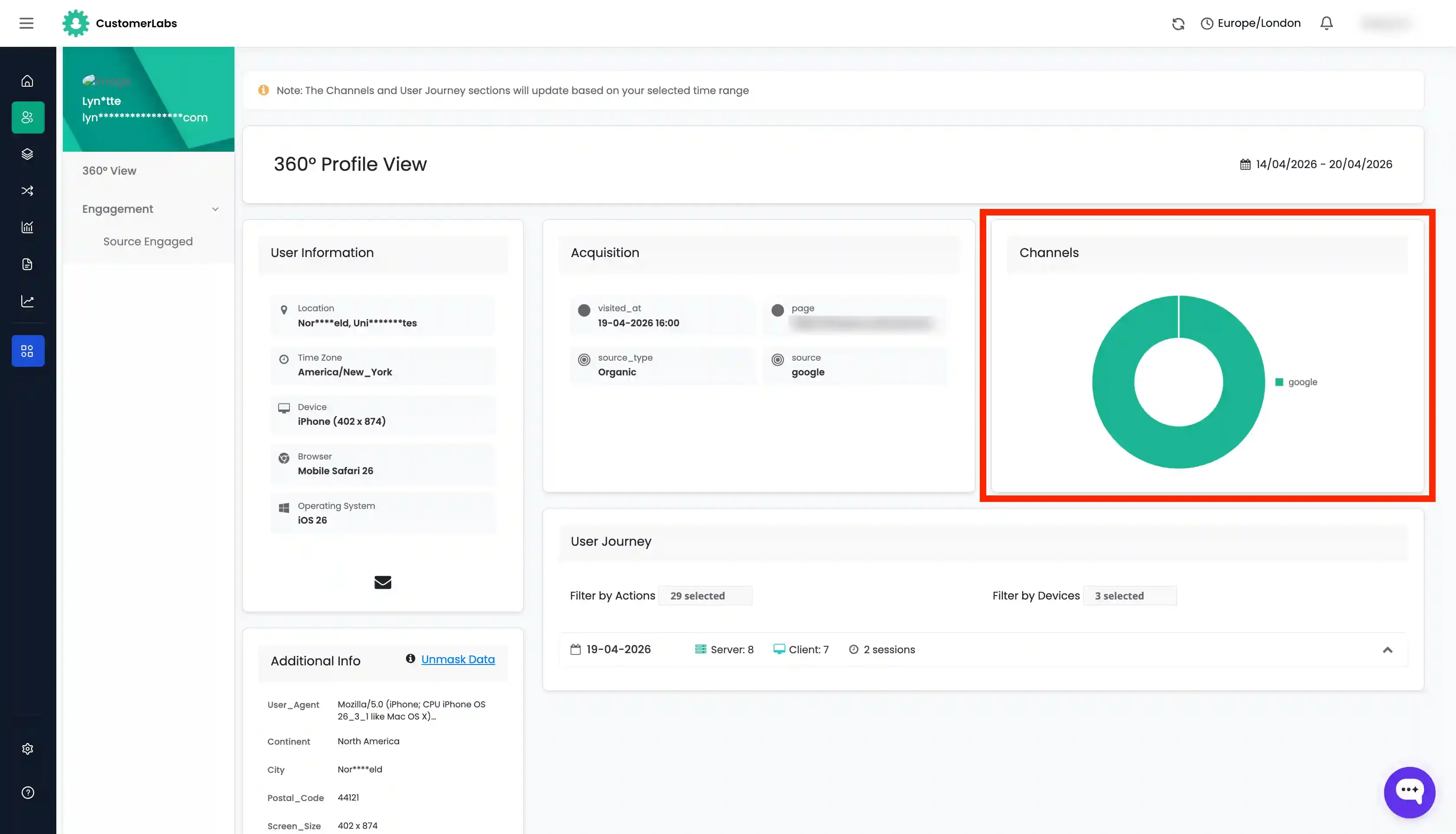
Channels
Section titled “Channels”The Channels section lists all the channels through which the user has interacted with your business — such as organic search, paid ads, email, direct, and social. This gives a cross-channel view of the user’s touchpoints over time.
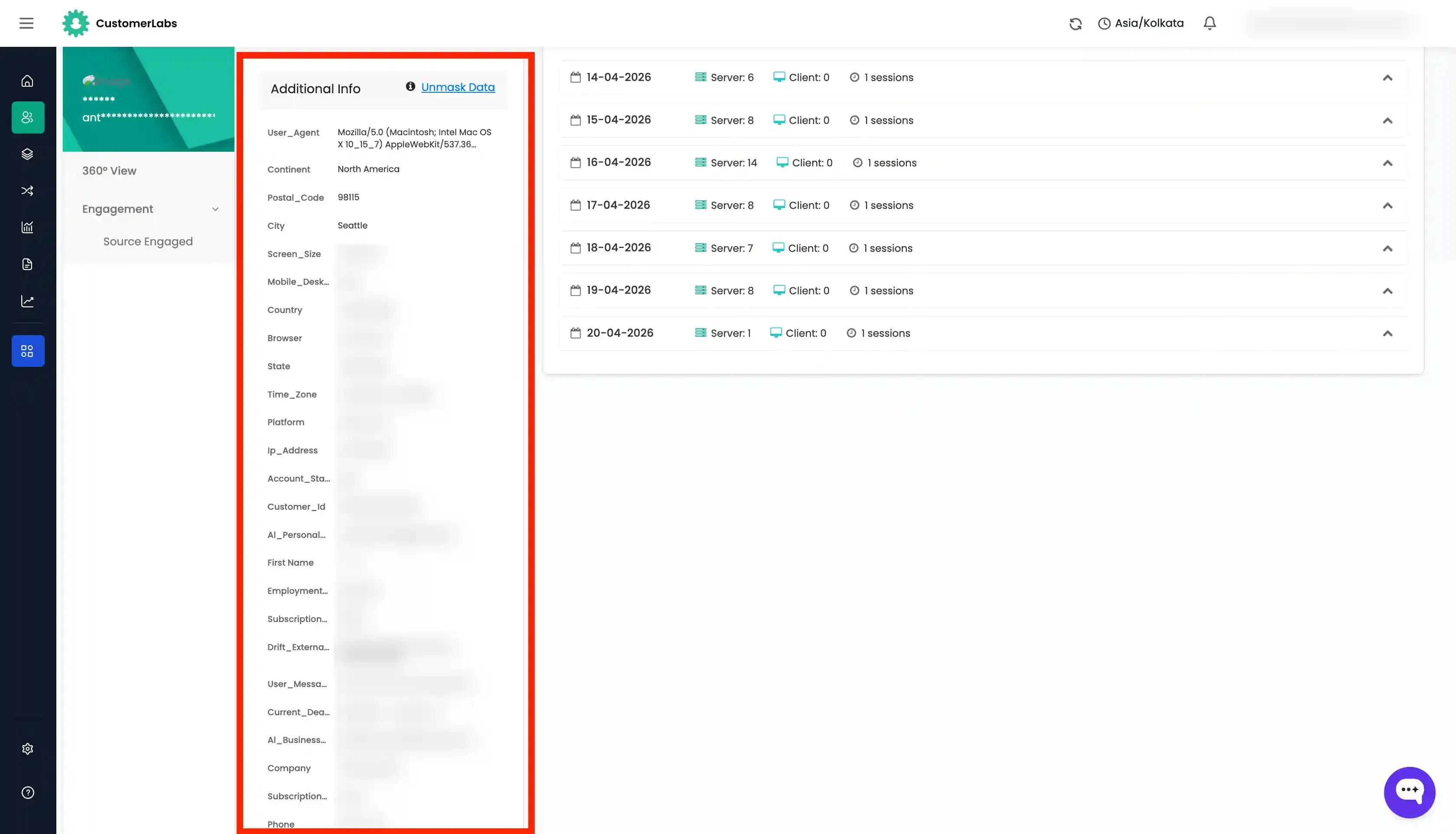
Additional Info
Section titled “Additional Info”The Additional Info section is a detailed record of all user_traits captured across every event associated with this profile. This includes properties such as email, phone number, name, address, and any custom traits tracked via your implementation.
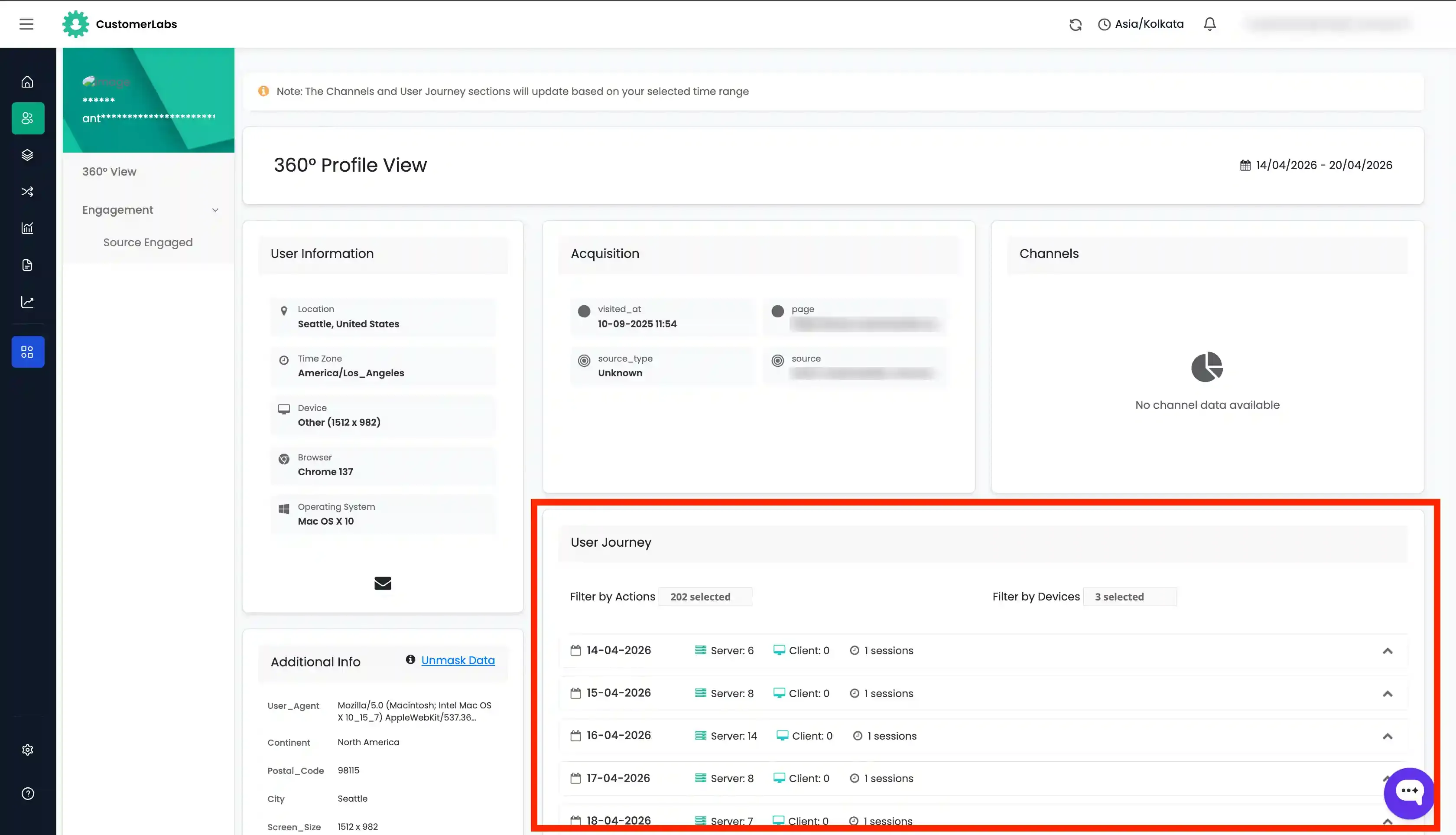
User Journey
Section titled “User Journey”The User Journey section displays a chronological list of all events tracked by CustomerLabs for this user, grouped by date. Each entry shows the event name, timestamp, and associated properties — providing a full behavioral timeline from first visit to the most recent interaction.
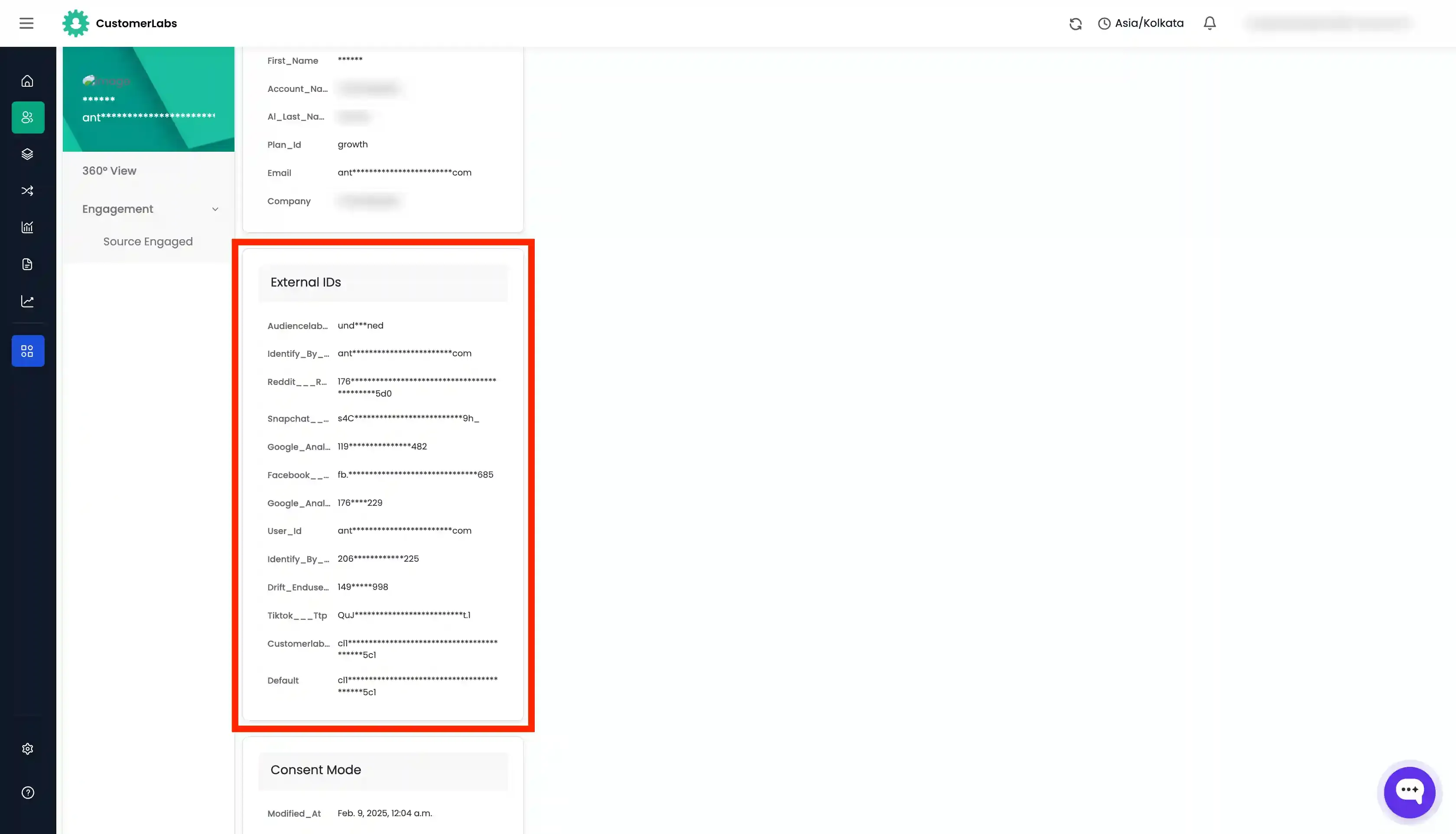
External IDs
Section titled “External IDs”The External IDs section contains all external identifiers and advertiser cookies captured during the user’s interactions. This includes click IDs from ad platforms (such as fbclid, gclid, ttclid) and other cookie-based identifiers.
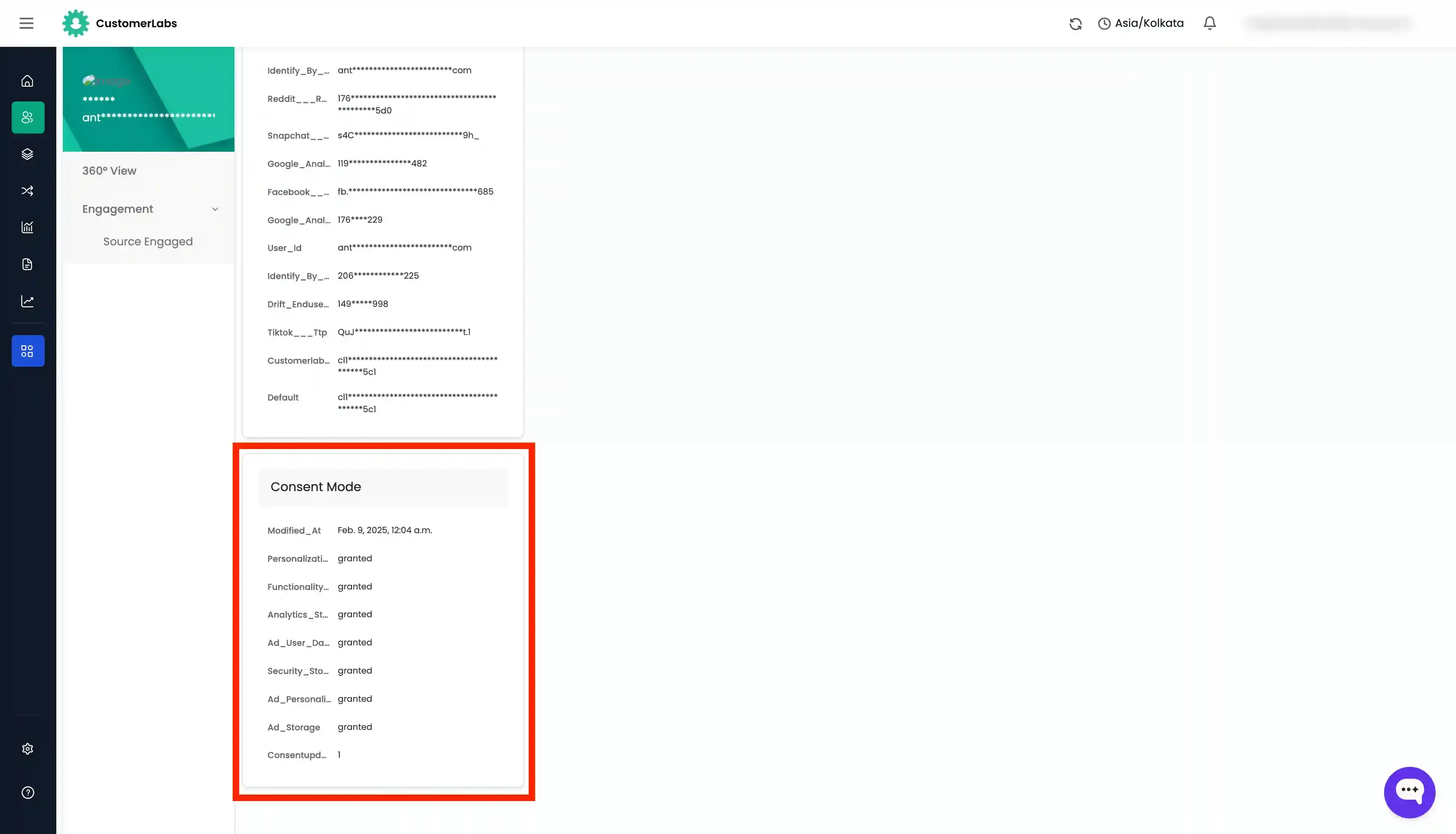
Consent Mode
Section titled “Consent Mode”The Consent Mode section displays the consent status provided by the user. It reflects whether the user has granted or denied consent for tracking, analytics, and marketing — based on the consent signals captured through your consent management implementation.