
Configuring success scenarios (Deprecated)
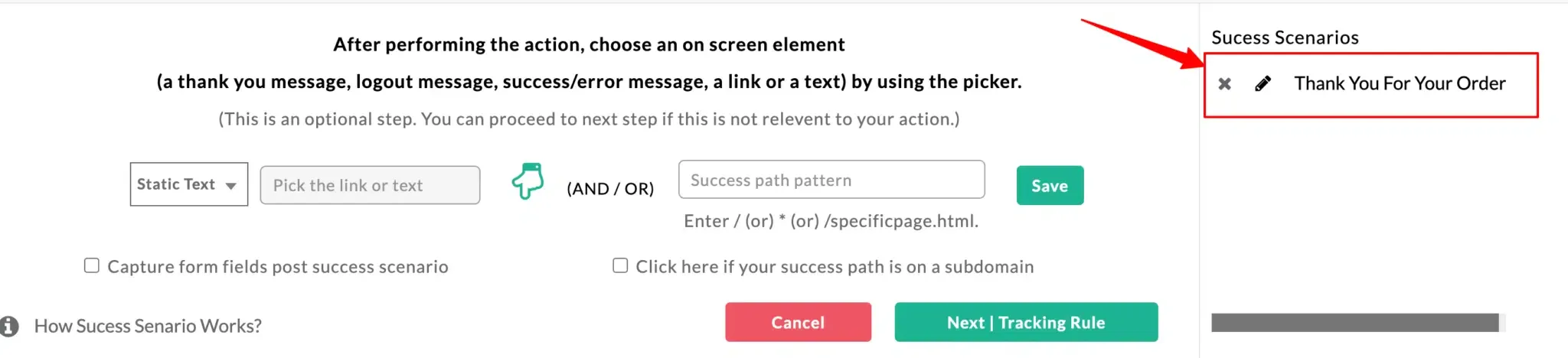
A success scenario in the No-Code Event Tracker denotes the success message or page displayed after a particular process completes on your website. For example, a “Thank you” page is shown when someone submits a form. Here, the thank-you page is the success scenario of that particular event.
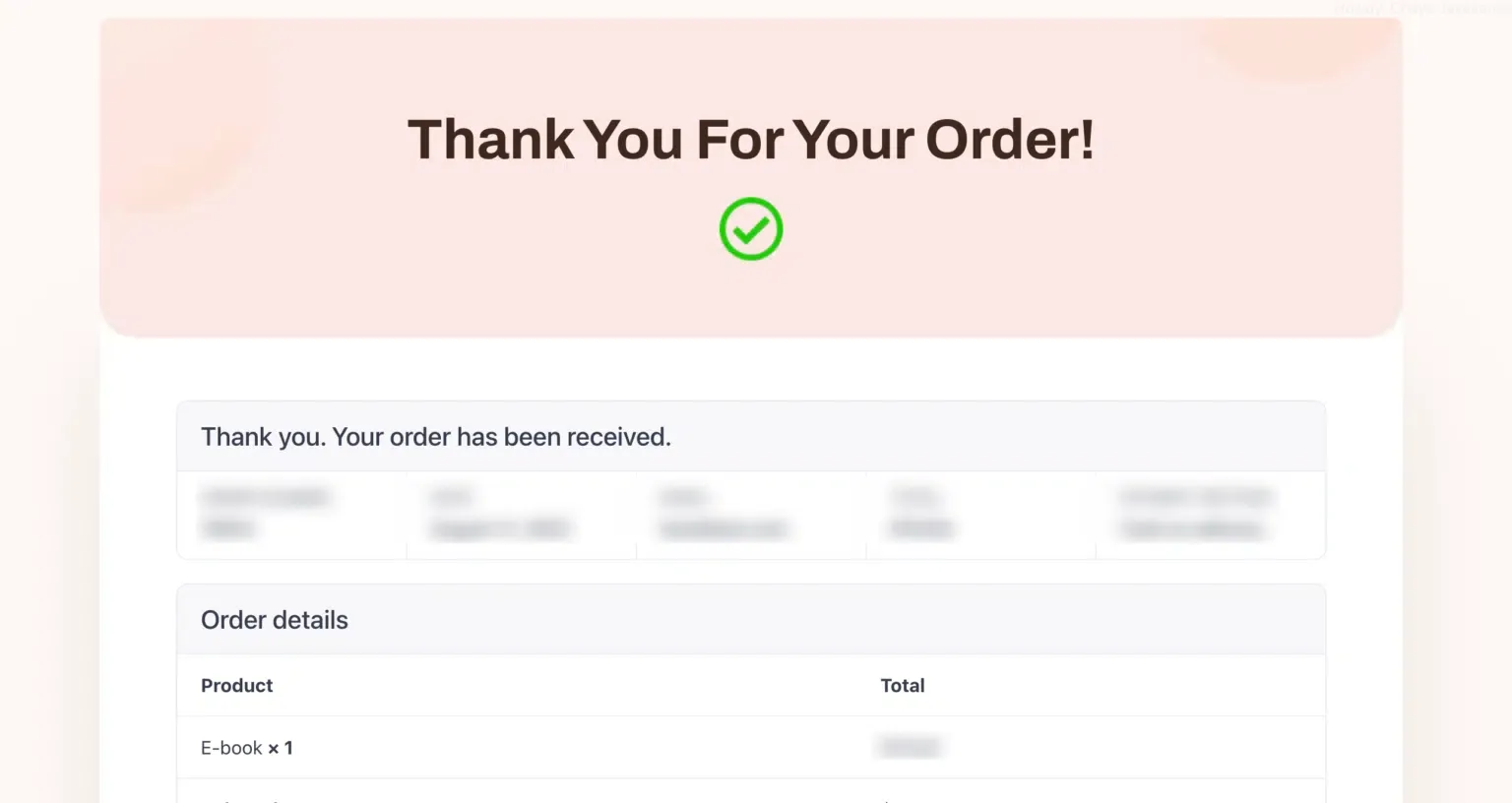
Setting up a success scenario for your events is optional, but specifying one ensures your event is tracked properly. You can also track multiple success scenarios if you redirect to different pages (useful for multilingual websites). Here’s an example.
Static text
Section titled “Static text”Use Static text when the success message is the same every time the event completes — for example, a “Thank you for your order” confirmation message after checkout.
-
Select Static text, choose the picker, and go to the success page on your website. (In this example, the checkout success page is “Thank you for your order”.)
-
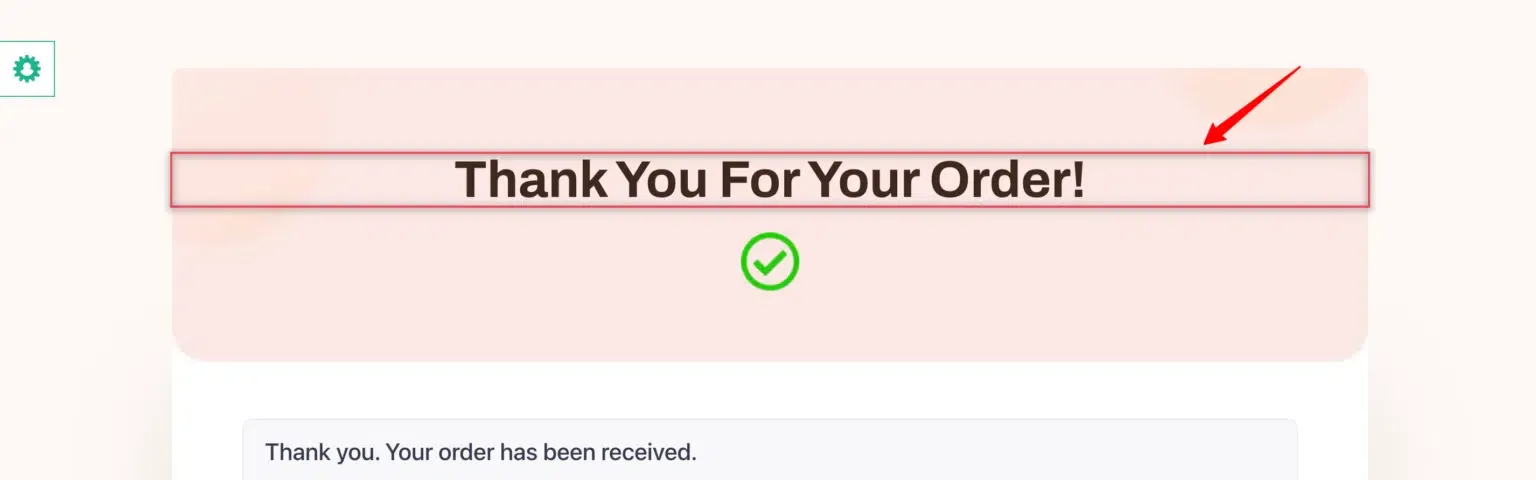
Select the success message.
-
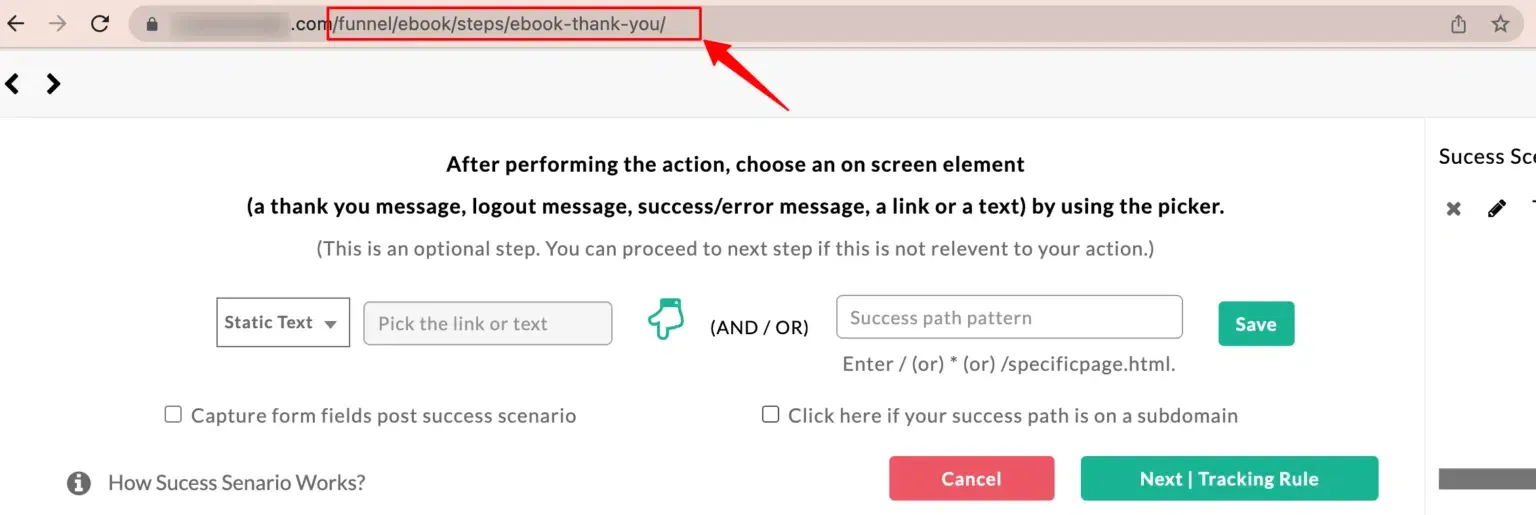
Copy the link of your success page and paste it into the next field. You can leave the domain part out and copy just the path of the page.
-
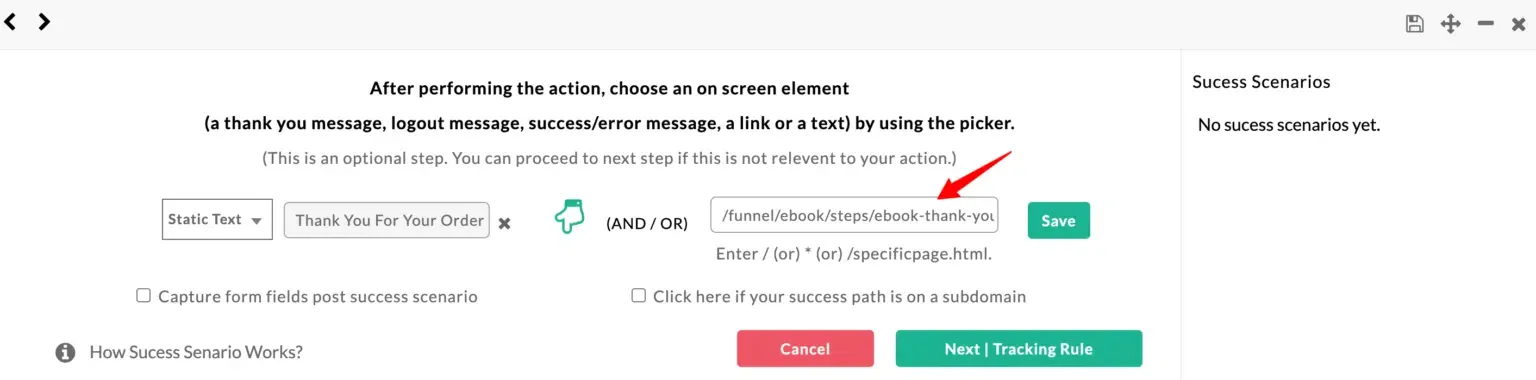
Your information is updated as shown.
-
Click Save.
-
View your saved success scenario on the right side.
Dynamic text
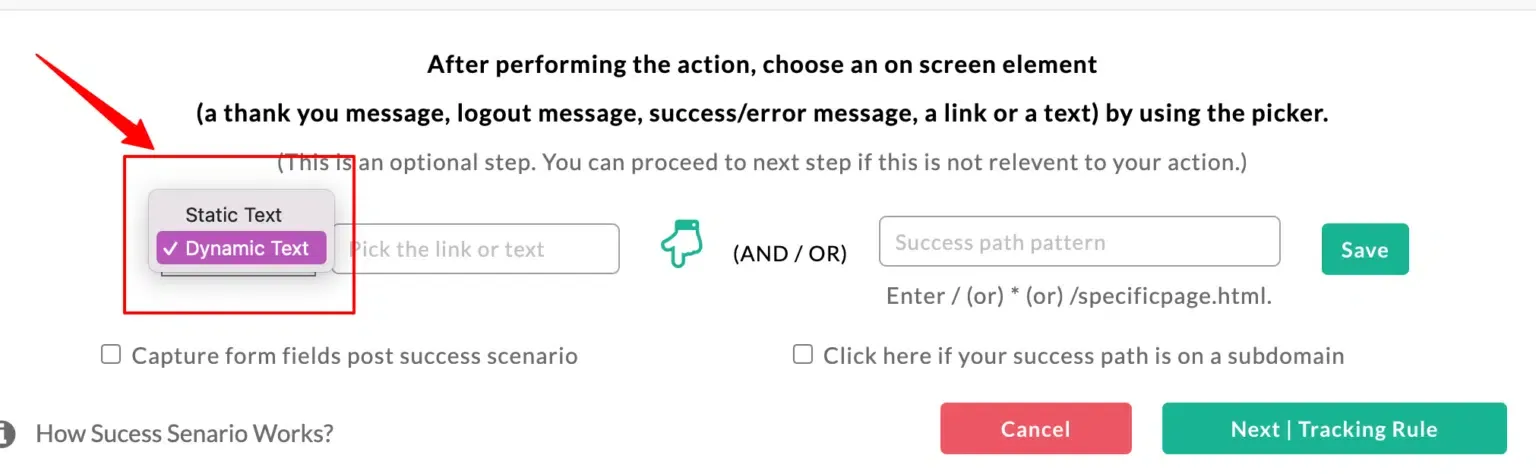
Section titled “Dynamic text”Use Dynamic text when the success message differs each time — for example, a notification that includes the specific product just added to cart.
Your store might show a notification that a specific product has been added to cart:
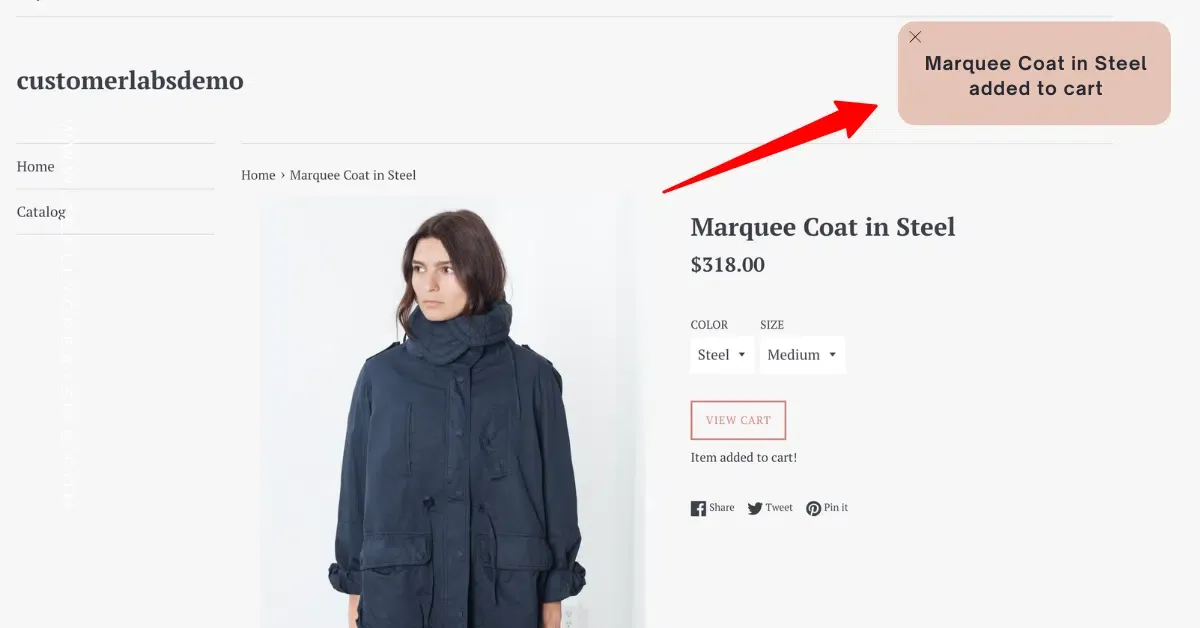
This success message changes for every product. To track this scenario, choose Dynamic Text and enter the message in the following format:
*|*your product*|* text that remains constantThe *|...|* placeholder marks the dynamic portion (the product name), and the surrounding text is the constant part of the message.
Click Save, then save your event.
Next steps
Section titled “Next steps”- Debug mode — verify the success scenario fires correctly before sending data to the server.
- URL patterns with Regex — restrict the event so it only fires on the right success page.