
Tracking event & user properties (Deprecated)
Event properties contain all the event, user, and account-related information (traits) that adds context to your events. For an Add to Cart event, properties capture the product price, quantity, variant, and other product details. For a Form Submitted event, they capture the form field values your user entered.
Where event properties live
Section titled “Where event properties live”All the tracked event properties can be accessed in the Events Manager section of the app.
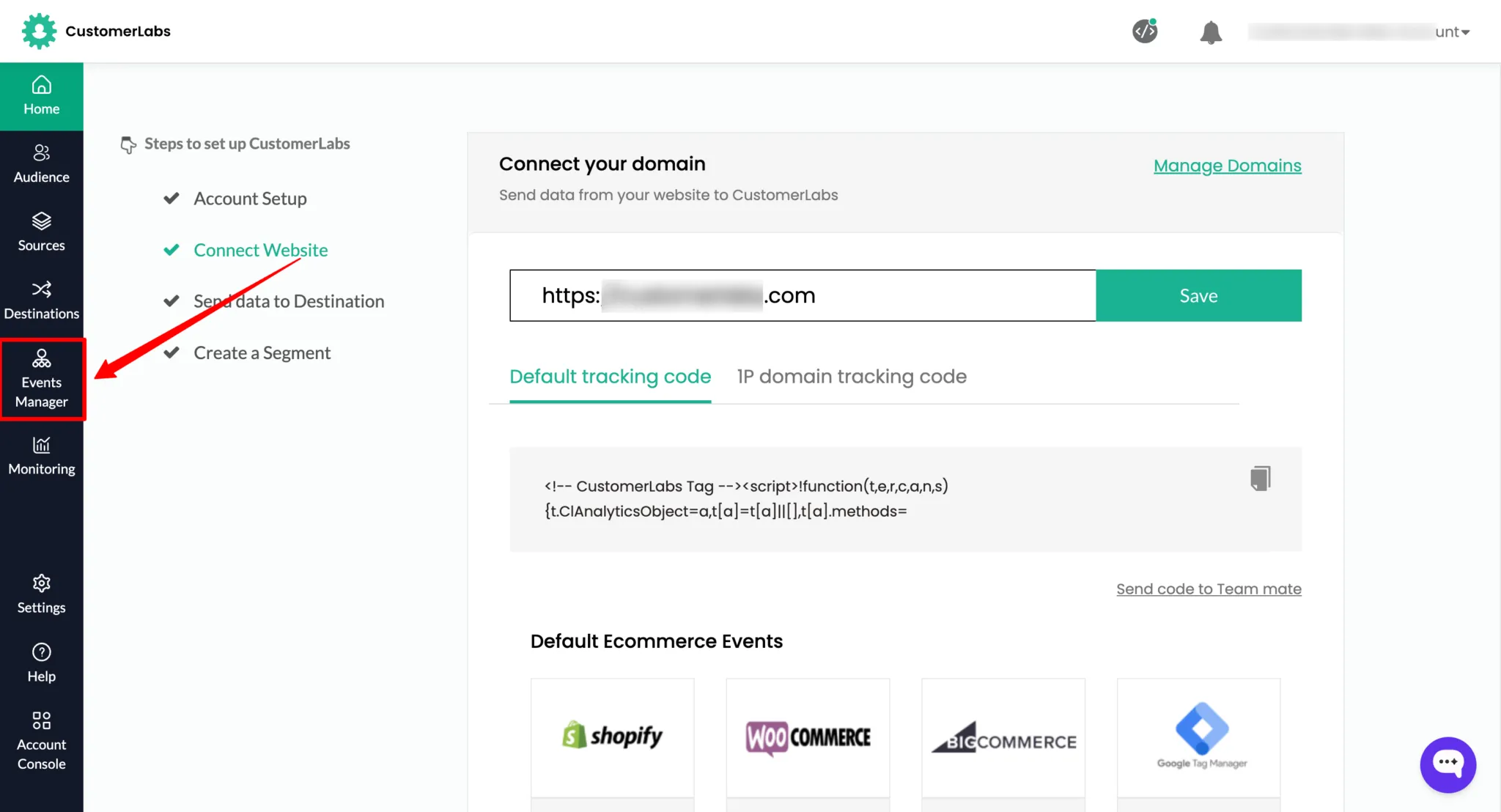
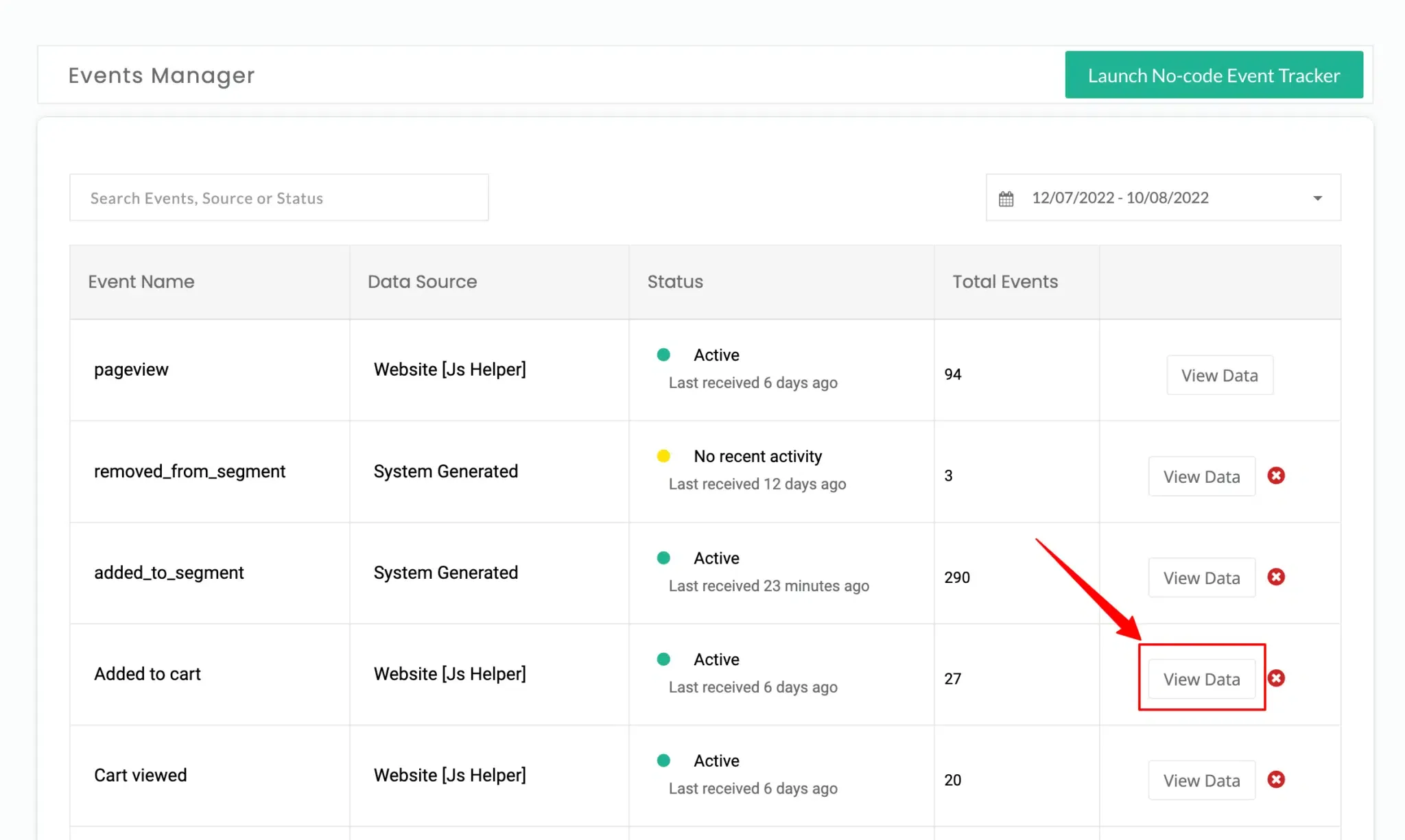
Click View data next to the event whose traits you want to see.
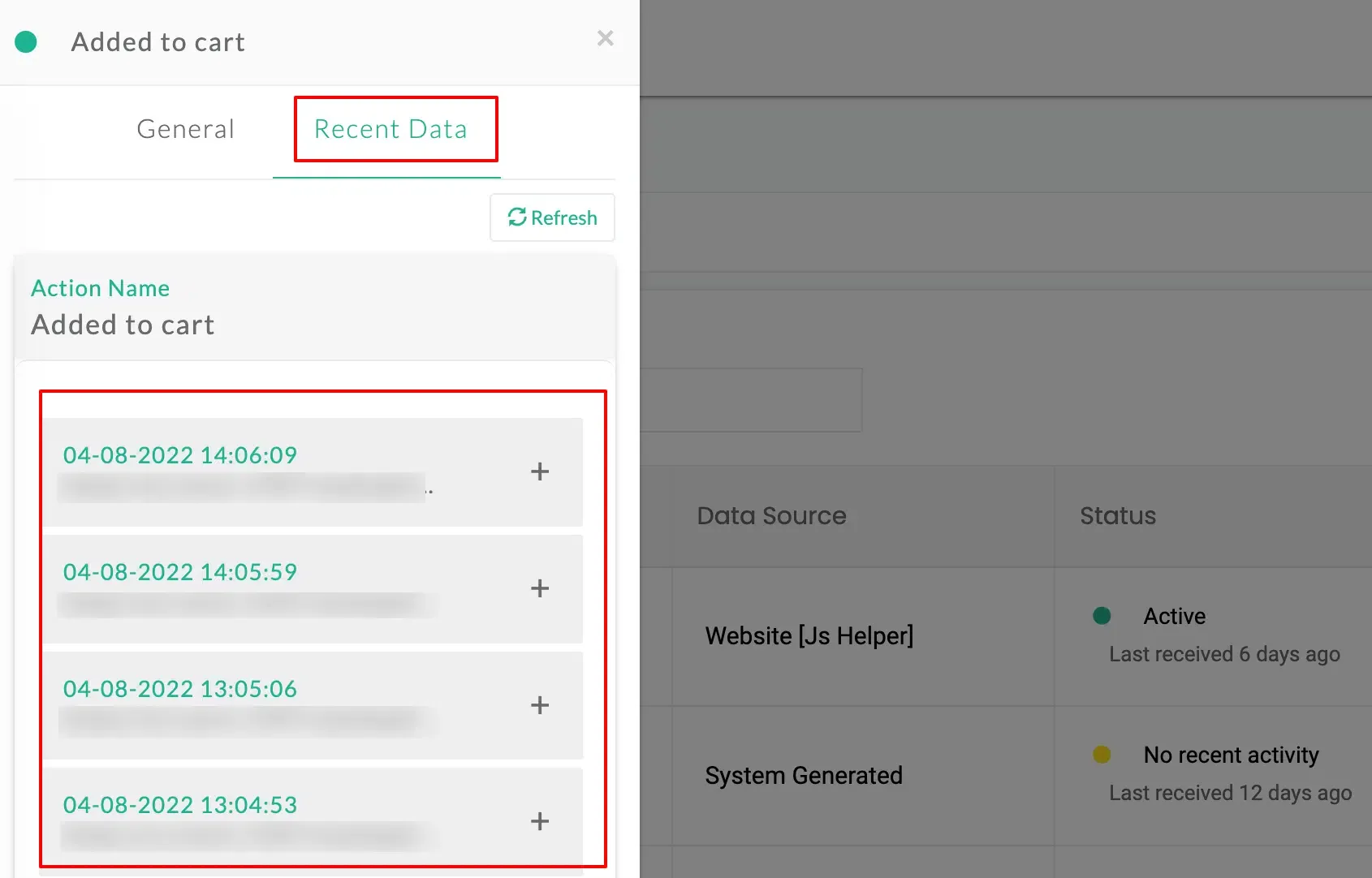
You’ll see the recent data for that event.
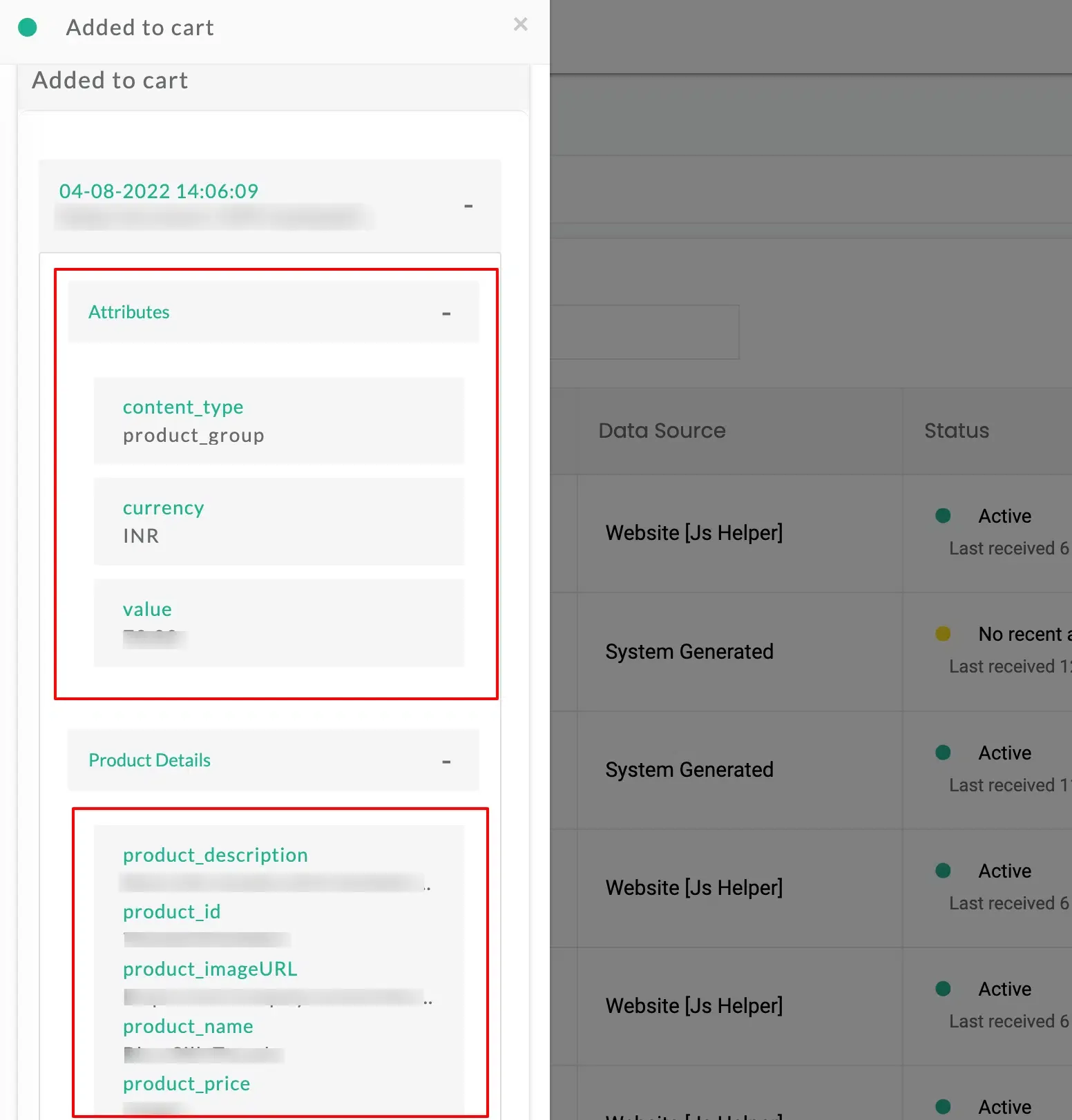
Click the + icon to see the event Attributes.
Capturing properties
Section titled “Capturing properties”When you set up an event in the No-Code Event Tracker, you can capture each property from one of the following sources:
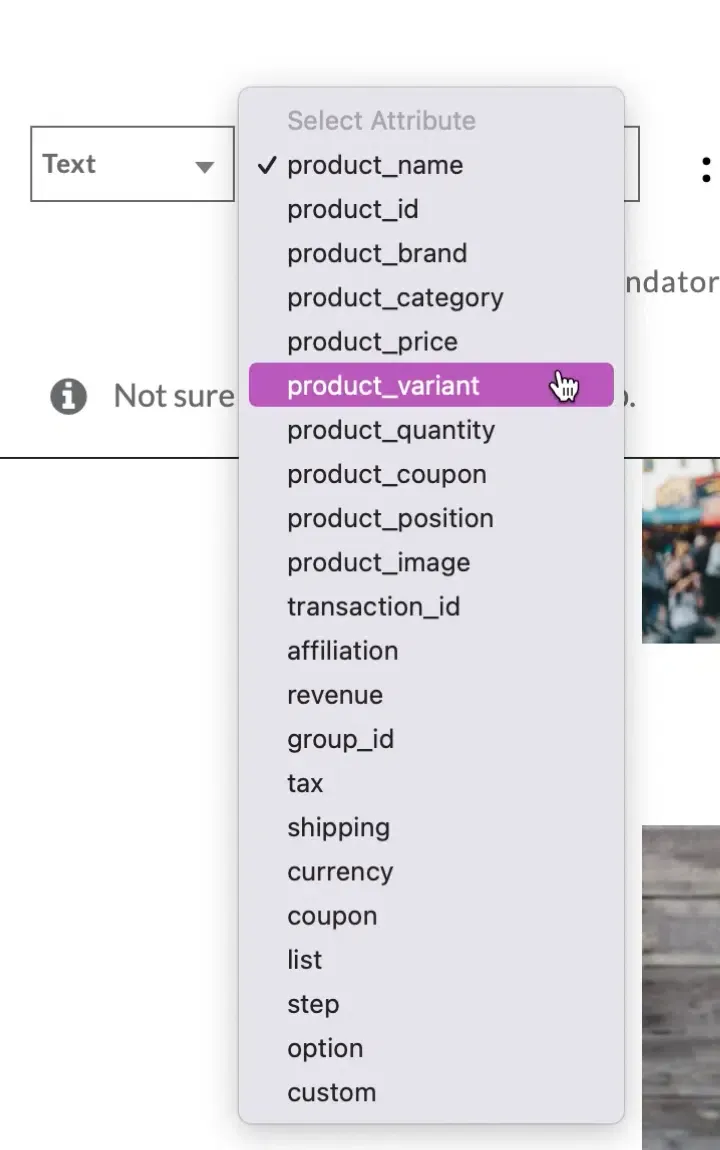
Choose Text to track property values directly from the webpage.
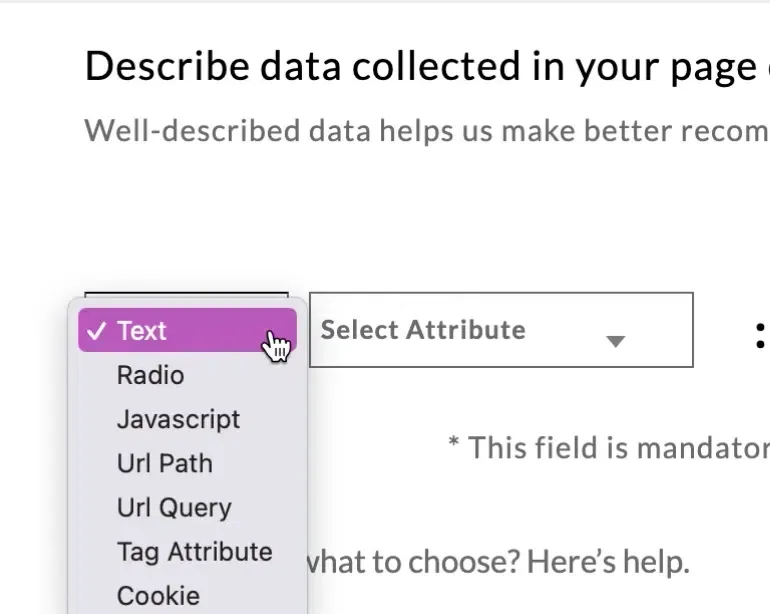
The picker icon lets you choose the text from the webpage.

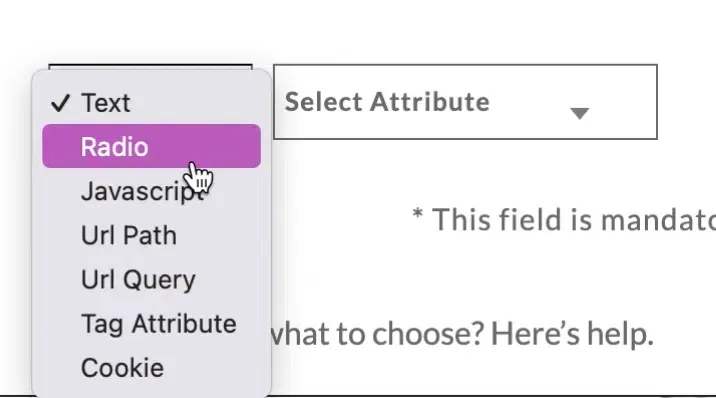
Choose Radio to track radio button selections from the webpage as property values.
JavaScript
Section titled “JavaScript”Choose JavaScript to track property values via a JavaScript expression.
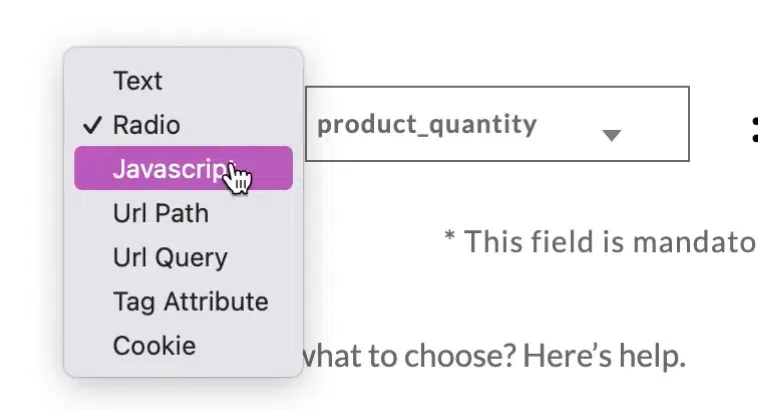
For example, enter the expression (new Date()).toGMTString() and click Verify.
(new Date()).toGMTString()
URL path
Section titled “URL path”Choose URL path to capture a value from the URL path.

URL query
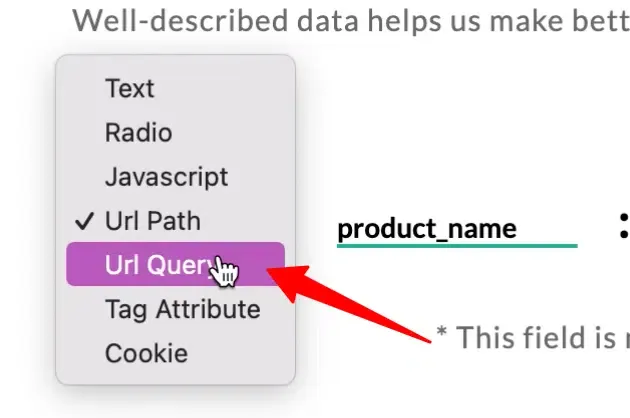
Section titled “URL query”Choose URL query to capture a value from the URL query string.
Tag attribute
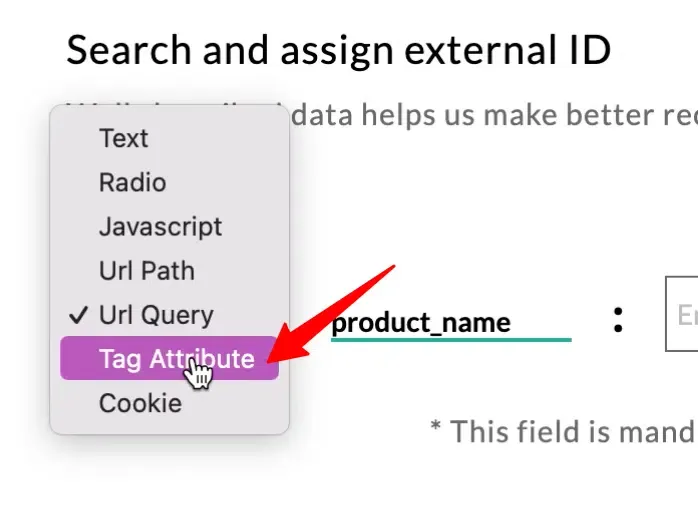
Section titled “Tag attribute”Choose Tag attribute to capture a value from an HTML tag attribute (for example, data-product-id).
Cookie
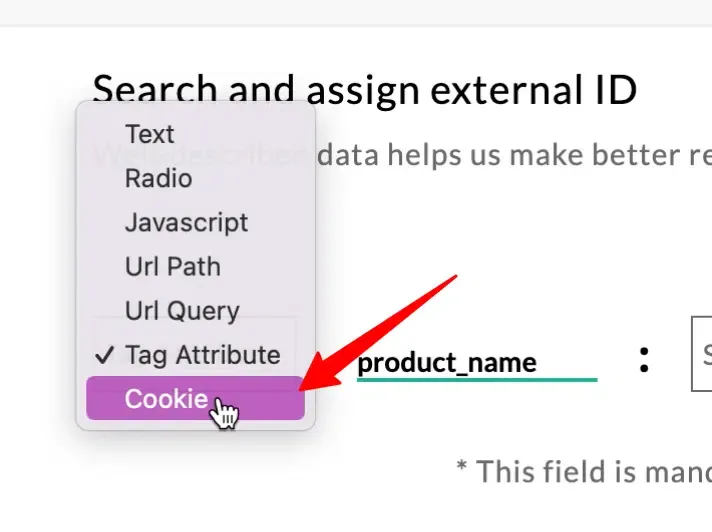
Section titled “Cookie”Choose Cookie to capture a value from a browser cookie.
Next steps
Section titled “Next steps”- Using the pick common selector — replicate property capture across every item on a page (for example, every product card).
- Modifying the selector — target a single specific element when multiple elements match.