
CustomerLabs + Segment Integration
Segment is a customer data platform that collects, stores, and routes user data to hundreds of downstream tools. Integrating CustomerLabs with Segment allows you to forward first-party event data captured by CustomerLabs directly into your Segment workspace, making it available to all connected destinations from a single pipeline.
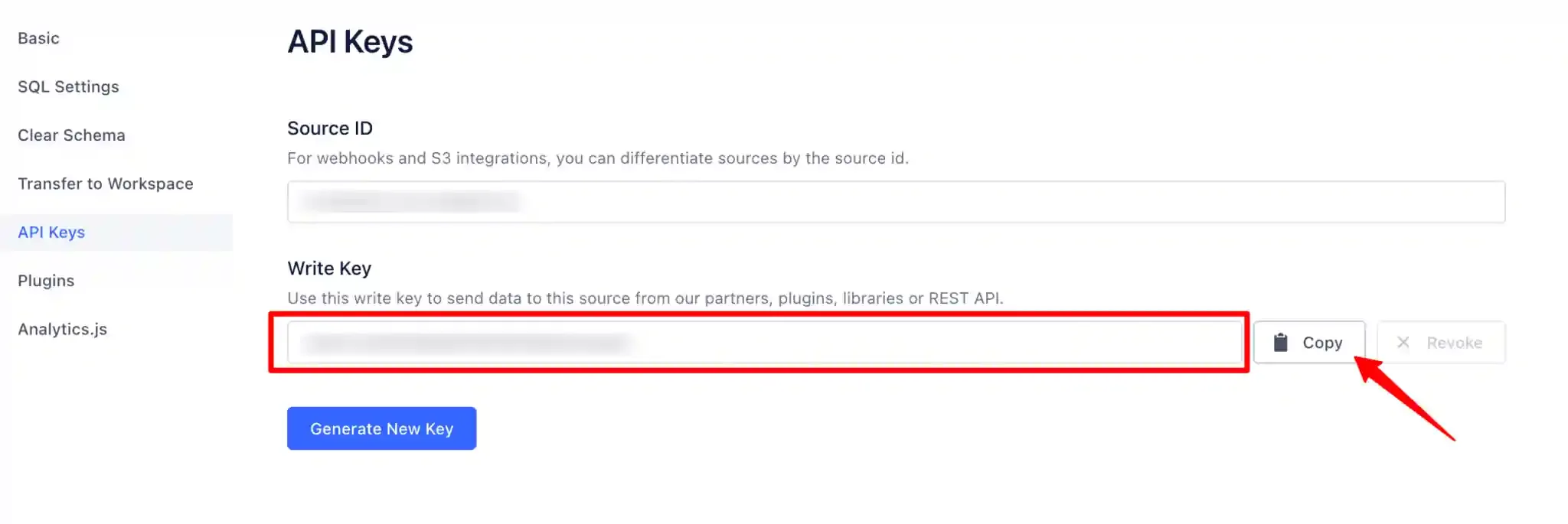
Authentication between CustomerLabs and Segment is handled via a Write Key — a source-level credential generated in Segment that authorizes CustomerLabs to send data to the selected source.
Prerequisites
Section titled “Prerequisites”- An active CustomerLabs account
- An active Segment account with a workspace and a JavaScript source configured
Retrieving the Segment Write Key
Section titled “Retrieving the Segment Write Key”Select the Source Workspace
Section titled “Select the Source Workspace”Log in to your Segment account and select the workspace associated with the source you want to integrate with CustomerLabs.
Configure the JavaScript Source
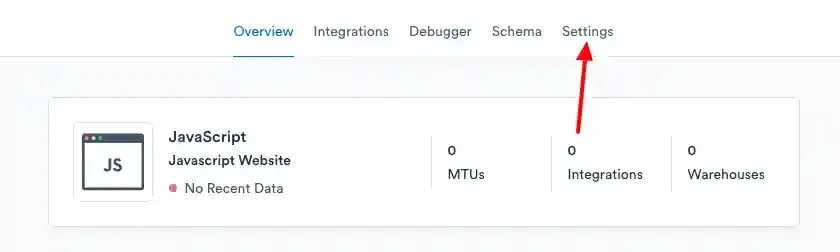
Section titled “Configure the JavaScript Source”Navigate to your JavaScript source (create one if it does not already exist). This source will receive the event data forwarded from CustomerLabs.
Copy the Write Key
Section titled “Copy the Write Key”- Open the source Settings.
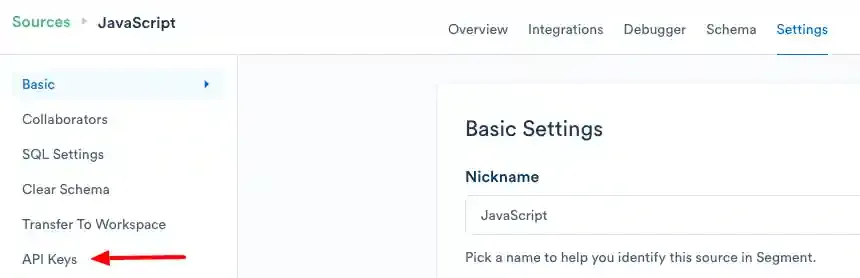
- Navigate to API Keys.
- Copy the Write Key — this value will be used to authenticate CustomerLabs with your Segment source.
Configuring the Segment Destination in CustomerLabs
Section titled “Configuring the Segment Destination in CustomerLabs”Access Destinations
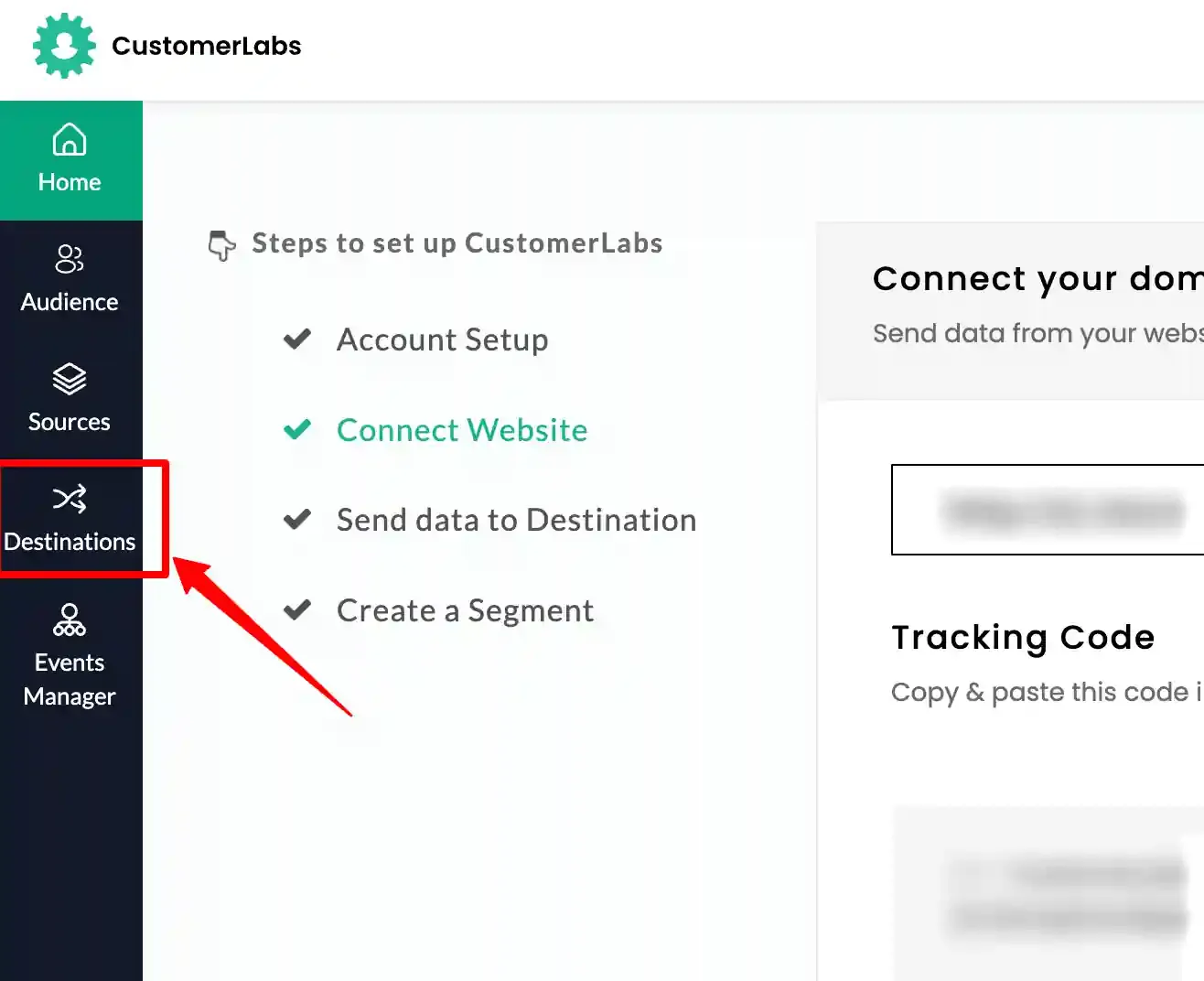
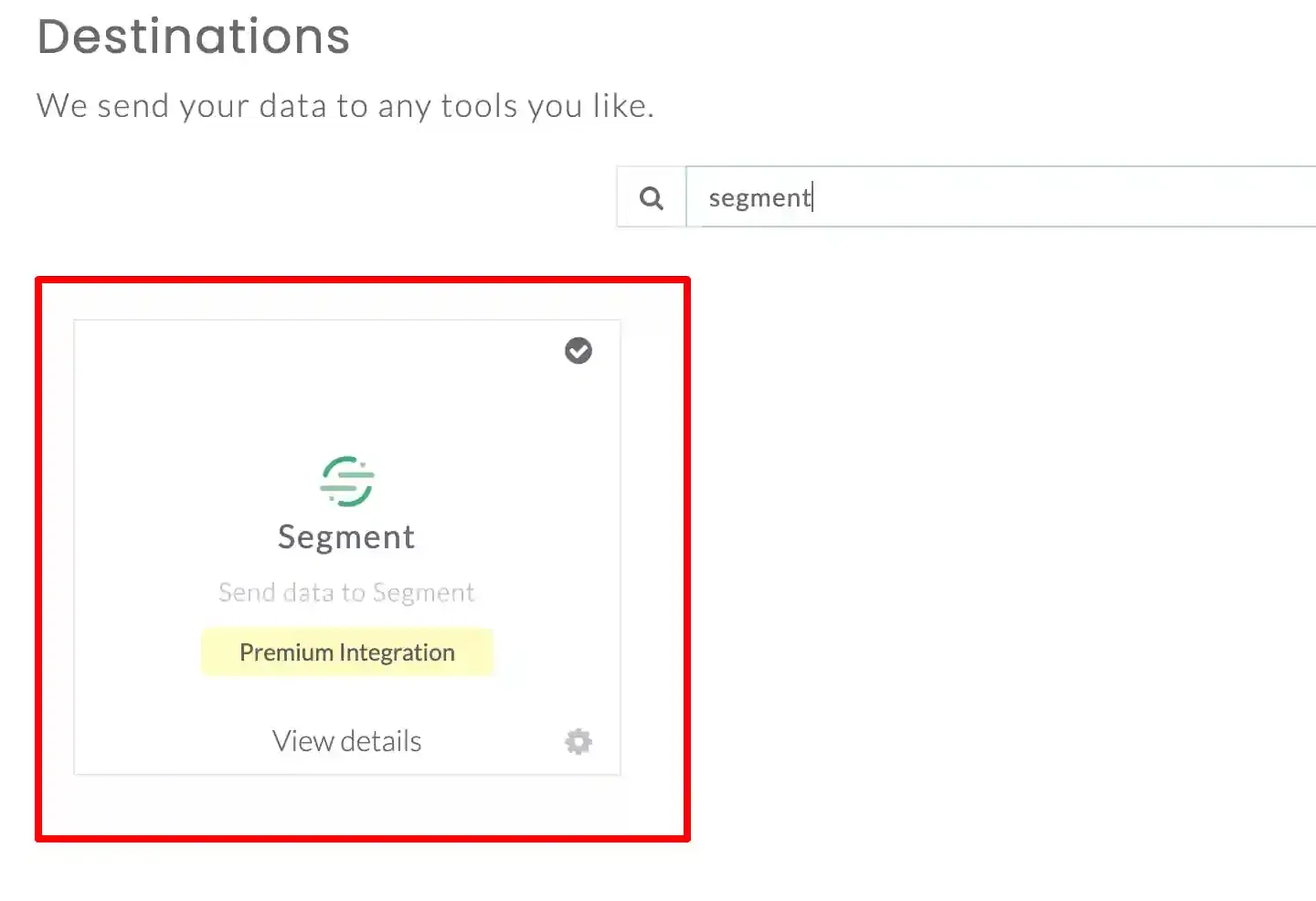
Section titled “Access Destinations”Log in to your CustomerLabs account and navigate to the Destinations section from the home screen. Search for Segment in the destinations list and select it.
Enter the Write Key
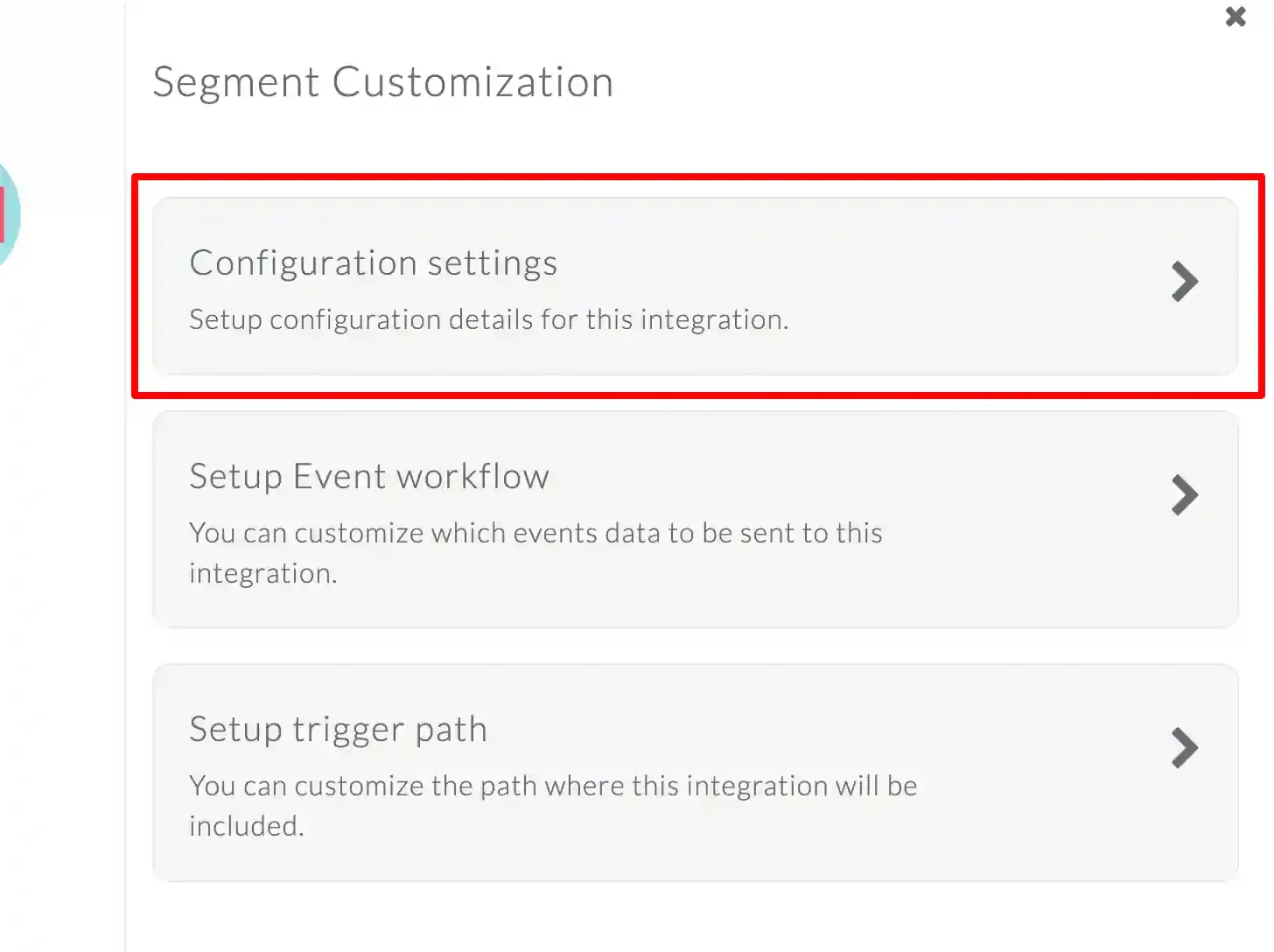
Section titled “Enter the Write Key”- In the pop-up screen, click Configuration Settings.
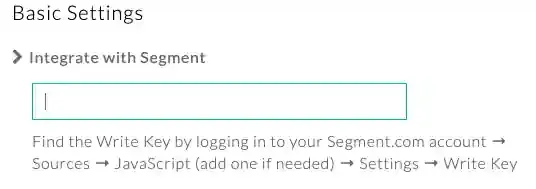
- Paste the Write Key copied from Segment into the designated field.
- Click Save Changes.
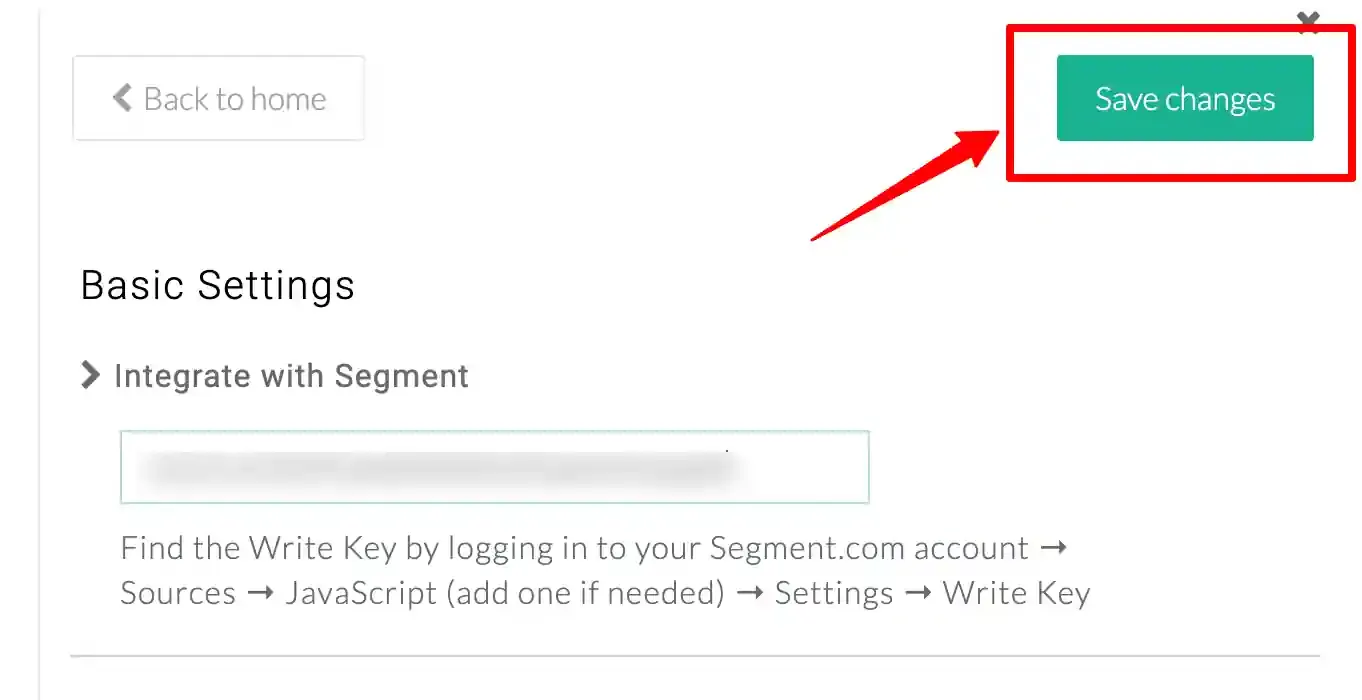
The Segment destination is now active. CustomerLabs will begin forwarding event data to your Segment source, where it will be routed to all configured downstream destinations.
Quick Reference
Section titled “Quick Reference”| Setting | Value |
|---|---|
| Auth Type | Write Key |
| Where to Get | Segment → Source → Settings → API Keys |
| Where to Enter | CustomerLabs → Destinations → Segment → Configuration Settings |