
Integrating Facebook Offline Conversions with CustomerLabs
Facebook Offline Conversions allow you to attribute offline conversions (such as in-store purchases, offline bookings, or inquiries) to your ad campaigns.
Integrating Facebook Offline Conversions with CustomerLabs enables server-side synchronization of tracked offline events to Facebook Offline Event Sets or Data Sets. This facilitates accurate attribution of offline conversions to users who interacted with your ads.
Authentication
Section titled “Authentication”To integrate Facebook Offline Conversions, you must have admin access to your Facebook Business Manager account to create a system user.
-
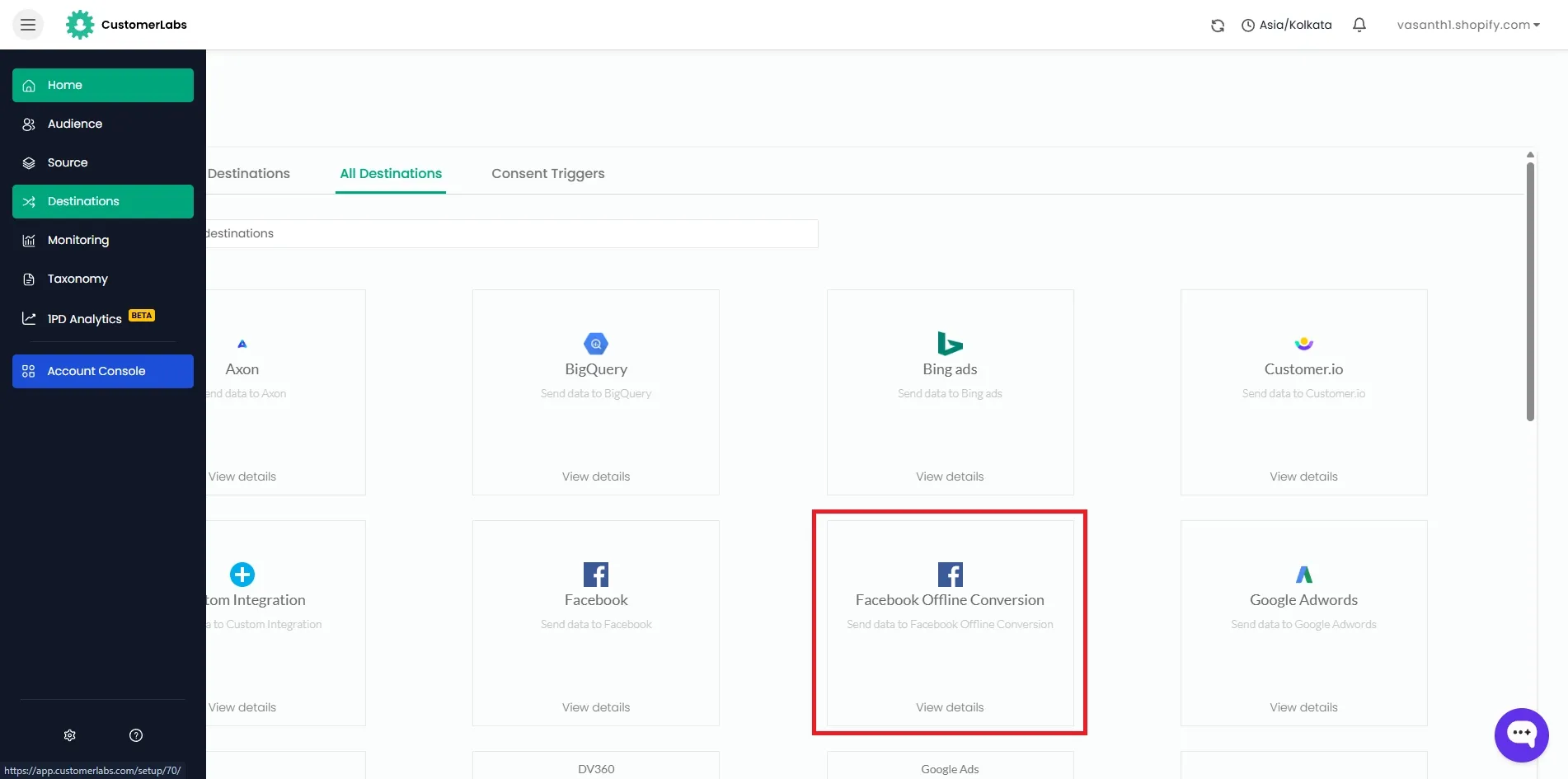
Navigate to Destinations → Facebook Offline Conversion within your CustomerLabs account.
-
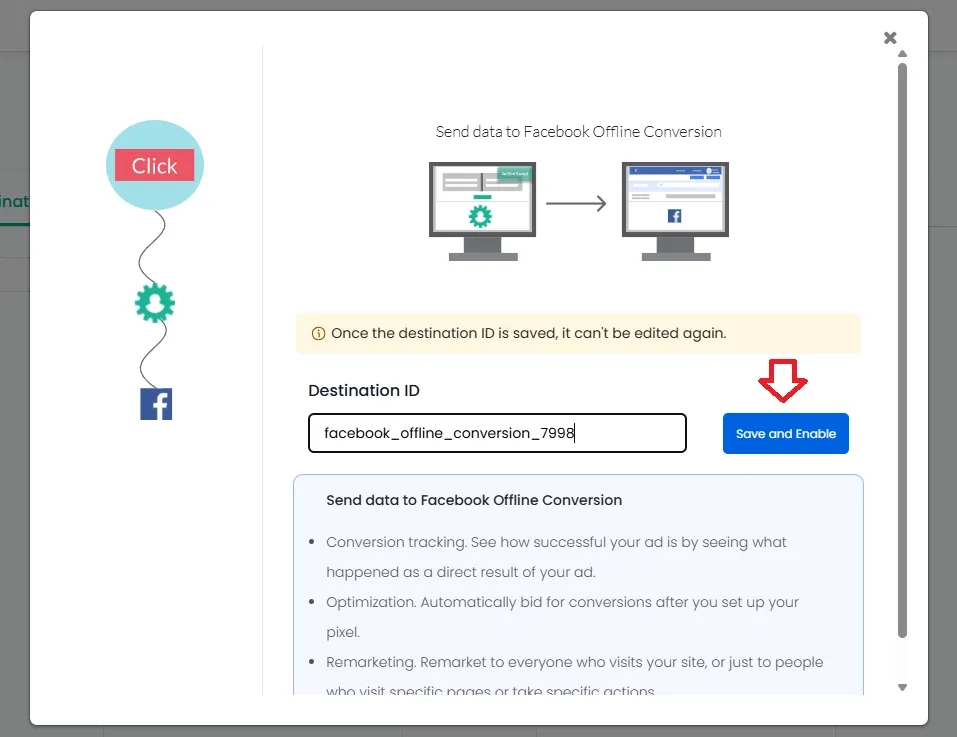
Enter a name and click “Save & Enable”.
-
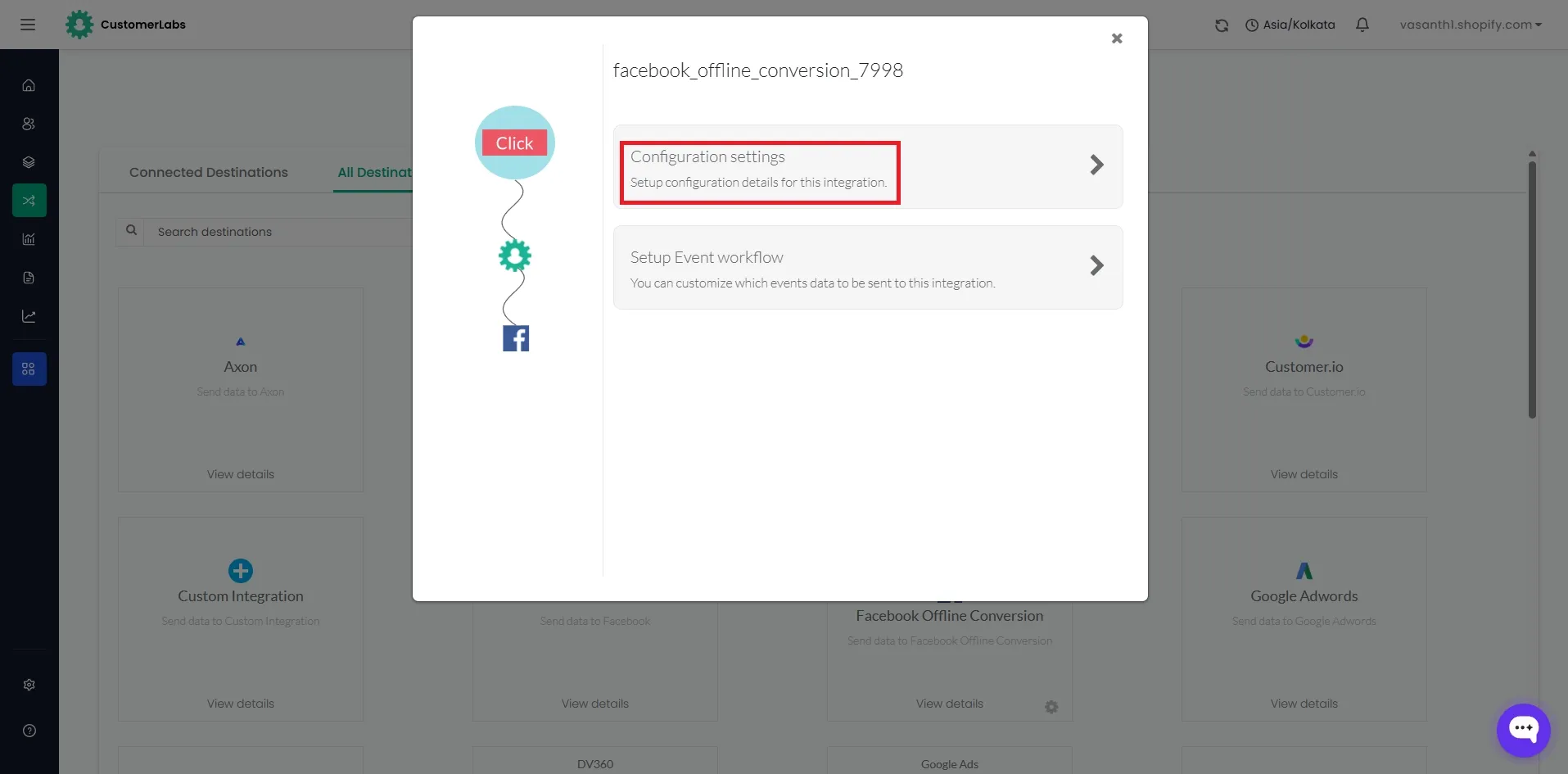
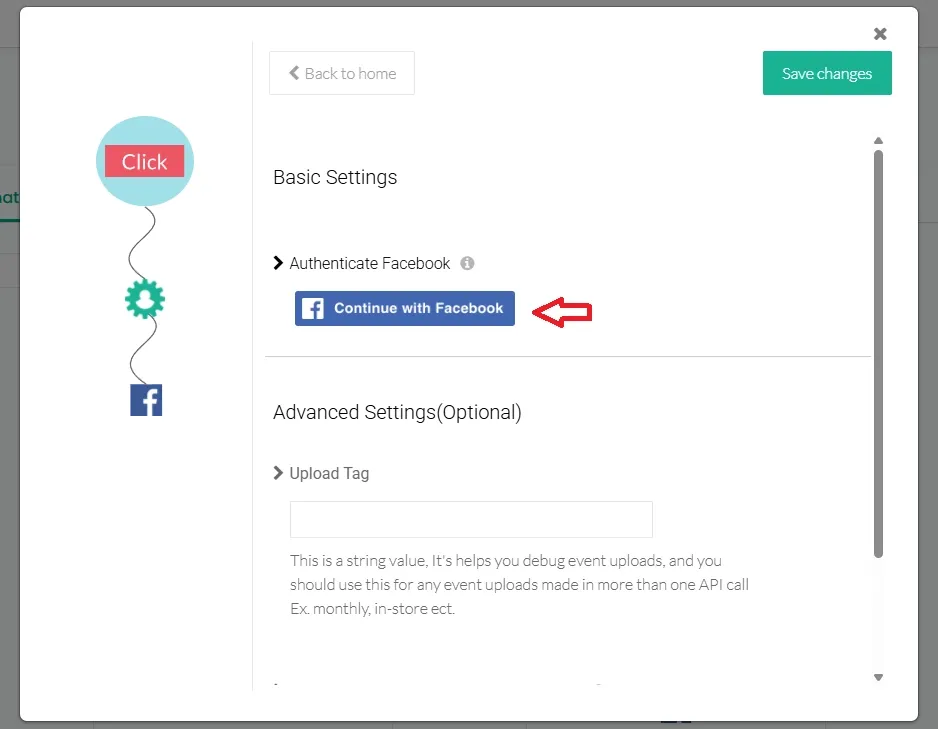
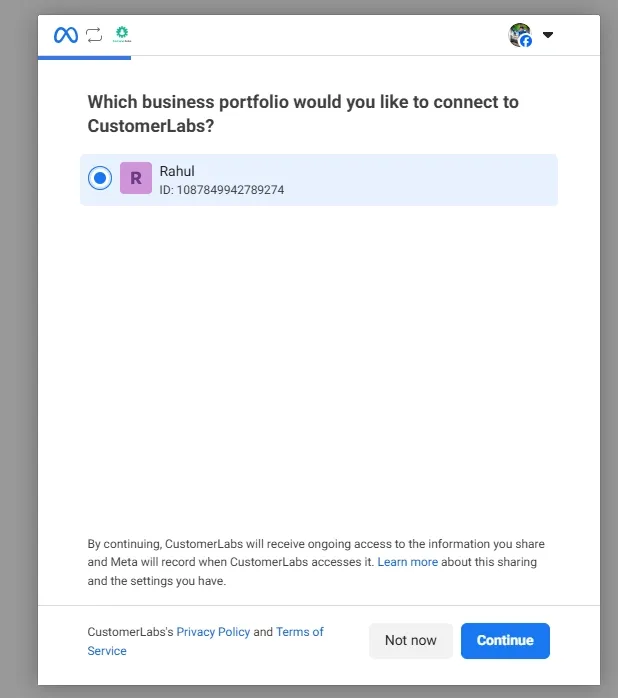
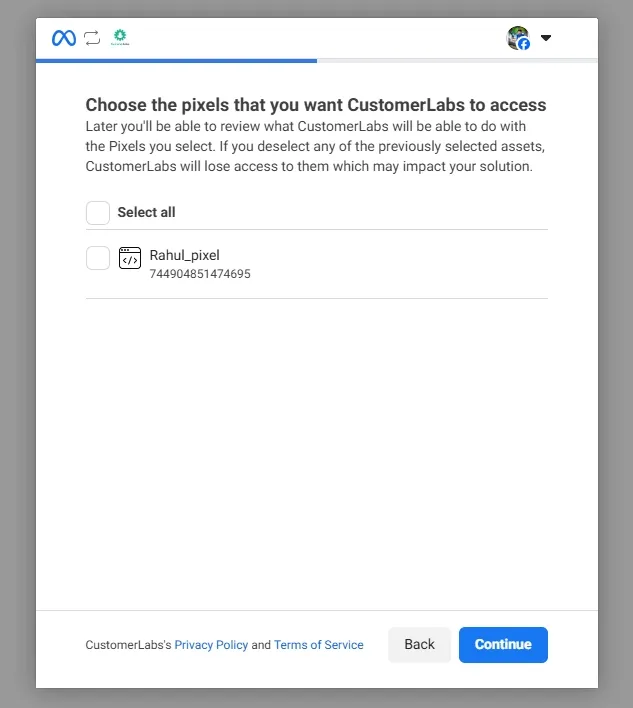
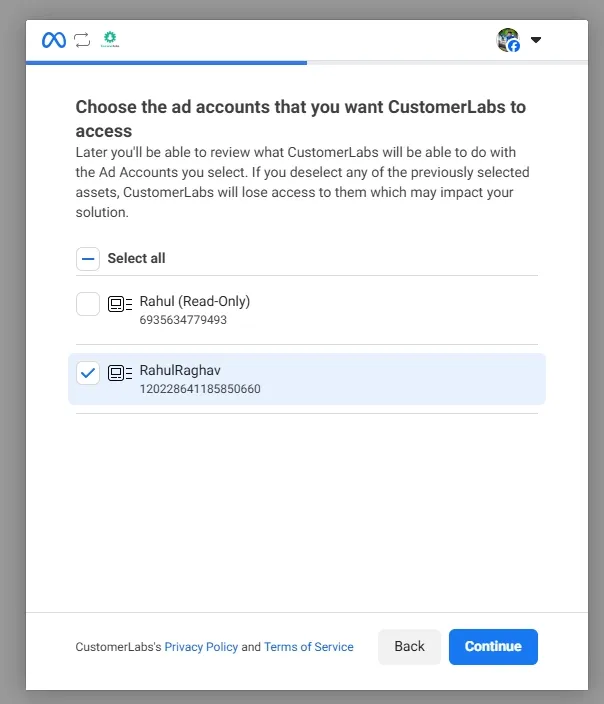
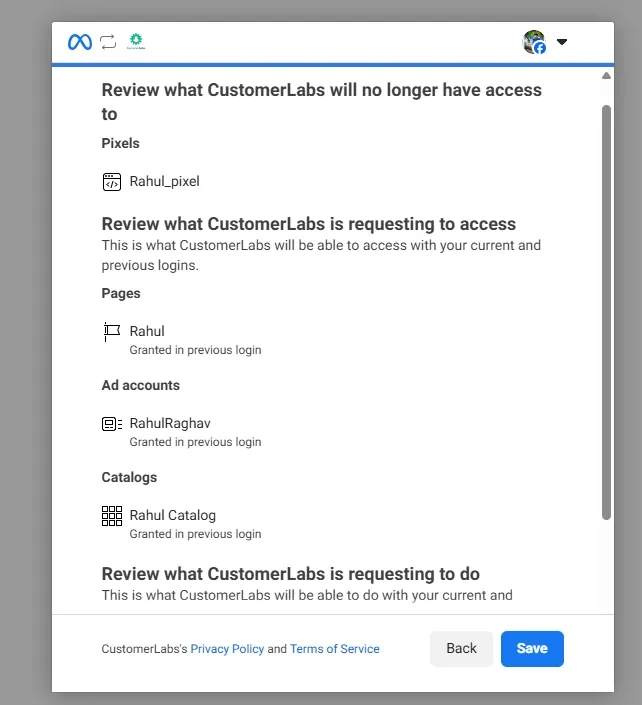
Click on Configuration Settings and then click Connect with Facebook to authenticate.
-
Select your Business Manager, Ad Account and Pixel.
-
Select the Offline Conversions Data Set from the dropdown menu.
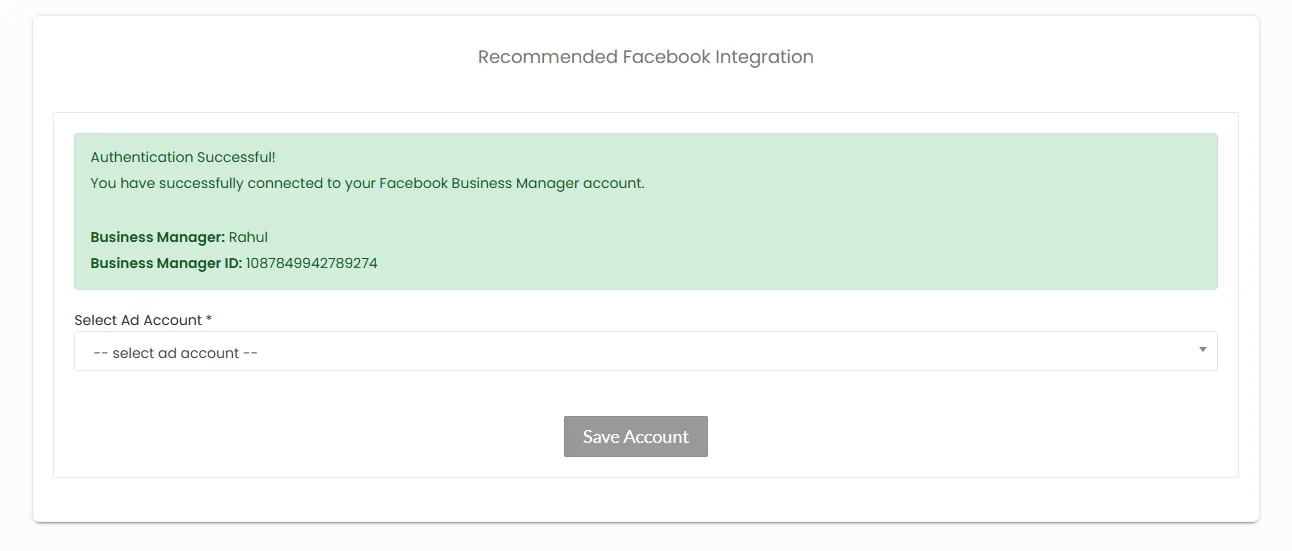
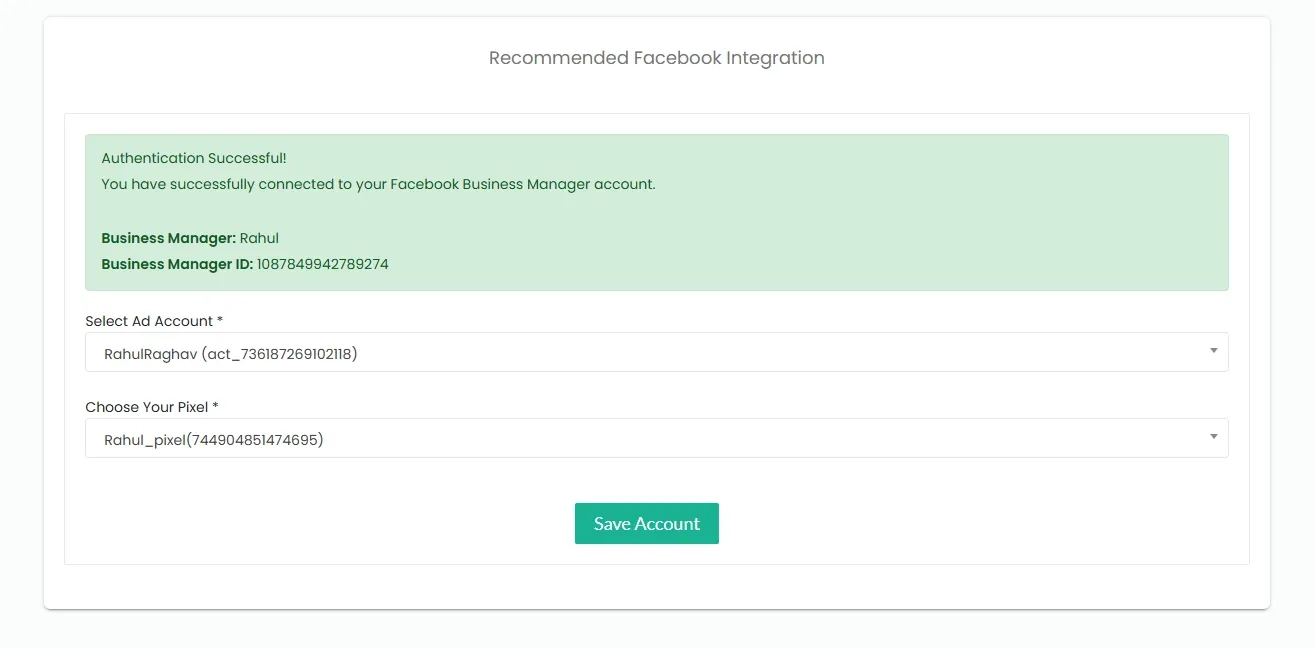
Advanced Settings
Section titled “Advanced Settings”-
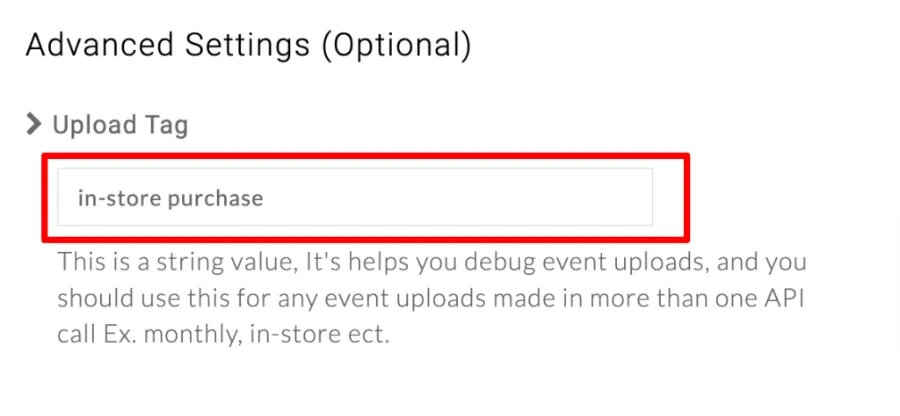
[Mandatory] Enter a name in the Upload Tag field. This tag identifies specific offline uploads from different sources.
-
Click Save Changes.
Facebook Field Mappings
Section titled “Facebook Field Mappings”Data fields such as Email, Phone Number, First Name, Last Name, and Date of Birth must be mapped to Facebook match keys when sending event data.
By default, certain fields are automatically mapped to Facebook match keys if the field names match the accepted formats listed below.
If your field names differ from the accepted list, you must manually map them using the dropdown menu.
Accepted Field Names Table
Section titled “Accepted Field Names Table”| Fields | Accepted Field Names |
|---|---|
email | |
| Phone Number | phone, mobile |
| Gender | gender |
| Date of Birth (Year) | doby |
| Date of Birth (Month) | dobm |
| Date of Birth (Day) | dobd |
| First Name | first_name, FirstName, First Name, first name |
| Last Name | last_name, LastName, Last Name, last name |
| First Name Initials | first_name, FirstName, First Name, first name |
| City, State, Country, Zip, Postal Code | From IP address |
| Advertising ID | madid |
| Lead ID | lead_id |
Event Workflow Setup
Section titled “Event Workflow Setup”-
Configure the Event Workflow to send events from CustomerLabs to Facebook Offline Conversions.
-
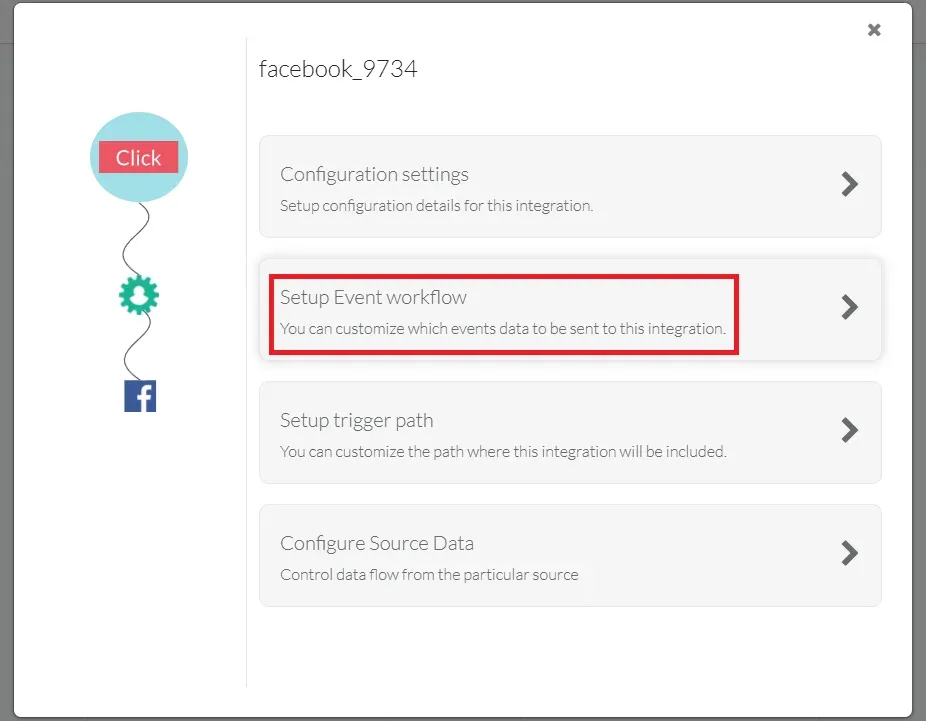
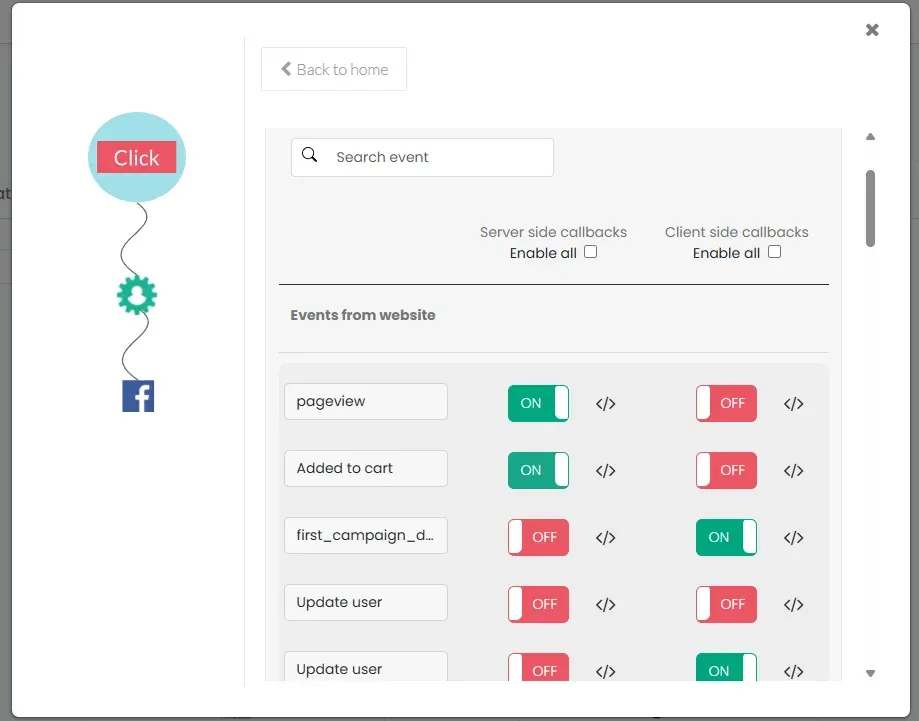
In CustomerLabs, navigate to Destinations → Facebook Offline Conversion → Setup Event Workflow.
-
Toggle the switch ON for relevant offline events you wish to send to Facebook, then click Save Changes.
-
Once enabled, these events will appear in Facebook Events Manager (Offline Event Sets → Data Sources → Your Created Offline Event Data Source).