You run a paid search for a commercial auto group targeting “enterprise delivery vans.”
A buyer clicks your ad, fills out a Webflow quote form, talks to a sales manager, visits the showroom 3 weeks later, and closes a $120,000 fleet deal recorded in your CRM under the stage “Vehicle Delivered.”
You open Google Ads to scale that keyword. 0 Conversions reported.
Meanwhile, a low-intent campaign driving $10 PDF downloads for “van spec sheets” shows 80 conversions. Smart Bidding shifts 70% of your budget to the PDF downloads because native tracking can only see browser clicks, not CRM stages.
If you rely on the native HubSpot Google Ads integration, this conversion discrepancy isn’t just a reporting headache on a Monday morning. It is actively forcing Google Smart Bidding to waste your ad spend on the wrong traffic.
Why Your Real Buyers Disappear Between Search and Sale
This discrepancy is almost never a simple reporting glitch or timezone delay. It is the native Google Ads HubSpot integration dropping click identifiers before they ever reach Google. Google Smart Bidding then optimizes against a partial picture of your funnel, cutting spend on campaigns that are actually converting, and inflating your target CPA.
Across the HubSpot accounts we audit at CustomerLabs, the native path drops 40% to 60% of click parameters. That figure lines up with broader industry data:
- Google’s own attribution guidance attributes 20% to 40% of conversion-tracking loss to cookie deletion alone.
- Post-iOS 14 studies put browser-only tracking loss in the US at 30% to 40%.
Most PPC agencies love to tell you that “a 30% reporting discrepancy between your CRM and Google Ads is normal.” That is a lazy excuse for client-side tracking failure. A 30% gap isn’t a minor rounding error, it is your ad spend funding the wrong campaigns.
Native CRM connectors fail because they were built on fragile assumptions: single browser sessions, native forms, cooperative cookies, and short sales cycles. The second a prospect calls a dealership, uses Safari ITP, denies cookies under Consent Mode v2, or takes 60 days to close, native tracking breaks silently, leaving Smart Bidding totally blind to actual revenue.
The Compounding Downstream Damage
Smart Bidding needs about 30 conversions per 30 days for Target CPA and 50 for Target ROAS to leave the “limited data” state. Drop half your conversions, and Smart Bidding degrades to something not much better than manual bidding on top-of-funnel budget.
The 5 Failure Modes Draining Your Signal
HubSpot’s native integration was built for a narrow “happy path”: native HubSpot forms, direct ad accounts, cooperative browsers, and short sales cycles. The moment a real B2B tech stack strays from that path, tracking fails silently.
Each of the failures below is documented, often by HubSpot itself. The problem is that they all fail without an error, which is why most teams do not notice until a quarterly reporting audit.
| Failure Mode | What Actually Happens | Why the Native Path Breaks |
|---|---|---|
| 1. Agency MCC Accounts | Form-submission data silently stops syncing to Google Ads. | HubSpot native Enhanced Conversions requires direct ad account links and blocks MCC parent structures. |
| 2. Non-HubSpot Forms | GCLID isn’t passed on Typeform, Webflow, WPForms, etc. | HubSpot’s tracking code fails on SPA routes/ad blockers, and only maps single-line text properties. |
| 3. Phone Calls | Call Extension leads are 100% invisible to HubSpot. | Calls don’t touch your website, so no tracking cookies or GCLIDs are ever generated. |
| 4. 90+ Day Sales Cycles | Closed deals older than 90 days get rejected by Google. | Legacy GCLID offline imports hard-expire after 90 days in Google Ads. |
| 5. Cookie Policies / ITP | Safari ITP and Consent Mode v2 strip click parameters. | Browser cookies get wiped before the lead converts into an MQL/SQL in your CRM. |
Why Bidding on Form Fills Fails (And Why Offline CRM Stages Matter)
Most marketers optimize Google Ads for Stage 1 (The Form Fill). But in high-ticket industries like automotive dealerships, commercial leasing, or enterprise B2B, a form fill is just an inquiry, it isn’t revenue.
When you only send browser-level form fills back to Google, Smart Bidding treats a $10 PDF downloader the exact same as a buyer who walks into a showroom for a test drive.
To train Google Ads to hunt for real buyers, you must feed offline CRM lifecycle stages back into the algorithm:
- Stage 1: Lead Created (Form Fill / Inquiry) ──▶ Used for micro-conversion observation and top-of-funnel tracking.
- Stage 2: Showroom Visit / Test Drive (MQL/SQL) ──▶ Primary target for Target CPA bidding. This tells Smart Bidding: “Stop buying PDF downloads; only buy traffic that actually shows up to the dealership.”
- Stage 3: Deal Closed / Vehicle Delivered ($120k Revenue) ──▶ Primary target for Value-Based Bidding (tROAS). This teaches Google Ads which specific keywords generate $120k commercial fleet sales versus $15k base models.
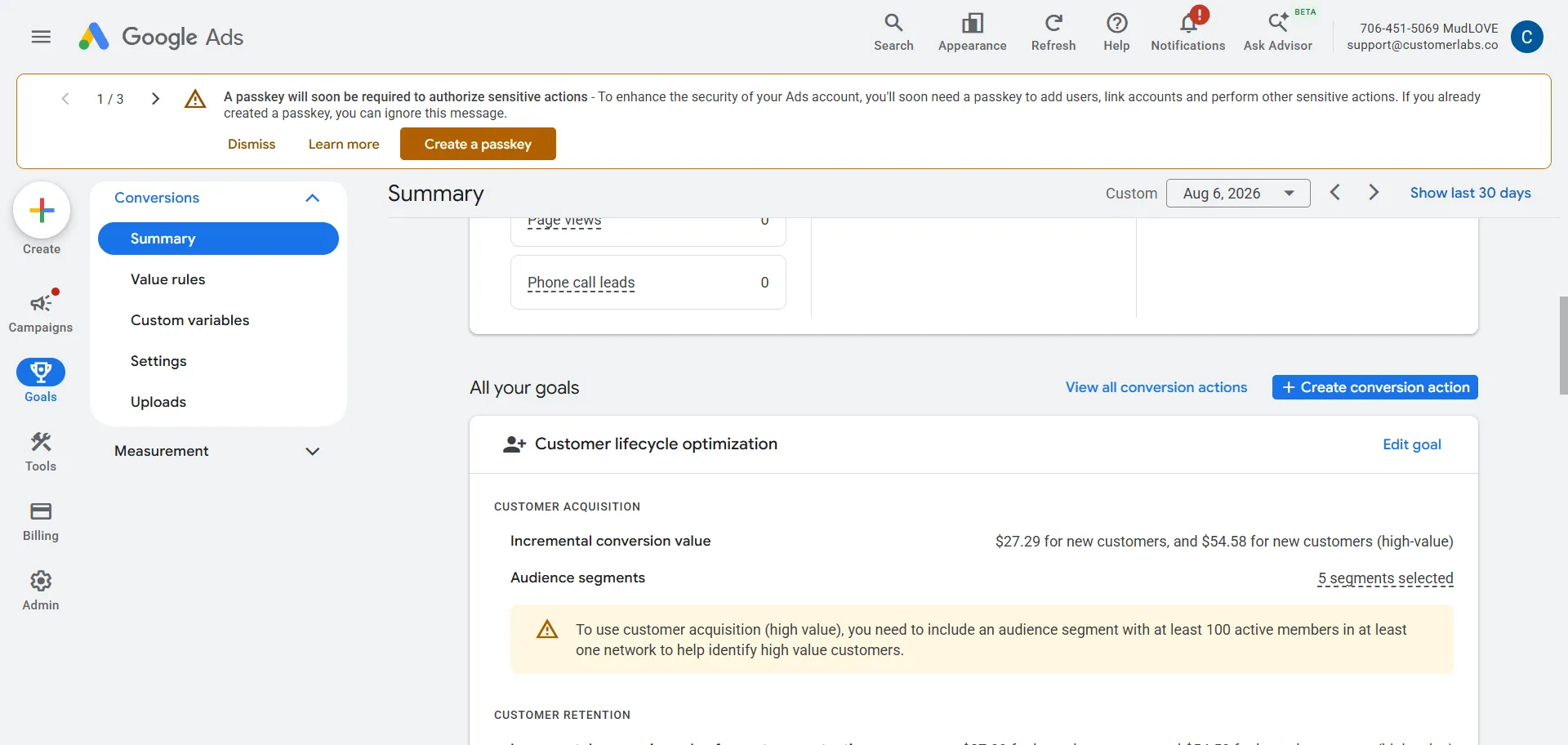
Without syncing these offline CRM stages server-side, Google Ads will keep optimizing for the cheapest top-of-funnel leads while your sales team closes high-value deals completely in the dark.
The Solution: A Durable Server-Side Tracking Pipeline
Fixing the discrepancy between Google Ads and HubSpot isn’t about tweaking a setting inside native connectors.
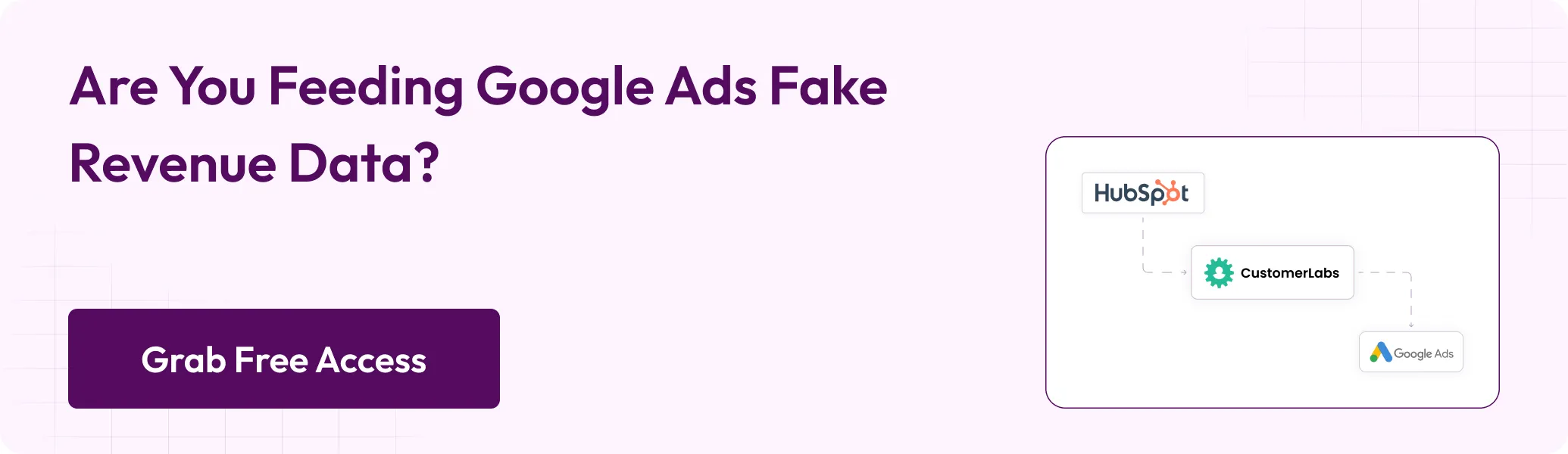
It requires replacing client-side browser cookies with a durable, three-part server-side pipeline:
- Signal Engineering: Capturing
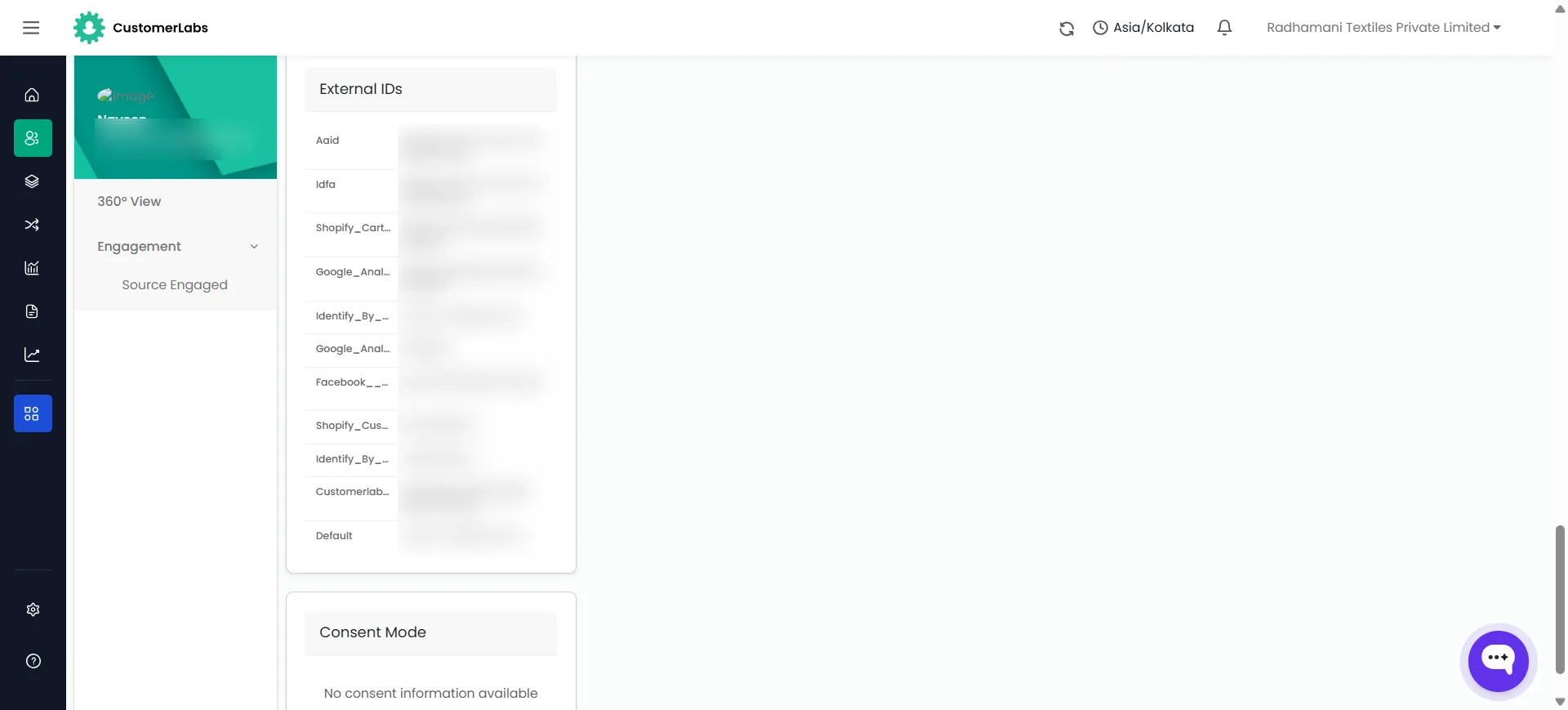
gclid,wbraid, andgbraidparameters at the exact millisecond of the click and mirroring them server-side in first-party data storage. This ensures the click record survives browser ad blockers, Safari ITP, Consent Mode restrictions, or cleared cookies for the entire life of the deal. - Identity Resolution: Stitching third-party forms, chat tools, and phone calls leads directly to a unified person profile, bypassing HubSpot’s native limitation of single-line text fields.
- Hashing customer PII (SHA256) and pushing lifecycle conversion events (MQL, SQL, Closed-Won) directly via Google Data Manager API. This bypasses agency MCC restrictions entirely and matches deals using customer identity rather than decaying 90-day URL parameters.
For the complete, step-by-step technical walkthrough on setting this up in less than 15 minutes, check out our full guide on Google Ads Offline Conversion Tracking for HubSpot.
What Happens When Every Google Ads Click Identifier Reaches HubSpot?
You get complete signal recovery — every click identifier captured, every downstream event tied to it, every conversion delivered server-side to Google Ads. The reporting black holes for third-party forms, chat widgets, and phone leads close. What follows are the practical outcomes when all three cores are running against clean HubSpot data:
- 100% click identifier capture. GCLID,
wbraid, andgbraidare stored durably at the edge, not lost to cookie failures, Consent Mode “denied” states, or ITP. - Reporting black holes eliminated for third-party forms, chat, and phone leads. Every conversion source is attributable, because identity resolution routes them through the same person’s record.
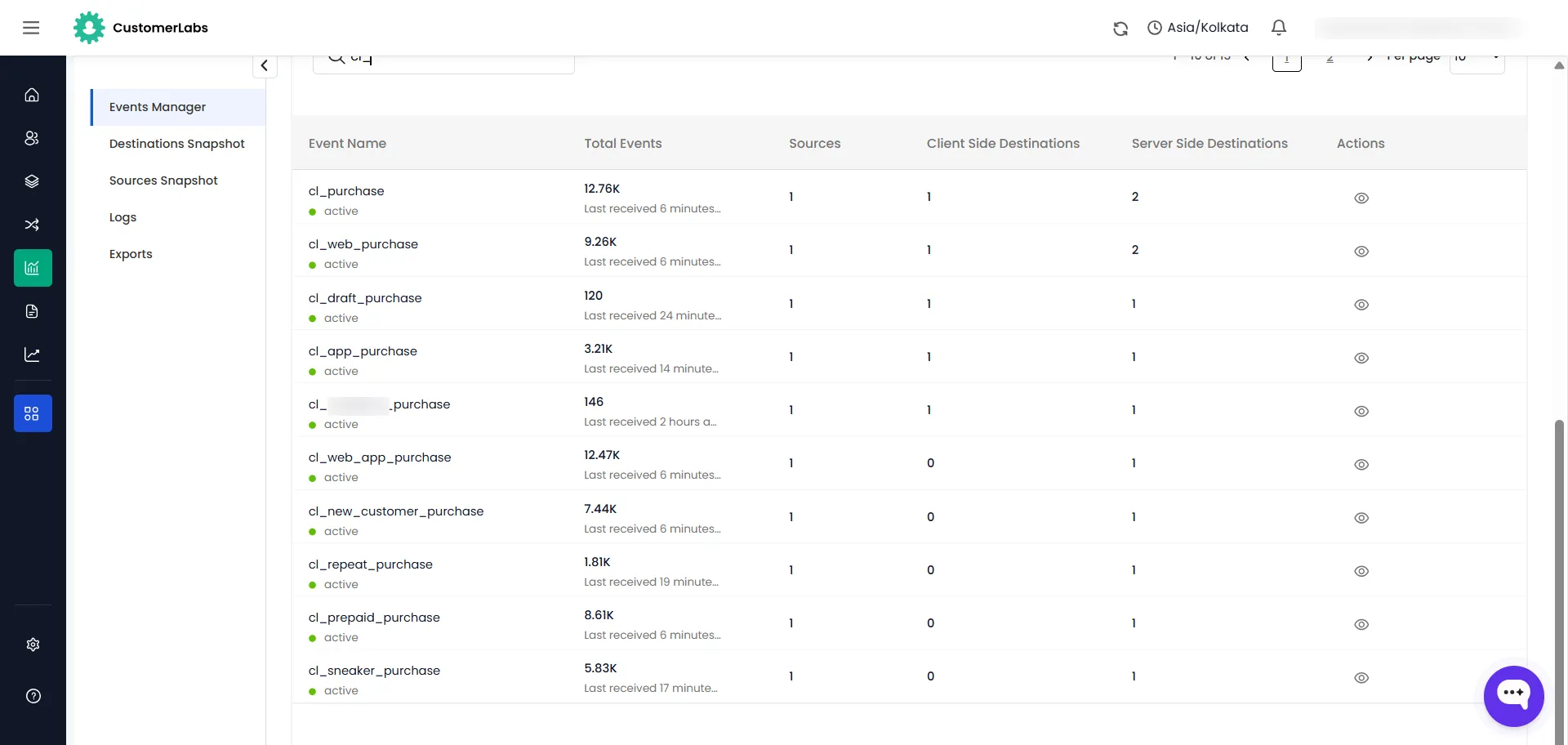
- Hashed Enhanced Conversions sent server-side. No native connector failures. No MCC lockout. No Beta-tier gating.
- Smart Bidding gets a clean, deduplicated signal. The algorithm can lower target CPA because it can trust the conversion volume. The budget flows back to the campaigns actually converting.
- CAC visibility restored. Reported CAC now matches actual CAC — no more quarterly reconciliation between HubSpot’s closed-won view and Google Ads’ conversion count.
Published benchmarks give a sense of the magnitude. Rocketlane, running Enhanced Conversions for Leads with value-based bidding, reported 3.4x ROAS with a 36% lower cost per demo. Independent practitioner data puts CAC improvement from offline conversion tracking alone at around 22% average, with 18 – 35% CAC reductions in the first quarter of API-based implementations. Google’s own EC4L pilot cited a 43% qualified-lead lift after advertisers onboarded first-party data via the Data Manager. The numbers vary by account, but the direction does not.
Conclusion
The urgency is real. Google’s classic Customer Match API stopped functioning on April 1, 2026, and legacy offline conversion imports are on a shrinking runway regardless of what happens with HubSpot. If you are running paid search against a HubSpot CRM in 2026, you are either on the Data Manager API path or you are watching Smart Bidding operate on incomplete data.
If your Google Ads dashboard has been quietly disagreeing with HubSpot for months, reach our product experts — we will audit your click-identifier capture rate and show you exactly where the leak is.